mirror of
https://github.com/infiniflow/ragflow.git
synced 2026-01-04 03:25:30 +08:00
Compare commits
32 Commits
v0.20.4
...
2e00d8d3d4
| Author | SHA1 | Date | |
|---|---|---|---|
| 2e00d8d3d4 | |||
| 0b456a18a3 | |||
| dd8e660f0a | |||
| 98ee3dee74 | |||
| d4b0cd8599 | |||
| 3398dac906 | |||
| 7eb25e0de6 | |||
| bed77ee28f | |||
| 56cd576876 | |||
| 4fbad2828c | |||
| e997bf6507 | |||
| 209b731541 | |||
| c47a38773c | |||
| fcd18d7d87 | |||
| fe9adbf0a5 | |||
| c7f7adf029 | |||
| c27172b3bc | |||
| a246949b77 | |||
| 0a954d720a | |||
| f89e55ec42 | |||
| 5fe8cf6018 | |||
| 4720849ac0 | |||
| d7721833e7 | |||
| 7332f1d0f3 | |||
| 2d101561f8 | |||
| 59590e9aae | |||
| bb9b9b8357 | |||
| a4b368e53f | |||
| c461261f0b | |||
| a1633e0a2f | |||
| 369add35b8 | |||
| 5abd0bbac1 |

@ -307,7 +307,7 @@ docker build --platform linux/amd64 -f Dockerfile -t infiniflow/ragflow:nightly
|
||||
|
||||
## 🔨 Launch service from source for development
|
||||
|
||||
1. Install uv, or skip this step if it is already installed:
|
||||
1. Install `uv` and `pre-commit`, or skip this step if they are already installed:
|
||||
|
||||
```bash
|
||||
pipx install uv pre-commit
|
||||
|
||||
@ -271,7 +271,7 @@ docker build --platform linux/amd64 -f Dockerfile -t infiniflow/ragflow:nightly
|
||||
|
||||
## 🔨 Menjalankan Aplikasi dari untuk Pengembangan
|
||||
|
||||
1. Instal uv, atau lewati langkah ini jika sudah terinstal:
|
||||
1. Instal `uv` dan `pre-commit`, atau lewati langkah ini jika sudah terinstal:
|
||||
|
||||
```bash
|
||||
pipx install uv pre-commit
|
||||
|
||||
@ -266,7 +266,7 @@ docker build --platform linux/amd64 -f Dockerfile -t infiniflow/ragflow:nightly
|
||||
|
||||
## 🔨 ソースコードからサービスを起動する方法
|
||||
|
||||
1. uv をインストールする。すでにインストールされている場合は、このステップをスキップしてください:
|
||||
1. `uv` と `pre-commit` をインストールする。すでにインストールされている場合は、このステップをスキップしてください:
|
||||
|
||||
```bash
|
||||
pipx install uv pre-commit
|
||||
|
||||
@ -265,7 +265,7 @@ docker build --platform linux/amd64 -f Dockerfile -t infiniflow/ragflow:nightly
|
||||
|
||||
## 🔨 소스 코드로 서비스를 시작합니다.
|
||||
|
||||
1. uv를 설치하거나 이미 설치된 경우 이 단계를 건너뜁니다:
|
||||
1. `uv` 와 `pre-commit` 을 설치하거나, 이미 설치된 경우 이 단계를 건너뜁니다:
|
||||
|
||||
```bash
|
||||
pipx install uv pre-commit
|
||||
|
||||
@ -289,7 +289,7 @@ docker build --platform linux/amd64 -f Dockerfile -t infiniflow/ragflow:nightly
|
||||
|
||||
## 🔨 Lançar o serviço a partir do código-fonte para desenvolvimento
|
||||
|
||||
1. Instale o `uv`, ou pule esta etapa se ele já estiver instalado:
|
||||
1. Instale o `uv` e o `pre-commit`, ou pule esta etapa se eles já estiverem instalados:
|
||||
|
||||
```bash
|
||||
pipx install uv pre-commit
|
||||
|
||||
@ -301,7 +301,7 @@ docker build --platform linux/amd64 --build-arg NEED_MIRROR=1 -f Dockerfile -t i
|
||||
|
||||
## 🔨 以原始碼啟動服務
|
||||
|
||||
1. 安裝 uv。如已安裝,可跳過此步驟:
|
||||
1. 安裝 `uv` 和 `pre-commit`。如已安裝,可跳過此步驟:
|
||||
|
||||
```bash
|
||||
pipx install uv pre-commit
|
||||
|
||||
@ -301,7 +301,7 @@ docker build --platform linux/amd64 --build-arg NEED_MIRROR=1 -f Dockerfile -t i
|
||||
|
||||
## 🔨 以源代码启动服务
|
||||
|
||||
1. 安装 uv。如已经安装,可跳过本步骤:
|
||||
1. 安装 `uv` 和 `pre-commit`。如已经安装,可跳过本步骤:
|
||||
|
||||
```bash
|
||||
pipx install uv pre-commit
|
||||
|
||||
241
agent/canvas.py
241
agent/canvas.py
@ -29,83 +29,52 @@ from api.utils import get_uuid, hash_str2int
|
||||
from rag.prompts.prompts import chunks_format
|
||||
from rag.utils.redis_conn import REDIS_CONN
|
||||
|
||||
|
||||
class Canvas:
|
||||
class Graph:
|
||||
"""
|
||||
dsl = {
|
||||
"components": {
|
||||
"begin": {
|
||||
"obj":{
|
||||
"component_name": "Begin",
|
||||
"params": {},
|
||||
},
|
||||
"downstream": ["answer_0"],
|
||||
"upstream": [],
|
||||
},
|
||||
"retrieval_0": {
|
||||
"obj": {
|
||||
"component_name": "Retrieval",
|
||||
"params": {}
|
||||
},
|
||||
"downstream": ["generate_0"],
|
||||
"upstream": ["answer_0"],
|
||||
},
|
||||
"generate_0": {
|
||||
"obj": {
|
||||
"component_name": "Generate",
|
||||
"params": {}
|
||||
},
|
||||
"downstream": ["answer_0"],
|
||||
"upstream": ["retrieval_0"],
|
||||
}
|
||||
},
|
||||
"history": [],
|
||||
"path": ["begin"],
|
||||
"retrieval": {"chunks": [], "doc_aggs": []},
|
||||
"globals": {
|
||||
"sys.query": "",
|
||||
"sys.user_id": tenant_id,
|
||||
"sys.conversation_turns": 0,
|
||||
"sys.files": []
|
||||
}
|
||||
}
|
||||
"""
|
||||
|
||||
def __init__(self, dsl: str, tenant_id=None, task_id=None):
|
||||
self.path = []
|
||||
self.history = []
|
||||
self.components = {}
|
||||
self.error = ""
|
||||
self.globals = {
|
||||
"sys.query": "",
|
||||
"sys.user_id": tenant_id,
|
||||
"sys.conversation_turns": 0,
|
||||
"sys.files": []
|
||||
}
|
||||
self.dsl = json.loads(dsl) if dsl else {
|
||||
dsl = {
|
||||
"components": {
|
||||
"begin": {
|
||||
"obj": {
|
||||
"obj":{
|
||||
"component_name": "Begin",
|
||||
"params": {
|
||||
"prologue": "Hi there!"
|
||||
}
|
||||
"params": {},
|
||||
},
|
||||
"downstream": [],
|
||||
"downstream": ["answer_0"],
|
||||
"upstream": [],
|
||||
"parent_id": ""
|
||||
},
|
||||
"retrieval_0": {
|
||||
"obj": {
|
||||
"component_name": "Retrieval",
|
||||
"params": {}
|
||||
},
|
||||
"downstream": ["generate_0"],
|
||||
"upstream": ["answer_0"],
|
||||
},
|
||||
"generate_0": {
|
||||
"obj": {
|
||||
"component_name": "Generate",
|
||||
"params": {}
|
||||
},
|
||||
"downstream": ["answer_0"],
|
||||
"upstream": ["retrieval_0"],
|
||||
}
|
||||
},
|
||||
"history": [],
|
||||
"path": [],
|
||||
"retrieval": [],
|
||||
"path": ["begin"],
|
||||
"retrieval": {"chunks": [], "doc_aggs": []},
|
||||
"globals": {
|
||||
"sys.query": "",
|
||||
"sys.user_id": "",
|
||||
"sys.user_id": tenant_id,
|
||||
"sys.conversation_turns": 0,
|
||||
"sys.files": []
|
||||
}
|
||||
}
|
||||
"""
|
||||
|
||||
def __init__(self, dsl: str, tenant_id=None, task_id=None):
|
||||
self.path = []
|
||||
self.components = {}
|
||||
self.error = ""
|
||||
self.dsl = json.loads(dsl)
|
||||
self._tenant_id = tenant_id
|
||||
self.task_id = task_id if task_id else get_uuid()
|
||||
self.load()
|
||||
@ -116,8 +85,6 @@ class Canvas:
|
||||
for k, cpn in self.components.items():
|
||||
cpn_nms.add(cpn["obj"]["component_name"])
|
||||
|
||||
assert "Begin" in cpn_nms, "There have to be an 'Begin' component."
|
||||
|
||||
for k, cpn in self.components.items():
|
||||
cpn_nms.add(cpn["obj"]["component_name"])
|
||||
param = component_class(cpn["obj"]["component_name"] + "Param")()
|
||||
@ -130,27 +97,10 @@ class Canvas:
|
||||
cpn["obj"] = component_class(cpn["obj"]["component_name"])(self, k, param)
|
||||
|
||||
self.path = self.dsl["path"]
|
||||
self.history = self.dsl["history"]
|
||||
if "globals" in self.dsl:
|
||||
self.globals = self.dsl["globals"]
|
||||
else:
|
||||
self.globals = {
|
||||
"sys.query": "",
|
||||
"sys.user_id": "",
|
||||
"sys.conversation_turns": 0,
|
||||
"sys.files": []
|
||||
}
|
||||
|
||||
self.retrieval = self.dsl["retrieval"]
|
||||
self.memory = self.dsl.get("memory", [])
|
||||
|
||||
def __str__(self):
|
||||
self.dsl["path"] = self.path
|
||||
self.dsl["history"] = self.history
|
||||
self.dsl["globals"] = self.globals
|
||||
self.dsl["task_id"] = self.task_id
|
||||
self.dsl["retrieval"] = self.retrieval
|
||||
self.dsl["memory"] = self.memory
|
||||
dsl = {
|
||||
"components": {}
|
||||
}
|
||||
@ -169,14 +119,79 @@ class Canvas:
|
||||
dsl["components"][k][c] = deepcopy(cpn[c])
|
||||
return json.dumps(dsl, ensure_ascii=False)
|
||||
|
||||
def reset(self, mem=False):
|
||||
def reset(self):
|
||||
self.path = []
|
||||
for k, cpn in self.components.items():
|
||||
self.components[k]["obj"].reset()
|
||||
try:
|
||||
REDIS_CONN.delete(f"{self.task_id}-logs")
|
||||
except Exception as e:
|
||||
logging.exception(e)
|
||||
|
||||
def get_component_name(self, cid):
|
||||
for n in self.dsl.get("graph", {}).get("nodes", []):
|
||||
if cid == n["id"]:
|
||||
return n["data"]["name"]
|
||||
return ""
|
||||
|
||||
def run(self, **kwargs):
|
||||
raise NotImplementedError()
|
||||
|
||||
def get_component(self, cpn_id) -> Union[None, dict[str, Any]]:
|
||||
return self.components.get(cpn_id)
|
||||
|
||||
def get_component_obj(self, cpn_id) -> ComponentBase:
|
||||
return self.components.get(cpn_id)["obj"]
|
||||
|
||||
def get_component_type(self, cpn_id) -> str:
|
||||
return self.components.get(cpn_id)["obj"].component_name
|
||||
|
||||
def get_component_input_form(self, cpn_id) -> dict:
|
||||
return self.components.get(cpn_id)["obj"].get_input_form()
|
||||
|
||||
def get_tenant_id(self):
|
||||
return self._tenant_id
|
||||
|
||||
|
||||
class Canvas(Graph):
|
||||
|
||||
def __init__(self, dsl: str, tenant_id=None, task_id=None):
|
||||
self.globals = {
|
||||
"sys.query": "",
|
||||
"sys.user_id": tenant_id,
|
||||
"sys.conversation_turns": 0,
|
||||
"sys.files": []
|
||||
}
|
||||
super().__init__(dsl, tenant_id, task_id)
|
||||
|
||||
def load(self):
|
||||
super().load()
|
||||
self.history = self.dsl["history"]
|
||||
if "globals" in self.dsl:
|
||||
self.globals = self.dsl["globals"]
|
||||
else:
|
||||
self.globals = {
|
||||
"sys.query": "",
|
||||
"sys.user_id": "",
|
||||
"sys.conversation_turns": 0,
|
||||
"sys.files": []
|
||||
}
|
||||
|
||||
self.retrieval = self.dsl["retrieval"]
|
||||
self.memory = self.dsl.get("memory", [])
|
||||
|
||||
def __str__(self):
|
||||
self.dsl["history"] = self.history
|
||||
self.dsl["retrieval"] = self.retrieval
|
||||
self.dsl["memory"] = self.memory
|
||||
return super().__str__()
|
||||
|
||||
def reset(self, mem=False):
|
||||
super().reset()
|
||||
if not mem:
|
||||
self.history = []
|
||||
self.retrieval = []
|
||||
self.memory = []
|
||||
for k, cpn in self.components.items():
|
||||
self.components[k]["obj"].reset()
|
||||
|
||||
for k in self.globals.keys():
|
||||
if isinstance(self.globals[k], str):
|
||||
@ -192,22 +207,13 @@ class Canvas:
|
||||
else:
|
||||
self.globals[k] = None
|
||||
|
||||
try:
|
||||
REDIS_CONN.delete(f"{self.task_id}-logs")
|
||||
except Exception as e:
|
||||
logging.exception(e)
|
||||
|
||||
def get_component_name(self, cid):
|
||||
for n in self.dsl.get("graph", {}).get("nodes", []):
|
||||
if cid == n["id"]:
|
||||
return n["data"]["name"]
|
||||
return ""
|
||||
|
||||
def run(self, **kwargs):
|
||||
st = time.perf_counter()
|
||||
self.message_id = get_uuid()
|
||||
created_at = int(time.time())
|
||||
self.add_user_input(kwargs.get("query"))
|
||||
for k, cpn in self.components.items():
|
||||
self.components[k]["obj"].reset(True)
|
||||
|
||||
for k in kwargs.keys():
|
||||
if k in ["query", "user_id", "files"] and kwargs[k]:
|
||||
@ -386,18 +392,6 @@ class Canvas:
|
||||
})
|
||||
self.history.append(("assistant", self.get_component_obj(self.path[-1]).output()))
|
||||
|
||||
def get_component(self, cpn_id) -> Union[None, dict[str, Any]]:
|
||||
return self.components.get(cpn_id)
|
||||
|
||||
def get_component_obj(self, cpn_id) -> ComponentBase:
|
||||
return self.components.get(cpn_id)["obj"]
|
||||
|
||||
def get_component_type(self, cpn_id) -> str:
|
||||
return self.components.get(cpn_id)["obj"].component_name
|
||||
|
||||
def get_component_input_form(self, cpn_id) -> dict:
|
||||
return self.components.get(cpn_id)["obj"].get_input_form()
|
||||
|
||||
def is_reff(self, exp: str) -> bool:
|
||||
exp = exp.strip("{").strip("}")
|
||||
if exp.find("@") < 0:
|
||||
@ -419,9 +413,6 @@ class Canvas:
|
||||
raise Exception(f"Can't find variable: '{cpn_id}@{var_nm}'")
|
||||
return cpn["obj"].output(var_nm)
|
||||
|
||||
def get_tenant_id(self):
|
||||
return self._tenant_id
|
||||
|
||||
def get_history(self, window_size):
|
||||
convs = []
|
||||
if window_size <= 0:
|
||||
@ -436,36 +427,6 @@ class Canvas:
|
||||
def add_user_input(self, question):
|
||||
self.history.append(("user", question))
|
||||
|
||||
def _find_loop(self, max_loops=6):
|
||||
path = self.path[-1][::-1]
|
||||
if len(path) < 2:
|
||||
return False
|
||||
|
||||
for i in range(len(path)):
|
||||
if path[i].lower().find("answer") == 0 or path[i].lower().find("iterationitem") == 0:
|
||||
path = path[:i]
|
||||
break
|
||||
|
||||
if len(path) < 2:
|
||||
return False
|
||||
|
||||
for loc in range(2, len(path) // 2):
|
||||
pat = ",".join(path[0:loc])
|
||||
path_str = ",".join(path)
|
||||
if len(pat) >= len(path_str):
|
||||
return False
|
||||
loop = max_loops
|
||||
while path_str.find(pat) == 0 and loop >= 0:
|
||||
loop -= 1
|
||||
if len(pat)+1 >= len(path_str):
|
||||
return False
|
||||
path_str = path_str[len(pat)+1:]
|
||||
if loop < 0:
|
||||
pat = " => ".join([p.split(":")[0] for p in path[0:loc]])
|
||||
return pat + " => " + pat
|
||||
|
||||
return False
|
||||
|
||||
def get_prologue(self):
|
||||
return self.components["begin"]["obj"]._param.prologue
|
||||
|
||||
|
||||
@ -50,8 +50,9 @@ del _package_path, _import_submodules, _extract_classes_from_module
|
||||
|
||||
|
||||
def component_class(class_name):
|
||||
m = importlib.import_module("agent.component")
|
||||
try:
|
||||
return getattr(m, class_name)
|
||||
except Exception:
|
||||
return getattr(importlib.import_module("agent.tools"), class_name)
|
||||
for mdl in ["agent.component", "agent.tools", "rag.flow"]:
|
||||
try:
|
||||
return getattr(importlib.import_module(mdl), class_name)
|
||||
except Exception:
|
||||
pass
|
||||
assert False, f"Can't import {class_name}"
|
||||
|
||||
@ -16,7 +16,7 @@
|
||||
|
||||
import re
|
||||
import time
|
||||
from abc import ABC, abstractmethod
|
||||
from abc import ABC
|
||||
import builtins
|
||||
import json
|
||||
import os
|
||||
@ -410,8 +410,8 @@ class ComponentBase(ABC):
|
||||
)
|
||||
|
||||
def __init__(self, canvas, id, param: ComponentParamBase):
|
||||
from agent.canvas import Canvas # Local import to avoid cyclic dependency
|
||||
assert isinstance(canvas, Canvas), "canvas must be an instance of Canvas"
|
||||
from agent.canvas import Graph # Local import to avoid cyclic dependency
|
||||
assert isinstance(canvas, Graph), "canvas must be an instance of Canvas"
|
||||
self._canvas = canvas
|
||||
self._id = id
|
||||
self._param = param
|
||||
@ -448,9 +448,11 @@ class ComponentBase(ABC):
|
||||
def error(self):
|
||||
return self._param.outputs.get("_ERROR", {}).get("value")
|
||||
|
||||
def reset(self):
|
||||
def reset(self, only_output=False):
|
||||
for k in self._param.outputs.keys():
|
||||
self._param.outputs[k]["value"] = None
|
||||
if only_output:
|
||||
return
|
||||
for k in self._param.inputs.keys():
|
||||
self._param.inputs[k]["value"] = None
|
||||
self._param.debug_inputs = {}
|
||||
@ -526,6 +528,10 @@ class ComponentBase(ABC):
|
||||
cpn_nms = self._canvas.get_component(self._id)['upstream']
|
||||
return cpn_nms
|
||||
|
||||
def get_downstream(self) -> List[str]:
|
||||
cpn_nms = self._canvas.get_component(self._id)['downstream']
|
||||
return cpn_nms
|
||||
|
||||
@staticmethod
|
||||
def string_format(content: str, kv: dict[str, str]) -> str:
|
||||
for n, v in kv.items():
|
||||
@ -554,6 +560,5 @@ class ComponentBase(ABC):
|
||||
def set_exception_default_value(self):
|
||||
self.set_output("result", self.get_exception_default_value())
|
||||
|
||||
@abstractmethod
|
||||
def thoughts(self) -> str:
|
||||
...
|
||||
raise NotImplementedError()
|
||||
|
||||
@ -1,8 +1,12 @@
|
||||
{
|
||||
"id": 19,
|
||||
"title": "Choose Your Knowledge Base Agent",
|
||||
"description": "Select your desired knowledge base from the dropdown menu. The Agent will only retrieve from the selected knowledge base and use this content to generate responses.",
|
||||
"canvas_type": "Agent",
|
||||
"title": {
|
||||
"en": "Choose Your Knowledge Base Agent",
|
||||
"zh": "选择知识库智能体"},
|
||||
"description": {
|
||||
"en": "Select your desired knowledge base from the dropdown menu. The Agent will only retrieve from the selected knowledge base and use this content to generate responses.",
|
||||
"zh": "从下拉菜单中选择知识库,智能体将仅根据所选知识库内容生成回答。"},
|
||||
"canvas_type": "Agent",
|
||||
"dsl": {
|
||||
"components": {
|
||||
"Agent:BraveParksJoke": {
|
||||
|
||||
@ -1,8 +1,12 @@
|
||||
{
|
||||
"id": 18,
|
||||
"title": "Choose Your Knowledge Base Workflow",
|
||||
"description": "Select your desired knowledge base from the dropdown menu. The retrieval assistant will only use data from your selected knowledge base to generate responses.",
|
||||
"canvas_type": "Other",
|
||||
"title": {
|
||||
"en": "Choose Your Knowledge Base Workflow",
|
||||
"zh": "选择知识库工作流"},
|
||||
"description": {
|
||||
"en": "Select your desired knowledge base from the dropdown menu. The retrieval assistant will only use data from your selected knowledge base to generate responses.",
|
||||
"zh": "从下拉菜单中选择知识库,工作流将仅根据所选知识库内容生成回答。"},
|
||||
"canvas_type": "Other",
|
||||
"dsl": {
|
||||
"components": {
|
||||
"Agent:ProudDingosShout": {
|
||||
|
||||
@ -1,9 +1,13 @@
|
||||
|
||||
{
|
||||
"id": 11,
|
||||
"title": "Customer Review Analysis",
|
||||
"description": "Automatically classify customer reviews using LLM (Large Language Model) and route them via email to the relevant departments.",
|
||||
"canvas_type": "Customer Support",
|
||||
"title": {
|
||||
"en": "Customer Review Analysis",
|
||||
"zh": "客户评价分析"},
|
||||
"description": {
|
||||
"en": "Automatically classify customer reviews using LLM (Large Language Model) and route them via email to the relevant departments.",
|
||||
"zh": "大模型将自动分类客户评价,并通过电子邮件将结果发送到相关部门。"},
|
||||
"canvas_type": "Customer Support",
|
||||
"dsl": {
|
||||
"components": {
|
||||
"Categorize:FourTeamsFold": {
|
||||
|
||||
File diff suppressed because one or more lines are too long
@ -1,8 +1,12 @@
|
||||
|
||||
{
|
||||
"id": 10,
|
||||
"title": "Customer Support",
|
||||
"description": "This is an intelligent customer service processing system workflow based on user intent classification. It uses LLM to identify user demand types and transfers them to the corresponding professional agent for processing.",
|
||||
"title": {
|
||||
"en":"Customer Support",
|
||||
"zh": "客户支持"},
|
||||
"description": {
|
||||
"en": "This is an intelligent customer service processing system workflow based on user intent classification. It uses LLM to identify user demand types and transfers them to the corresponding professional agent for processing.",
|
||||
"zh": "工作流系统,用于智能客服场景。基于用户意图分类。使用大模型识别用户需求类型,并将需求转移给相应的智能体进行处理。"},
|
||||
"canvas_type": "Customer Support",
|
||||
"dsl": {
|
||||
"components": {
|
||||
|
||||
@ -1,8 +1,12 @@
|
||||
|
||||
{
|
||||
"id": 15,
|
||||
"title": "CV Analysis and Candidate Evaluation",
|
||||
"description": "This is a workflow that helps companies evaluate resumes, HR uploads a job description first, then submits multiple resumes via the chat window for evaluation.",
|
||||
"title": {
|
||||
"en": "CV Analysis and Candidate Evaluation",
|
||||
"zh": "简历分析和候选人评估"},
|
||||
"description": {
|
||||
"en": "This is a workflow that helps companies evaluate resumes, HR uploads a job description first, then submits multiple resumes via the chat window for evaluation.",
|
||||
"zh": "帮助公司评估简历的工作流。HR首先上传职位描述,通过聊天窗口提交多份简历进行评估。"},
|
||||
"canvas_type": "Other",
|
||||
"dsl": {
|
||||
"components": {
|
||||
|
||||
File diff suppressed because one or more lines are too long
@ -1,8 +1,12 @@
|
||||
|
||||
{
|
||||
"id": 1,
|
||||
"title": "Deep Research",
|
||||
"description": "For professionals in sales, marketing, policy, or consulting, the Multi-Agent Deep Research Agent conducts structured, multi-step investigations across diverse sources and delivers consulting-style reports with clear citations.",
|
||||
"title": {
|
||||
"en": "Deep Research",
|
||||
"zh": "深度研究"},
|
||||
"description": {
|
||||
"en": "For professionals in sales, marketing, policy, or consulting, the Multi-Agent Deep Research Agent conducts structured, multi-step investigations across diverse sources and delivers consulting-style reports with clear citations.",
|
||||
"zh": "专为销售、市场、政策或咨询领域的专业人士设计,多智能体的深度研究会结合多源信息进行结构化、多步骤地回答问题,并附带有清晰的引用。"},
|
||||
"canvas_type": "Recommended",
|
||||
"dsl": {
|
||||
"components": {
|
||||
|
||||
@ -1,8 +1,12 @@
|
||||
|
||||
{
|
||||
"id": 6,
|
||||
"title": "Deep Research",
|
||||
"description": "For professionals in sales, marketing, policy, or consulting, the Multi-Agent Deep Research Agent conducts structured, multi-step investigations across diverse sources and delivers consulting-style reports with clear citations.",
|
||||
"title": {
|
||||
"en": "Deep Research",
|
||||
"zh": "深度研究"},
|
||||
"description": {
|
||||
"en": "For professionals in sales, marketing, policy, or consulting, the Multi-Agent Deep Research Agent conducts structured, multi-step investigations across diverse sources and delivers consulting-style reports with clear citations.",
|
||||
"zh": "专为销售、市场、政策或咨询领域的专业人士设计,多智能体的深度研究会结合多源信息进行结构化、多步骤地回答问题,并附带有清晰的引用。"},
|
||||
"canvas_type": "Agent",
|
||||
"dsl": {
|
||||
"components": {
|
||||
|
||||
@ -1,7 +1,13 @@
|
||||
{
|
||||
"id": 22,
|
||||
"title": "Ecommerce Customer Service Workflow",
|
||||
"description": "This template helps e-commerce platforms address complex customer needs, such as comparing product features, providing usage support, and coordinating home installation services.",
|
||||
"title": {
|
||||
"en": "Ecommerce Customer Service Workflow",
|
||||
"zh": "电子商务客户服务工作流程"
|
||||
},
|
||||
"description": {
|
||||
"en": "This template helps e-commerce platforms address complex customer needs, such as comparing product features, providing usage support, and coordinating home installation services.",
|
||||
"zh": "该模板可帮助电子商务平台解决复杂的客户需求,例如比较产品功能、提供使用支持和协调家庭安装服务。"
|
||||
},
|
||||
"canvas_type": "Customer Support",
|
||||
"dsl": {
|
||||
"components": {
|
||||
|
||||
@ -1,7 +1,11 @@
|
||||
{
|
||||
"id": 8,
|
||||
"title": "Generate SEO Blog",
|
||||
"description": "This is a multi-agent version of the SEO blog generation workflow. It simulates a small team of AI “writers”, where each agent plays a specialized role — just like a real editorial team.",
|
||||
"title": {
|
||||
"en": "Generate SEO Blog",
|
||||
"zh": "生成SEO博客"},
|
||||
"description": {
|
||||
"en": "This is a multi-agent version of the SEO blog generation workflow. It simulates a small team of AI “writers”, where each agent plays a specialized role — just like a real editorial team.",
|
||||
"zh": "多智能体架构可根据简单的用户输入自动生成完整的SEO博客文章。模拟小型“作家”团队,其中每个智能体扮演一个专业角色——就像真正的编辑团队。"},
|
||||
"canvas_type": "Agent",
|
||||
"dsl": {
|
||||
"components": {
|
||||
|
||||
@ -1,7 +1,11 @@
|
||||
{
|
||||
"id": 13,
|
||||
"title": "ImageLingo",
|
||||
"description": "ImageLingo lets you snap any photo containing text—menus, signs, or documents—and instantly recognize and translate it into your language of choice using advanced AI-powered translation technology.",
|
||||
"title": {
|
||||
"en": "ImageLingo",
|
||||
"zh": "图片解析"},
|
||||
"description": {
|
||||
"en": "ImageLingo lets you snap any photo containing text—menus, signs, or documents—and instantly recognize and translate it into your language of choice using advanced AI-powered translation technology.",
|
||||
"zh": "多模态大模型允许您拍摄任何包含文本的照片——菜单、标志或文档——立即识别并转换成您选择的语言。"},
|
||||
"canvas_type": "Consumer App",
|
||||
"dsl": {
|
||||
"components": {
|
||||
|
||||
@ -1,7 +1,11 @@
|
||||
{
|
||||
"id": 20,
|
||||
"title": "Report Agent Using Knowledge Base",
|
||||
"description": "A report generation assistant using local knowledge base, with advanced capabilities in task planning, reasoning, and reflective analysis. Recommended for academic research paper Q&A",
|
||||
"title": {
|
||||
"en": "Report Agent Using Knowledge Base",
|
||||
"zh": "知识库检索智能体"},
|
||||
"description": {
|
||||
"en": "A report generation assistant using local knowledge base, with advanced capabilities in task planning, reasoning, and reflective analysis. Recommended for academic research paper Q&A",
|
||||
"zh": "一个使用本地知识库的报告生成助手,具备高级能力,包括任务规划、推理和反思性分析。推荐用于学术研究论文问答。"},
|
||||
"canvas_type": "Agent",
|
||||
"dsl": {
|
||||
"components": {
|
||||
|
||||
331
agent/templates/knowledge_base_report_r.json
Normal file
331
agent/templates/knowledge_base_report_r.json
Normal file
@ -0,0 +1,331 @@
|
||||
{
|
||||
"id": 21,
|
||||
"title": {
|
||||
"en": "Report Agent Using Knowledge Base",
|
||||
"zh": "知识库检索智能体"},
|
||||
"description": {
|
||||
"en": "A report generation assistant using local knowledge base, with advanced capabilities in task planning, reasoning, and reflective analysis. Recommended for academic research paper Q&A",
|
||||
"zh": "一个使用本地知识库的报告生成助手,具备高级能力,包括任务规划、推理和反思性分析。推荐用于学术研究论文问答。"},
|
||||
"canvas_type": "Recommended",
|
||||
"dsl": {
|
||||
"components": {
|
||||
"Agent:NewPumasLick": {
|
||||
"downstream": [
|
||||
"Message:OrangeYearsShine"
|
||||
],
|
||||
"obj": {
|
||||
"component_name": "Agent",
|
||||
"params": {
|
||||
"delay_after_error": 1,
|
||||
"description": "",
|
||||
"exception_comment": "",
|
||||
"exception_default_value": "",
|
||||
"exception_goto": [],
|
||||
"exception_method": null,
|
||||
"frequencyPenaltyEnabled": false,
|
||||
"frequency_penalty": 0.5,
|
||||
"llm_id": "qwen3-235b-a22b-instruct-2507@Tongyi-Qianwen",
|
||||
"maxTokensEnabled": true,
|
||||
"max_retries": 3,
|
||||
"max_rounds": 3,
|
||||
"max_tokens": 128000,
|
||||
"mcp": [],
|
||||
"message_history_window_size": 12,
|
||||
"outputs": {
|
||||
"content": {
|
||||
"type": "string",
|
||||
"value": ""
|
||||
}
|
||||
},
|
||||
"parameter": "Precise",
|
||||
"presencePenaltyEnabled": false,
|
||||
"presence_penalty": 0.5,
|
||||
"prompts": [
|
||||
{
|
||||
"content": "# User Query\n {sys.query}",
|
||||
"role": "user"
|
||||
}
|
||||
],
|
||||
"sys_prompt": "## Role & Task\nYou are a **\u201cKnowledge Base Retrieval Q\\&A Agent\u201d** whose goal is to break down the user\u2019s question into retrievable subtasks, and then produce a multi-source-verified, structured, and actionable research report using the internal knowledge base.\n## Execution Framework (Detailed Steps & Key Points)\n1. **Assessment & Decomposition**\n * Actions:\n * Automatically extract: main topic, subtopics, entities (people/organizations/products/technologies), time window, geographic/business scope.\n * Output as a list: N facts/data points that must be collected (*N* ranges from 5\u201320 depending on question complexity).\n2. **Query Type Determination (Rule-Based)**\n * Example rules:\n * If the question involves a single issue but requests \u201cmethod comparison/multiple explanations\u201d \u2192 use **depth-first**.\n * If the question can naturally be split into \u22653 independent sub-questions \u2192 use **breadth-first**.\n * If the question can be answered by a single fact/specification/definition \u2192 use **simple query**.\n3. **Research Plan Formulation**\n * Depth-first: define 3\u20135 perspectives (methodology/stakeholders/time dimension/technical route, etc.), assign search keywords, target document types, and output format for each perspective.\n * Breadth-first: list subtasks, prioritize them, and assign search terms.\n * Simple query: directly provide the search sentence and required fields.\n4. **Retrieval Execution**\n * After retrieval: perform coverage check (does it contain the key facts?) and quality check (source diversity, authority, latest update time).\n * If standards are not met, automatically loop: rewrite queries (synonyms/cross-domain terms) and retry \u22643 times, or flag as requiring external search.\n5. **Integration & Reasoning**\n * Build the answer using a **fact\u2013evidence\u2013reasoning** chain. For each conclusion, attach 1\u20132 strongest pieces of evidence.\n---\n## Quality Gate Checklist (Verify at Each Stage)\n* **Stage 1 (Decomposition)**:\n * [ ] Key concepts and expected outputs identified\n * [ ] Required facts/data points listed\n* **Stage 2 (Retrieval)**:\n * [ ] Meets quality standards (see above)\n * [ ] If not met: execute query iteration\n* **Stage 3 (Generation)**:\n * [ ] Each conclusion has at least one direct evidence source\n * [ ] State assumptions/uncertainties\n * [ ] Provide next-step suggestions or experiment/retrieval plans\n * [ ] Final length and depth match user expectations (comply with word count/format if specified)\n---\n## Core Principles\n1. **Strict reliance on the knowledge base**: answers must be **fully bounded** by the content retrieved from the knowledge base.\n2. **No fabrication**: do not generate, infer, or create information that is not explicitly present in the knowledge base.\n3. **Accuracy first**: prefer incompleteness over inaccurate content.\n4. **Output format**:\n * Hierarchically clear modular structure\n * Logical grouping according to the MECE principle\n * Professionally presented formatting\n * Step-by-step cognitive guidance\n * Reasonable use of headings and dividers for clarity\n * *Italicize* key parameters\n * **Bold** critical information\n5. **LaTeX formula requirements**:\n * Inline formulas: start and end with `$`\n * Block formulas: start and end with `$$`, each `$$` on its own line\n * Block formula content must comply with LaTeX math syntax\n * Verify formula correctness\n---\n## Additional Notes (Interaction & Failure Strategy)\n* If the knowledge base does not cover critical facts: explicitly inform the user (with sample wording)\n* For time-sensitive issues: enforce time filtering in the search request, and indicate the latest retrieval date in the answer.\n* Language requirement: answer in the user\u2019s preferred language\n",
|
||||
"temperature": "0.1",
|
||||
"temperatureEnabled": true,
|
||||
"tools": [
|
||||
{
|
||||
"component_name": "Retrieval",
|
||||
"name": "Retrieval",
|
||||
"params": {
|
||||
"cross_languages": [],
|
||||
"description": "",
|
||||
"empty_response": "",
|
||||
"kb_ids": [],
|
||||
"keywords_similarity_weight": 0.7,
|
||||
"outputs": {
|
||||
"formalized_content": {
|
||||
"type": "string",
|
||||
"value": ""
|
||||
}
|
||||
},
|
||||
"rerank_id": "",
|
||||
"similarity_threshold": 0.2,
|
||||
"top_k": 1024,
|
||||
"top_n": 8,
|
||||
"use_kg": false
|
||||
}
|
||||
}
|
||||
],
|
||||
"topPEnabled": false,
|
||||
"top_p": 0.75,
|
||||
"user_prompt": "",
|
||||
"visual_files_var": ""
|
||||
}
|
||||
},
|
||||
"upstream": [
|
||||
"begin"
|
||||
]
|
||||
},
|
||||
"Message:OrangeYearsShine": {
|
||||
"downstream": [],
|
||||
"obj": {
|
||||
"component_name": "Message",
|
||||
"params": {
|
||||
"content": [
|
||||
"{Agent:NewPumasLick@content}"
|
||||
]
|
||||
}
|
||||
},
|
||||
"upstream": [
|
||||
"Agent:NewPumasLick"
|
||||
]
|
||||
},
|
||||
"begin": {
|
||||
"downstream": [
|
||||
"Agent:NewPumasLick"
|
||||
],
|
||||
"obj": {
|
||||
"component_name": "Begin",
|
||||
"params": {
|
||||
"enablePrologue": true,
|
||||
"inputs": {},
|
||||
"mode": "conversational",
|
||||
"prologue": "\u4f60\u597d\uff01 \u6211\u662f\u4f60\u7684\u52a9\u7406\uff0c\u6709\u4ec0\u4e48\u53ef\u4ee5\u5e2e\u5230\u4f60\u7684\u5417\uff1f"
|
||||
}
|
||||
},
|
||||
"upstream": []
|
||||
}
|
||||
},
|
||||
"globals": {
|
||||
"sys.conversation_turns": 0,
|
||||
"sys.files": [],
|
||||
"sys.query": "",
|
||||
"sys.user_id": ""
|
||||
},
|
||||
"graph": {
|
||||
"edges": [
|
||||
{
|
||||
"data": {
|
||||
"isHovered": false
|
||||
},
|
||||
"id": "xy-edge__beginstart-Agent:NewPumasLickend",
|
||||
"source": "begin",
|
||||
"sourceHandle": "start",
|
||||
"target": "Agent:NewPumasLick",
|
||||
"targetHandle": "end"
|
||||
},
|
||||
{
|
||||
"data": {
|
||||
"isHovered": false
|
||||
},
|
||||
"id": "xy-edge__Agent:NewPumasLickstart-Message:OrangeYearsShineend",
|
||||
"markerEnd": "logo",
|
||||
"source": "Agent:NewPumasLick",
|
||||
"sourceHandle": "start",
|
||||
"style": {
|
||||
"stroke": "rgba(91, 93, 106, 1)",
|
||||
"strokeWidth": 1
|
||||
},
|
||||
"target": "Message:OrangeYearsShine",
|
||||
"targetHandle": "end",
|
||||
"type": "buttonEdge",
|
||||
"zIndex": 1001
|
||||
},
|
||||
{
|
||||
"data": {
|
||||
"isHovered": false
|
||||
},
|
||||
"id": "xy-edge__Agent:NewPumasLicktool-Tool:AllBirdsNailend",
|
||||
"selected": false,
|
||||
"source": "Agent:NewPumasLick",
|
||||
"sourceHandle": "tool",
|
||||
"target": "Tool:AllBirdsNail",
|
||||
"targetHandle": "end"
|
||||
}
|
||||
],
|
||||
"nodes": [
|
||||
{
|
||||
"data": {
|
||||
"form": {
|
||||
"enablePrologue": true,
|
||||
"inputs": {},
|
||||
"mode": "conversational",
|
||||
"prologue": "\u4f60\u597d\uff01 \u6211\u662f\u4f60\u7684\u52a9\u7406\uff0c\u6709\u4ec0\u4e48\u53ef\u4ee5\u5e2e\u5230\u4f60\u7684\u5417\uff1f"
|
||||
},
|
||||
"label": "Begin",
|
||||
"name": "begin"
|
||||
},
|
||||
"dragging": false,
|
||||
"id": "begin",
|
||||
"measured": {
|
||||
"height": 48,
|
||||
"width": 200
|
||||
},
|
||||
"position": {
|
||||
"x": -9.569875358221438,
|
||||
"y": 205.84018385864917
|
||||
},
|
||||
"selected": false,
|
||||
"sourcePosition": "left",
|
||||
"targetPosition": "right",
|
||||
"type": "beginNode"
|
||||
},
|
||||
{
|
||||
"data": {
|
||||
"form": {
|
||||
"content": [
|
||||
"{Agent:NewPumasLick@content}"
|
||||
]
|
||||
},
|
||||
"label": "Message",
|
||||
"name": "Response"
|
||||
},
|
||||
"dragging": false,
|
||||
"id": "Message:OrangeYearsShine",
|
||||
"measured": {
|
||||
"height": 56,
|
||||
"width": 200
|
||||
},
|
||||
"position": {
|
||||
"x": 734.4061285881053,
|
||||
"y": 199.9706031723009
|
||||
},
|
||||
"selected": false,
|
||||
"sourcePosition": "right",
|
||||
"targetPosition": "left",
|
||||
"type": "messageNode"
|
||||
},
|
||||
{
|
||||
"data": {
|
||||
"form": {
|
||||
"delay_after_error": 1,
|
||||
"description": "",
|
||||
"exception_comment": "",
|
||||
"exception_default_value": "",
|
||||
"exception_goto": [],
|
||||
"exception_method": null,
|
||||
"frequencyPenaltyEnabled": false,
|
||||
"frequency_penalty": 0.5,
|
||||
"llm_id": "qwen3-235b-a22b-instruct-2507@Tongyi-Qianwen",
|
||||
"maxTokensEnabled": true,
|
||||
"max_retries": 3,
|
||||
"max_rounds": 3,
|
||||
"max_tokens": 128000,
|
||||
"mcp": [],
|
||||
"message_history_window_size": 12,
|
||||
"outputs": {
|
||||
"content": {
|
||||
"type": "string",
|
||||
"value": ""
|
||||
}
|
||||
},
|
||||
"parameter": "Precise",
|
||||
"presencePenaltyEnabled": false,
|
||||
"presence_penalty": 0.5,
|
||||
"prompts": [
|
||||
{
|
||||
"content": "# User Query\n {sys.query}",
|
||||
"role": "user"
|
||||
}
|
||||
],
|
||||
"sys_prompt": "## Role & Task\nYou are a **\u201cKnowledge Base Retrieval Q\\&A Agent\u201d** whose goal is to break down the user\u2019s question into retrievable subtasks, and then produce a multi-source-verified, structured, and actionable research report using the internal knowledge base.\n## Execution Framework (Detailed Steps & Key Points)\n1. **Assessment & Decomposition**\n * Actions:\n * Automatically extract: main topic, subtopics, entities (people/organizations/products/technologies), time window, geographic/business scope.\n * Output as a list: N facts/data points that must be collected (*N* ranges from 5\u201320 depending on question complexity).\n2. **Query Type Determination (Rule-Based)**\n * Example rules:\n * If the question involves a single issue but requests \u201cmethod comparison/multiple explanations\u201d \u2192 use **depth-first**.\n * If the question can naturally be split into \u22653 independent sub-questions \u2192 use **breadth-first**.\n * If the question can be answered by a single fact/specification/definition \u2192 use **simple query**.\n3. **Research Plan Formulation**\n * Depth-first: define 3\u20135 perspectives (methodology/stakeholders/time dimension/technical route, etc.), assign search keywords, target document types, and output format for each perspective.\n * Breadth-first: list subtasks, prioritize them, and assign search terms.\n * Simple query: directly provide the search sentence and required fields.\n4. **Retrieval Execution**\n * After retrieval: perform coverage check (does it contain the key facts?) and quality check (source diversity, authority, latest update time).\n * If standards are not met, automatically loop: rewrite queries (synonyms/cross-domain terms) and retry \u22643 times, or flag as requiring external search.\n5. **Integration & Reasoning**\n * Build the answer using a **fact\u2013evidence\u2013reasoning** chain. For each conclusion, attach 1\u20132 strongest pieces of evidence.\n---\n## Quality Gate Checklist (Verify at Each Stage)\n* **Stage 1 (Decomposition)**:\n * [ ] Key concepts and expected outputs identified\n * [ ] Required facts/data points listed\n* **Stage 2 (Retrieval)**:\n * [ ] Meets quality standards (see above)\n * [ ] If not met: execute query iteration\n* **Stage 3 (Generation)**:\n * [ ] Each conclusion has at least one direct evidence source\n * [ ] State assumptions/uncertainties\n * [ ] Provide next-step suggestions or experiment/retrieval plans\n * [ ] Final length and depth match user expectations (comply with word count/format if specified)\n---\n## Core Principles\n1. **Strict reliance on the knowledge base**: answers must be **fully bounded** by the content retrieved from the knowledge base.\n2. **No fabrication**: do not generate, infer, or create information that is not explicitly present in the knowledge base.\n3. **Accuracy first**: prefer incompleteness over inaccurate content.\n4. **Output format**:\n * Hierarchically clear modular structure\n * Logical grouping according to the MECE principle\n * Professionally presented formatting\n * Step-by-step cognitive guidance\n * Reasonable use of headings and dividers for clarity\n * *Italicize* key parameters\n * **Bold** critical information\n5. **LaTeX formula requirements**:\n * Inline formulas: start and end with `$`\n * Block formulas: start and end with `$$`, each `$$` on its own line\n * Block formula content must comply with LaTeX math syntax\n * Verify formula correctness\n---\n## Additional Notes (Interaction & Failure Strategy)\n* If the knowledge base does not cover critical facts: explicitly inform the user (with sample wording)\n* For time-sensitive issues: enforce time filtering in the search request, and indicate the latest retrieval date in the answer.\n* Language requirement: answer in the user\u2019s preferred language\n",
|
||||
"temperature": "0.1",
|
||||
"temperatureEnabled": true,
|
||||
"tools": [
|
||||
{
|
||||
"component_name": "Retrieval",
|
||||
"name": "Retrieval",
|
||||
"params": {
|
||||
"cross_languages": [],
|
||||
"description": "",
|
||||
"empty_response": "",
|
||||
"kb_ids": [],
|
||||
"keywords_similarity_weight": 0.7,
|
||||
"outputs": {
|
||||
"formalized_content": {
|
||||
"type": "string",
|
||||
"value": ""
|
||||
}
|
||||
},
|
||||
"rerank_id": "",
|
||||
"similarity_threshold": 0.2,
|
||||
"top_k": 1024,
|
||||
"top_n": 8,
|
||||
"use_kg": false
|
||||
}
|
||||
}
|
||||
],
|
||||
"topPEnabled": false,
|
||||
"top_p": 0.75,
|
||||
"user_prompt": "",
|
||||
"visual_files_var": ""
|
||||
},
|
||||
"label": "Agent",
|
||||
"name": "Knowledge Base Agent"
|
||||
},
|
||||
"dragging": false,
|
||||
"id": "Agent:NewPumasLick",
|
||||
"measured": {
|
||||
"height": 84,
|
||||
"width": 200
|
||||
},
|
||||
"position": {
|
||||
"x": 347.00048227952215,
|
||||
"y": 186.49109364794631
|
||||
},
|
||||
"selected": false,
|
||||
"sourcePosition": "right",
|
||||
"targetPosition": "left",
|
||||
"type": "agentNode"
|
||||
},
|
||||
{
|
||||
"data": {
|
||||
"form": {
|
||||
"description": "This is an agent for a specific task.",
|
||||
"user_prompt": "This is the order you need to send to the agent."
|
||||
},
|
||||
"label": "Tool",
|
||||
"name": "flow.tool_10"
|
||||
},
|
||||
"dragging": false,
|
||||
"id": "Tool:AllBirdsNail",
|
||||
"measured": {
|
||||
"height": 48,
|
||||
"width": 200
|
||||
},
|
||||
"position": {
|
||||
"x": 220.24819746977118,
|
||||
"y": 403.31576836482583
|
||||
},
|
||||
"selected": false,
|
||||
"sourcePosition": "right",
|
||||
"targetPosition": "left",
|
||||
"type": "toolNode"
|
||||
}
|
||||
]
|
||||
},
|
||||
"history": [],
|
||||
"memory": [],
|
||||
"messages": [],
|
||||
"path": [],
|
||||
"retrieval": []
|
||||
},
|
||||
"avatar": "data:image/png;base64,iVBORw0KGgoAAAANSUhEUgAAADAAAAAwCAYAAABXAvmHAAAH0klEQVR4nO2ZC1BU1wGG/3uRp/IygG+DGK0GOjE1U6cxI4tT03Y0E+kENbaJbKpj60wzgNMwnTjuEtu0miGasY+0krI202kMVEnVxtoOLG00oVa0LajVBDcSEI0REFBgkZv/3GWXfdzdvctuHs7kmzmec9//d+45914XCXc4Xwjk1+59VJGGF7C5QAFSWBvgyWmWLl7IKiny6QNL173B5YjB84bOyrpKA4B1DLySdQpLKAiZGtZ7a/KMVoQJz6UfEZyhTWwaEBmssiLvCueu6BJg8EwFqGTTAC+uvNWC9w82sRWcux/JwaSHstjywcogRt4RG0KExwWG4QsVYCebKSwe3L5lR9OOWjyzfg2WL/0a1/jncO3b2FHxGnKeWYqo+Giu8UEMrWJKWBACPMY/DG+63txhvnKshUu+DF2/hayMDFRsL+VScDb++AVc6OjAuInxXPJl2tfnIikrzUyJMi7qQmLRhOEr2fOFbX/7P6STF7BqoWevfdij4NWGQfx+57OYO2sG1wSnsek8Nm15EU8sikF6ouelXz9ph7JwDqYt+5IIZaGEkauDIrH4wPBmhjexCSEws+VdVG1M4NIoj+2xYzBuJtavWcEl/VS8dggx/ZdQvcGzQwp+cxOXsu5RBQQMVkYJM4LA/Txh+ELFMWFVPARS5kFiabZdx8Olh7l17BzdvhzZmROhdJ3j6D/nIyBgOCMlLAgA9xmF4TMV4BSbrgnrLiBl5rOsRCRRbDUsBzQFiJjY91PCBj9w+yiP1lXWsTLAjc9YQGB9I8+Yx1oTiUWFvW9QgDo2PdASaDp/EQ8/sRnhcPTVcuTMncXwQQVESL9DidscaPW+QEtAICRu9PSxFTpJiePV8AI9AsTvXZBY/Pa+wJ9ApNApIILm8S5Y4QXXQwhYFH6csemDP4G3G5v579i5d04mknknQhDYS4HCrCVr/mC3D305KnbCEpvVIia5Onw6WaWw+KAl0Np+FUXbdiMcyoqfUoeRHoFrJ1uRtnBG1/9Mf/3LtElp+VwF2wcd7woJib1vUPwMH4GWQCQJJtBa/V9cPmFD8uQUpMdNGDhY8bNYrobh8acHu270/l0ImJWRt64Wn6WACN9z5gq2lXwPW8pfweT0icP/fH23vO9QLYq3/QKyLBmFQI3CUcT9NdESEEPItKsSN3r7MBaSJoxHWZERM6ZmMLy2gDP8/pd/og418dTL37hFSUpMUC5f+UiWZcnY9s5+ixCwUiCXx2iiJdDNx6f4pgkH8Q3lbxK7h8+enoHha1cRNdMp8axiHxo6+/5bVdk8DSROYIW1X7QEIom3wHD3gEf4vu1bVYEJZeWQ0zJQvmcfyiv2QZak6raG/QWfK4Ez9mTc5v8xPMJfuojoxXmIX/9DOMe+FCWbcHu4BJJ0YEwCx0824bFNW9HesB+CqYu+jepfPYcHF+aoPXS8sQl/+vU2bgmOU2C+qRc9/YrrPPbGBtzavd0nvCxLxui4pJrBm911PFwak4CYA80cj+JCAiGUzYkmxrSY4N2c3GLi6UEIFL/wRxxqkhmHnTEpDQcrfq6ea+hcE8bNy3GFzyq4H22HW1Kd4WMSkg1jmsSRpKj0Rzhy4gNUv/y8Gjrv8SJK3OWScA+fMn/ysVPPvTmeh6nh1TcxBUJ+jEaKYr7N36x7h+Edj0pB6+WrLokn87+BrTt/p4ZPzZ6MM7/8R2//h33vOcNzdwgBMwVMbGvySQmo4a0NqOZccU7YmGXLEfPQUlUid/XT6B8YdIU/99vjsPcOdEhDsfOd4QVCwKB8yp8SWuG1njbTl83DpMWz1PCKAswuWPDI0e8WebyAJBbxNdrF7cls+hBpAb3h3XtehL/3+4u7D35rQwpP4YFTwMJ91rHpQyQFQgmf9sAMNL9Ur4afv/FBjIuPVj+n4YVTwMD96tj0IVICoYYXv/q1VJ1Sl8UveQyaRwErvOB6B5SwKhqP00gI6A0vhsycJ7/KIzxhyHqGN0ADbnNAAYOicRfCFdAb/p50Gbfuc/wy5w1D5lOghk0fuG0USlgVr7sQjoDe8C8WxKGKPy2KjzlvAQb02/sCbh+FApngX1QUtyeSuwDi0hxFByV7L+LIf3r5kvpp4PBr07Hqvn71Y85bgOG6WS2ggA1+4D6eUKKQApVsqngI6KSkqh9HzsoM/3zg8Oz5VQ9E8wjf30YFDGdkeAsCwH18oYRZGXk7C4HuYxcwe6rjQsFovzaEvoFxqNkTOPzMjGikJso8wsF77XYkLx6dAwxWxvBmBIH7aUMJi8J3w0DnTVz7dyvX6KPzVBt+kL8cmzesRq9ps2Z48bRJmOIapS7E4zM2lXNt5CcU6ID7+ocSZkqY2NRN6ysnsHbJEpR8ZwV6t5Yg+iuLELf2KVd48VwXQf3BQGUMb4ZOuH9gKFEIYJfiNrEDcXZHHV4q3YRv5i7ikgM94RlETNgihrcgBHhccCiRCf7VhBK5rAPyr9I/Y/WKPEyfksH/9NjQ2dODhsYzwcLXsypkeBtCRGLRDUUMAMyKHxEx4dtrzyP97nQMygripiQiKi4aSbPvQmKW7+OXF69ntYvBa1iPCYklZEZECsGm4ja0Ops7EJsaj4SprlU+8IJiqIjAFga3Ikx4vvAYkTGALxyWFArlsnbBC9Sz6mI5zWKNRGh3JJY7mjte4GOz+r4tkRbxQQAAAABJRU5ErkJggg=="
|
||||
}
|
||||
@ -1,7 +1,11 @@
|
||||
{
|
||||
"id": 12,
|
||||
"title": "Generate SEO Blog",
|
||||
"description": "This workflow automatically generates a complete SEO-optimized blog article based on a simple user input. You don’t need any writing experience. Just provide a topic or short request — the system will handle the rest.",
|
||||
"title": {
|
||||
"en": "Generate SEO Blog",
|
||||
"zh": "生成SEO博客"},
|
||||
"description": {
|
||||
"en": "This workflow automatically generates a complete SEO-optimized blog article based on a simple user input. You don’t need any writing experience. Just provide a topic or short request — the system will handle the rest.",
|
||||
"zh": "此工作流根据简单的用户输入自动生成完整的SEO博客文章。你无需任何写作经验,只需提供一个主题或简短请求,系统将处理其余部分。"},
|
||||
"canvas_type": "Marketing",
|
||||
"dsl": {
|
||||
"components": {
|
||||
|
||||
@ -1,7 +1,11 @@
|
||||
{
|
||||
"id": 4,
|
||||
"title": "Generate SEO Blog",
|
||||
"description": "This workflow automatically generates a complete SEO-optimized blog article based on a simple user input. You don’t need any writing experience. Just provide a topic or short request — the system will handle the rest.",
|
||||
"title": {
|
||||
"en": "Generate SEO Blog",
|
||||
"zh": "生成SEO博客"},
|
||||
"description": {
|
||||
"en": "This workflow automatically generates a complete SEO-optimized blog article based on a simple user input. You don’t need any writing experience. Just provide a topic or short request — the system will handle the rest.",
|
||||
"zh": "此工作流根据简单的用户输入自动生成完整的SEO博客文章。你无需任何写作经验,只需提供一个主题或简短请求,系统将处理其余部分。"},
|
||||
"canvas_type": "Recommended",
|
||||
"dsl": {
|
||||
"components": {
|
||||
|
||||
@ -1,7 +1,11 @@
|
||||
{
|
||||
"id": 17,
|
||||
"title": "SQL Assistant",
|
||||
"description": "SQL Assistant is an AI-powered tool that lets business users turn plain-English questions into fully formed SQL queries. Simply type your question (e.g., “Show me last quarter’s top 10 products by revenue”) and SQL Assistant generates the exact SQL, runs it against your database, and returns the results in seconds. ",
|
||||
"title": {
|
||||
"en": "SQL Assistant",
|
||||
"zh": "SQL助理"},
|
||||
"description": {
|
||||
"en": "SQL Assistant is an AI-powered tool that lets business users turn plain-English questions into fully formed SQL queries. Simply type your question (e.g., “Show me last quarter’s top 10 products by revenue”) and SQL Assistant generates the exact SQL, runs it against your database, and returns the results in seconds. ",
|
||||
"zh": "用户能够将简单文本问题转化为完整的SQL查询并输出结果。只需输入您的问题(例如,“展示上个季度前十名按收入排序的产品”),SQL助理就会生成精确的SQL语句,对其运行您的数据库,并几秒钟内返回结果。"},
|
||||
"canvas_type": "Marketing",
|
||||
"dsl": {
|
||||
"components": {
|
||||
|
||||
File diff suppressed because one or more lines are too long
@ -1,8 +1,12 @@
|
||||
|
||||
{
|
||||
"id": 9,
|
||||
"title": "Technical Docs QA",
|
||||
"description": "This is a document question-and-answer system based on a knowledge base. When a user asks a question, it retrieves relevant document content to provide accurate answers.",
|
||||
"title": {
|
||||
"en": "Technical Docs QA",
|
||||
"zh": "技术文档问答"},
|
||||
"description": {
|
||||
"en": "This is a document question-and-answer system based on a knowledge base. When a user asks a question, it retrieves relevant document content to provide accurate answers.",
|
||||
"zh": "基于知识库的文档问答系统,当用户提出问题时,会检索相关本地文档并提供准确回答。"},
|
||||
"canvas_type": "Customer Support",
|
||||
"dsl": {
|
||||
"components": {
|
||||
|
||||
@ -1,9 +1,13 @@
|
||||
|
||||
{
|
||||
"id": 14,
|
||||
"title": "Trip Planner",
|
||||
"description": "This smart trip planner utilizes LLM technology to automatically generate customized travel itineraries, with optional tool integration for enhanced reliability.",
|
||||
"canvas_type": "Consumer App",
|
||||
"title": {
|
||||
"en": "Trip Planner",
|
||||
"zh": "旅行规划"},
|
||||
"description": {
|
||||
"en": "This smart trip planner utilizes LLM technology to automatically generate customized travel itineraries, with optional tool integration for enhanced reliability.",
|
||||
"zh": "智能旅行规划将利用大模型自动生成定制化的旅行行程,附带可选工具集成,以增强可靠性。"},
|
||||
"canvas_type": "Consumer App",
|
||||
"dsl": {
|
||||
"components": {
|
||||
"Agent:OddGuestsPump": {
|
||||
|
||||
@ -1,9 +1,13 @@
|
||||
|
||||
{
|
||||
"id": 16,
|
||||
"title": "WebSearch Assistant",
|
||||
"description": "A chat assistant template that integrates information extracted from a knowledge base and web searches to respond to queries. Let's start by setting up your knowledge base in 'Retrieval'!",
|
||||
"canvas_type": "Other",
|
||||
"title": {
|
||||
"en": "WebSearch Assistant",
|
||||
"zh": "网页搜索助手"},
|
||||
"description": {
|
||||
"en": "A chat assistant template that integrates information extracted from a knowledge base and web searches to respond to queries. Let's start by setting up your knowledge base in 'Retrieval'!",
|
||||
"zh": "集成了从知识库和网络搜索中提取的信息回答用户问题。让我们从设置您的知识库开始检索!"},
|
||||
"canvas_type": "Other",
|
||||
"dsl": {
|
||||
"components": {
|
||||
"Agent:SmartSchoolsCross": {
|
||||
|
||||
@ -16,9 +16,8 @@
|
||||
from abc import ABC
|
||||
import asyncio
|
||||
from crawl4ai import AsyncWebCrawler
|
||||
|
||||
from agent.tools.base import ToolParamBase, ToolBase
|
||||
from api.utils.web_utils import is_valid_url
|
||||
|
||||
|
||||
|
||||
class CrawlerParam(ToolParamBase):
|
||||
@ -39,6 +38,7 @@ class Crawler(ToolBase, ABC):
|
||||
component_name = "Crawler"
|
||||
|
||||
def _run(self, history, **kwargs):
|
||||
from api.utils.web_utils import is_valid_url
|
||||
ans = self.get_input()
|
||||
ans = " - ".join(ans["content"]) if "content" in ans else ""
|
||||
if not is_valid_url(ans):
|
||||
|
||||
156
agent/tools/searxng.py
Normal file
156
agent/tools/searxng.py
Normal file
@ -0,0 +1,156 @@
|
||||
#
|
||||
# Copyright 2024 The InfiniFlow Authors. All Rights Reserved.
|
||||
#
|
||||
# Licensed under the Apache License, Version 2.0 (the "License");
|
||||
# you may not use this file except in compliance with the License.
|
||||
# You may obtain a copy of the License at
|
||||
#
|
||||
# http://www.apache.org/licenses/LICENSE-2.0
|
||||
#
|
||||
# Unless required by applicable law or agreed to in writing, software
|
||||
# distributed under the License is distributed on an "AS IS" BASIS,
|
||||
# WITHOUT WARRANTIES OR CONDITIONS OF ANY KIND, either express or implied.
|
||||
# See the License for the specific language governing permissions and
|
||||
# limitations under the License.
|
||||
#
|
||||
import logging
|
||||
import os
|
||||
import time
|
||||
from abc import ABC
|
||||
import requests
|
||||
from agent.tools.base import ToolMeta, ToolParamBase, ToolBase
|
||||
from api.utils.api_utils import timeout
|
||||
|
||||
|
||||
class SearXNGParam(ToolParamBase):
|
||||
"""
|
||||
Define the SearXNG component parameters.
|
||||
"""
|
||||
|
||||
def __init__(self):
|
||||
self.meta: ToolMeta = {
|
||||
"name": "searxng_search",
|
||||
"description": "SearXNG is a privacy-focused metasearch engine that aggregates results from multiple search engines without tracking users. It provides comprehensive web search capabilities.",
|
||||
"parameters": {
|
||||
"query": {
|
||||
"type": "string",
|
||||
"description": "The search keywords to execute with SearXNG. The keywords should be the most important words/terms(includes synonyms) from the original request.",
|
||||
"default": "{sys.query}",
|
||||
"required": True
|
||||
},
|
||||
"searxng_url": {
|
||||
"type": "string",
|
||||
"description": "The base URL of your SearXNG instance (e.g., http://localhost:4000). This is required to connect to your SearXNG server.",
|
||||
"required": False,
|
||||
"default": ""
|
||||
}
|
||||
}
|
||||
}
|
||||
super().__init__()
|
||||
self.top_n = 10
|
||||
self.searxng_url = ""
|
||||
|
||||
def check(self):
|
||||
# Keep validation lenient so opening try-run panel won't fail without URL.
|
||||
# Coerce top_n to int if it comes as string from UI.
|
||||
try:
|
||||
if isinstance(self.top_n, str):
|
||||
self.top_n = int(self.top_n.strip())
|
||||
except Exception:
|
||||
pass
|
||||
self.check_positive_integer(self.top_n, "Top N")
|
||||
|
||||
def get_input_form(self) -> dict[str, dict]:
|
||||
return {
|
||||
"query": {
|
||||
"name": "Query",
|
||||
"type": "line"
|
||||
},
|
||||
"searxng_url": {
|
||||
"name": "SearXNG URL",
|
||||
"type": "line",
|
||||
"placeholder": "http://localhost:4000"
|
||||
}
|
||||
}
|
||||
|
||||
|
||||
class SearXNG(ToolBase, ABC):
|
||||
component_name = "SearXNG"
|
||||
|
||||
@timeout(os.environ.get("COMPONENT_EXEC_TIMEOUT", 12))
|
||||
def _invoke(self, **kwargs):
|
||||
# Gracefully handle try-run without inputs
|
||||
query = kwargs.get("query")
|
||||
if not query or not isinstance(query, str) or not query.strip():
|
||||
self.set_output("formalized_content", "")
|
||||
return ""
|
||||
|
||||
searxng_url = (kwargs.get("searxng_url") or getattr(self._param, "searxng_url", "") or "").strip()
|
||||
# In try-run, if no URL configured, just return empty instead of raising
|
||||
if not searxng_url:
|
||||
self.set_output("formalized_content", "")
|
||||
return ""
|
||||
|
||||
last_e = ""
|
||||
for _ in range(self._param.max_retries+1):
|
||||
try:
|
||||
# 构建搜索参数
|
||||
search_params = {
|
||||
'q': query,
|
||||
'format': 'json',
|
||||
'categories': 'general',
|
||||
'language': 'auto',
|
||||
'safesearch': 1,
|
||||
'pageno': 1
|
||||
}
|
||||
|
||||
# 发送搜索请求
|
||||
response = requests.get(
|
||||
f"{searxng_url}/search",
|
||||
params=search_params,
|
||||
timeout=10
|
||||
)
|
||||
response.raise_for_status()
|
||||
|
||||
data = response.json()
|
||||
|
||||
# 验证响应数据
|
||||
if not data or not isinstance(data, dict):
|
||||
raise ValueError("Invalid response from SearXNG")
|
||||
|
||||
results = data.get("results", [])
|
||||
if not isinstance(results, list):
|
||||
raise ValueError("Invalid results format from SearXNG")
|
||||
|
||||
# 限制结果数量
|
||||
results = results[:self._param.top_n]
|
||||
|
||||
# 处理搜索结果
|
||||
self._retrieve_chunks(results,
|
||||
get_title=lambda r: r.get("title", ""),
|
||||
get_url=lambda r: r.get("url", ""),
|
||||
get_content=lambda r: r.get("content", ""))
|
||||
|
||||
self.set_output("json", results)
|
||||
return self.output("formalized_content")
|
||||
|
||||
except requests.RequestException as e:
|
||||
last_e = f"Network error: {e}"
|
||||
logging.exception(f"SearXNG network error: {e}")
|
||||
time.sleep(self._param.delay_after_error)
|
||||
except Exception as e:
|
||||
last_e = str(e)
|
||||
logging.exception(f"SearXNG error: {e}")
|
||||
time.sleep(self._param.delay_after_error)
|
||||
|
||||
if last_e:
|
||||
self.set_output("_ERROR", last_e)
|
||||
return f"SearXNG error: {last_e}"
|
||||
|
||||
assert False, self.output()
|
||||
|
||||
def thoughts(self) -> str:
|
||||
return """
|
||||
Keywords: {}
|
||||
Searching with SearXNG for relevant results...
|
||||
""".format(self.get_input().get("query", "-_-!"))
|
||||
@ -93,6 +93,7 @@ def list_chunk():
|
||||
def get():
|
||||
chunk_id = request.args["chunk_id"]
|
||||
try:
|
||||
chunk = None
|
||||
tenants = UserTenantService.query(user_id=current_user.id)
|
||||
if not tenants:
|
||||
return get_data_error_result(message="Tenant not found!")
|
||||
|
||||
@ -66,7 +66,7 @@ def set_dialog():
|
||||
|
||||
if not is_create:
|
||||
if not req.get("kb_ids", []) and not prompt_config.get("tavily_api_key") and "{knowledge}" in prompt_config['system']:
|
||||
return get_data_error_result(message="Please remove `{knowledge}` in system prompt since no knowledge base/Tavily used here.")
|
||||
return get_data_error_result(message="Please remove `{knowledge}` in system prompt since no knowledge base / Tavily used here.")
|
||||
|
||||
for p in prompt_config["parameters"]:
|
||||
if p["optional"]:
|
||||
|
||||
@ -243,7 +243,7 @@ def add_llm():
|
||||
model_name=mdl_nm,
|
||||
base_url=llm["api_base"]
|
||||
)
|
||||
arr, tc = mdl.similarity("Hello~ Ragflower!", ["Hi, there!", "Ohh, my friend!"])
|
||||
arr, tc = mdl.similarity("Hello~ RAGFlower!", ["Hi, there!", "Ohh, my friend!"])
|
||||
if len(arr) == 0:
|
||||
raise Exception("Not known.")
|
||||
except KeyError:
|
||||
@ -271,7 +271,7 @@ def add_llm():
|
||||
key=llm["api_key"], model_name=mdl_nm, base_url=llm["api_base"]
|
||||
)
|
||||
try:
|
||||
for resp in mdl.tts("Hello~ Ragflower!"):
|
||||
for resp in mdl.tts("Hello~ RAGFlower!"):
|
||||
pass
|
||||
except RuntimeError as e:
|
||||
msg += f"\nFail to access model({factory}/{mdl_nm})." + str(e)
|
||||
|
||||
@ -82,7 +82,7 @@ def create() -> Response:
|
||||
|
||||
server_name = req.get("name", "")
|
||||
if not server_name or len(server_name.encode("utf-8")) > 255:
|
||||
return get_data_error_result(message=f"Invaild MCP name or length is {len(server_name)} which is large than 255.")
|
||||
return get_data_error_result(message=f"Invalid MCP name or length is {len(server_name)} which is large than 255.")
|
||||
|
||||
e, _ = MCPServerService.get_by_name_and_tenant(name=server_name, tenant_id=current_user.id)
|
||||
if e:
|
||||
@ -90,7 +90,7 @@ def create() -> Response:
|
||||
|
||||
url = req.get("url", "")
|
||||
if not url:
|
||||
return get_data_error_result(message="Invaild url.")
|
||||
return get_data_error_result(message="Invalid url.")
|
||||
|
||||
headers = safe_json_parse(req.get("headers", {}))
|
||||
req["headers"] = headers
|
||||
@ -141,10 +141,10 @@ def update() -> Response:
|
||||
return get_data_error_result(message="Unsupported MCP server type.")
|
||||
server_name = req.get("name", mcp_server.name)
|
||||
if server_name and len(server_name.encode("utf-8")) > 255:
|
||||
return get_data_error_result(message=f"Invaild MCP name or length is {len(server_name)} which is large than 255.")
|
||||
return get_data_error_result(message=f"Invalid MCP name or length is {len(server_name)} which is large than 255.")
|
||||
url = req.get("url", mcp_server.url)
|
||||
if not url:
|
||||
return get_data_error_result(message="Invaild url.")
|
||||
return get_data_error_result(message="Invalid url.")
|
||||
|
||||
headers = safe_json_parse(req.get("headers", mcp_server.headers))
|
||||
req["headers"] = headers
|
||||
@ -218,7 +218,7 @@ def import_multiple() -> Response:
|
||||
continue
|
||||
|
||||
if not server_name or len(server_name.encode("utf-8")) > 255:
|
||||
results.append({"server": server_name, "success": False, "message": f"Invaild MCP name or length is {len(server_name)} which is large than 255."})
|
||||
results.append({"server": server_name, "success": False, "message": f"Invalid MCP name or length is {len(server_name)} which is large than 255."})
|
||||
continue
|
||||
|
||||
base_name = server_name
|
||||
@ -409,7 +409,7 @@ def test_mcp() -> Response:
|
||||
|
||||
url = req.get("url", "")
|
||||
if not url:
|
||||
return get_data_error_result(message="Invaild MCP url.")
|
||||
return get_data_error_result(message="Invalid MCP url.")
|
||||
|
||||
server_type = req.get("server_type", "")
|
||||
if server_type not in VALID_MCP_SERVER_TYPES:
|
||||
|
||||
@ -74,7 +74,6 @@ def retrieval(tenant_id):
|
||||
[tenant_id],
|
||||
[kb_id],
|
||||
embd_mdl,
|
||||
doc_ids,
|
||||
LLMBundle(kb.tenant_id, LLMType.CHAT))
|
||||
if ck["content_with_weight"]:
|
||||
ranks["chunks"].insert(0, ck)
|
||||
|
||||
@ -414,7 +414,7 @@ def agents_completion_openai_compatibility(tenant_id, agent_id):
|
||||
tenant_id,
|
||||
agent_id,
|
||||
question,
|
||||
session_id=req.get("id", req.get("metadata", {}).get("id", "")),
|
||||
session_id=req.get("session_id", req.get("id", "") or req.get("metadata", {}).get("id", "")),
|
||||
stream=True,
|
||||
**req,
|
||||
),
|
||||
@ -432,7 +432,7 @@ def agents_completion_openai_compatibility(tenant_id, agent_id):
|
||||
tenant_id,
|
||||
agent_id,
|
||||
question,
|
||||
session_id=req.get("id", req.get("metadata", {}).get("id", "")),
|
||||
session_id=req.get("session_id", req.get("id", "") or req.get("metadata", {}).get("id", "")),
|
||||
stream=False,
|
||||
**req,
|
||||
)
|
||||
@ -445,7 +445,6 @@ def agents_completion_openai_compatibility(tenant_id, agent_id):
|
||||
def agent_completions(tenant_id, agent_id):
|
||||
req = request.json
|
||||
|
||||
ans = {}
|
||||
if req.get("stream", True):
|
||||
|
||||
def generate():
|
||||
@ -456,14 +455,13 @@ def agent_completions(tenant_id, agent_id):
|
||||
except Exception:
|
||||
continue
|
||||
|
||||
if ans.get("event") != "message" or not ans.get("data", {}).get("reference", None):
|
||||
if ans.get("event") not in ["message", "message_end"]:
|
||||
continue
|
||||
|
||||
yield answer
|
||||
|
||||
yield "data:[DONE]\n\n"
|
||||
|
||||
if req.get("stream", True):
|
||||
resp = Response(generate(), mimetype="text/event-stream")
|
||||
resp.headers.add_header("Cache-control", "no-cache")
|
||||
resp.headers.add_header("Connection", "keep-alive")
|
||||
@ -472,6 +470,8 @@ def agent_completions(tenant_id, agent_id):
|
||||
return resp
|
||||
|
||||
full_content = ""
|
||||
reference = {}
|
||||
final_ans = ""
|
||||
for answer in agent_completion(tenant_id=tenant_id, agent_id=agent_id, **req):
|
||||
try:
|
||||
ans = json.loads(answer[5:])
|
||||
@ -480,11 +480,14 @@ def agent_completions(tenant_id, agent_id):
|
||||
full_content += ans["data"]["content"]
|
||||
|
||||
if ans.get("data", {}).get("reference", None):
|
||||
ans["data"]["content"] = full_content
|
||||
return get_result(data=ans)
|
||||
reference.update(ans["data"]["reference"])
|
||||
|
||||
final_ans = ans
|
||||
except Exception as e:
|
||||
return get_result(data=f"**ERROR**: {str(e)}")
|
||||
return get_result(data=ans)
|
||||
final_ans["data"]["content"] = full_content
|
||||
final_ans["data"]["reference"] = reference
|
||||
return get_result(data=final_ans)
|
||||
|
||||
|
||||
@manager.route("/chats/<chat_id>/sessions", methods=["GET"]) # noqa: F821
|
||||
|
||||
@ -43,7 +43,7 @@ def create():
|
||||
return get_data_error_result(message=f"Search name length is {len(search_name)} which is large than 255.")
|
||||
e, _ = TenantService.get_by_id(current_user.id)
|
||||
if not e:
|
||||
return get_data_error_result(message="Authorizationd identity.")
|
||||
return get_data_error_result(message="Authorized identity.")
|
||||
|
||||
search_name = search_name.strip()
|
||||
search_name = duplicate_name(SearchService.query, name=search_name, tenant_id=current_user.id, status=StatusEnum.VALID.value)
|
||||
@ -78,7 +78,7 @@ def update():
|
||||
tenant_id = req["tenant_id"]
|
||||
e, _ = TenantService.get_by_id(tenant_id)
|
||||
if not e:
|
||||
return get_data_error_result(message="Authorizationd identity.")
|
||||
return get_data_error_result(message="Authorized identity.")
|
||||
|
||||
search_id = req["search_id"]
|
||||
if not SearchService.accessible4deletion(search_id, current_user.id):
|
||||
|
||||
@ -824,9 +824,8 @@ class UserCanvas(DataBaseModel):
|
||||
class CanvasTemplate(DataBaseModel):
|
||||
id = CharField(max_length=32, primary_key=True)
|
||||
avatar = TextField(null=True, help_text="avatar base64 string")
|
||||
title = CharField(max_length=255, null=True, help_text="Canvas title")
|
||||
|
||||
description = TextField(null=True, help_text="Canvas description")
|
||||
title = JSONField(null=True, default=dict, help_text="Canvas title")
|
||||
description = JSONField(null=True, default=dict, help_text="Canvas description")
|
||||
canvas_type = CharField(max_length=32, null=True, help_text="Canvas type", index=True)
|
||||
dsl = JSONField(null=True, default={})
|
||||
|
||||
@ -1021,4 +1020,13 @@ def migrate_db():
|
||||
migrate(migrator.add_column("dialog", "meta_data_filter", JSONField(null=True, default={})))
|
||||
except Exception:
|
||||
pass
|
||||
|
||||
try:
|
||||
migrate(migrator.alter_column_type("canvas_template", "title", JSONField(null=True, default=dict, help_text="Canvas title")))
|
||||
except Exception:
|
||||
pass
|
||||
try:
|
||||
migrate(migrator.alter_column_type("canvas_template", "description", JSONField(null=True, default=dict, help_text="Canvas description")))
|
||||
except Exception:
|
||||
pass
|
||||
logging.disable(logging.NOTSET)
|
||||
|
||||
@ -213,26 +213,33 @@ def completionOpenAI(tenant_id, agent_id, question, session_id=None, stream=True
|
||||
except Exception as e:
|
||||
logging.exception(f"Agent OpenAI-Compatible completionOpenAI parse answer failed: {e}")
|
||||
continue
|
||||
if ans.get("event") != "message" or not ans.get("data", {}).get("reference", None):
|
||||
if ans.get("event") not in ["message", "message_end"]:
|
||||
continue
|
||||
content_piece = ans["data"]["content"]
|
||||
|
||||
content_piece = ""
|
||||
if ans["event"] == "message":
|
||||
content_piece = ans["data"]["content"]
|
||||
|
||||
completion_tokens += len(tiktokenenc.encode(content_piece))
|
||||
|
||||
yield "data: " + json.dumps(
|
||||
get_data_openai(
|
||||
openai_data = get_data_openai(
|
||||
id=session_id or str(uuid4()),
|
||||
model=agent_id,
|
||||
content=content_piece,
|
||||
prompt_tokens=prompt_tokens,
|
||||
completion_tokens=completion_tokens,
|
||||
stream=True
|
||||
),
|
||||
ensure_ascii=False
|
||||
) + "\n\n"
|
||||
)
|
||||
|
||||
if ans.get("data", {}).get("reference", None):
|
||||
openai_data["choices"][0]["delta"]["reference"] = ans["data"]["reference"]
|
||||
|
||||
yield "data: " + json.dumps(openai_data, ensure_ascii=False) + "\n\n"
|
||||
|
||||
yield "data: [DONE]\n\n"
|
||||
|
||||
except Exception as e:
|
||||
logging.exception(e)
|
||||
yield "data: " + json.dumps(
|
||||
get_data_openai(
|
||||
id=session_id or str(uuid4()),
|
||||
@ -250,6 +257,7 @@ def completionOpenAI(tenant_id, agent_id, question, session_id=None, stream=True
|
||||
else:
|
||||
try:
|
||||
all_content = ""
|
||||
reference = {}
|
||||
for ans in completion(
|
||||
tenant_id=tenant_id,
|
||||
agent_id=agent_id,
|
||||
@ -260,13 +268,18 @@ def completionOpenAI(tenant_id, agent_id, question, session_id=None, stream=True
|
||||
):
|
||||
if isinstance(ans, str):
|
||||
ans = json.loads(ans[5:])
|
||||
if ans.get("event") != "message" or not ans.get("data", {}).get("reference", None):
|
||||
if ans.get("event") not in ["message", "message_end"]:
|
||||
continue
|
||||
all_content += ans["data"]["content"]
|
||||
|
||||
if ans["event"] == "message":
|
||||
all_content += ans["data"]["content"]
|
||||
|
||||
if ans.get("data", {}).get("reference", None):
|
||||
reference.update(ans["data"]["reference"])
|
||||
|
||||
completion_tokens = len(tiktokenenc.encode(all_content))
|
||||
|
||||
yield get_data_openai(
|
||||
openai_data = get_data_openai(
|
||||
id=session_id or str(uuid4()),
|
||||
model=agent_id,
|
||||
prompt_tokens=prompt_tokens,
|
||||
@ -276,7 +289,12 @@ def completionOpenAI(tenant_id, agent_id, question, session_id=None, stream=True
|
||||
param=None
|
||||
)
|
||||
|
||||
if reference:
|
||||
openai_data["choices"][0]["message"]["reference"] = reference
|
||||
|
||||
yield openai_data
|
||||
except Exception as e:
|
||||
logging.exception(e)
|
||||
yield get_data_openai(
|
||||
id=session_id or str(uuid4()),
|
||||
model=agent_id,
|
||||
|
||||
@ -133,6 +133,13 @@ class UserService(CommonService):
|
||||
cls.model.update(user_dict).where(
|
||||
cls.model.id == user_id).execute()
|
||||
|
||||
@classmethod
|
||||
@DB.connection_context()
|
||||
def is_admin(cls, user_id):
|
||||
return cls.model.select().where(
|
||||
cls.model.id == user_id,
|
||||
cls.model.is_superuser == 1).count() > 0
|
||||
|
||||
|
||||
class TenantService(CommonService):
|
||||
"""Service class for managing tenant-related database operations.
|
||||
|
||||
@ -302,6 +302,20 @@
|
||||
"model_type": "chat",
|
||||
"is_tools": true
|
||||
},
|
||||
{
|
||||
"llm_name": "qwen-plus-2025-07-28",
|
||||
"tags": "LLM,CHAT,132k",
|
||||
"max_tokens": 131072,
|
||||
"model_type": "chat",
|
||||
"is_tools": true
|
||||
},
|
||||
{
|
||||
"llm_name": "qwen-plus-2025-07-14",
|
||||
"tags": "LLM,CHAT,132k",
|
||||
"max_tokens": 131072,
|
||||
"model_type": "chat",
|
||||
"is_tools": true
|
||||
},
|
||||
{
|
||||
"llm_name": "qwq-plus-latest",
|
||||
"tags": "LLM,CHAT,132k",
|
||||
@ -309,6 +323,20 @@
|
||||
"model_type": "chat",
|
||||
"is_tools": true
|
||||
},
|
||||
{
|
||||
"llm_name": "qwen-flash",
|
||||
"tags": "LLM,CHAT,1M",
|
||||
"max_tokens": 1000000,
|
||||
"model_type": "chat",
|
||||
"is_tools": true
|
||||
},
|
||||
{
|
||||
"llm_name": "qwen-flash-2025-07-28",
|
||||
"tags": "LLM,CHAT,1M",
|
||||
"max_tokens": 1000000,
|
||||
"model_type": "chat",
|
||||
"is_tools": true
|
||||
},
|
||||
{
|
||||
"llm_name": "qwen3-coder-480b-a35b-instruct",
|
||||
"tags": "LLM,CHAT,256k",
|
||||
|
||||
@ -131,6 +131,12 @@ class RAGFlowExcelParser:
|
||||
|
||||
return tb_chunks
|
||||
|
||||
def markdown(self, fnm):
|
||||
import pandas as pd
|
||||
file_like_object = BytesIO(fnm) if not isinstance(fnm, str) else fnm
|
||||
df = pd.read_excel(file_like_object)
|
||||
return df.to_markdown(index=False)
|
||||
|
||||
def __call__(self, fnm):
|
||||
file_like_object = BytesIO(fnm) if not isinstance(fnm, str) else fnm
|
||||
wb = RAGFlowExcelParser._load_excel_to_workbook(file_like_object)
|
||||
|
||||
@ -93,6 +93,7 @@ class RAGFlowPdfParser:
|
||||
model_dir, "updown_concat_xgb.model"))
|
||||
|
||||
self.page_from = 0
|
||||
self.column_num = 1
|
||||
|
||||
def __char_width(self, c):
|
||||
return (c["x1"] - c["x0"]) // max(len(c["text"]), 1)
|
||||
@ -427,10 +428,18 @@ class RAGFlowPdfParser:
|
||||
i += 1
|
||||
self.boxes = bxs
|
||||
|
||||
def _naive_vertical_merge(self):
|
||||
def _naive_vertical_merge(self, zoomin=3):
|
||||
bxs = Recognizer.sort_Y_firstly(
|
||||
self.boxes, np.median(
|
||||
self.mean_height) / 3)
|
||||
|
||||
column_width = np.median([b["x1"] - b["x0"] for b in self.boxes])
|
||||
self.column_num = int(self.page_images[0].size[0] / zoomin / column_width)
|
||||
if column_width < self.page_images[0].size[0] / zoomin / self.column_num:
|
||||
logging.info("Multi-column................... {} {}".format(column_width,
|
||||
self.page_images[0].size[0] / zoomin / self.column_num))
|
||||
self.boxes = self.sort_X_by_page(self.boxes, column_width / self.column_num)
|
||||
|
||||
i = 0
|
||||
while i + 1 < len(bxs):
|
||||
b = bxs[i]
|
||||
@ -1139,20 +1148,94 @@ class RAGFlowPdfParser:
|
||||
need_image, zoomin, return_html, False)
|
||||
return self.__filterout_scraps(deepcopy(self.boxes), zoomin), tbls
|
||||
|
||||
def parse_into_bboxes(self, fnm, callback=None, zoomin=3):
|
||||
start = timer()
|
||||
self.__images__(fnm, zoomin)
|
||||
if callback:
|
||||
callback(0.40, "OCR finished ({:.2f}s)".format(timer() - start))
|
||||
|
||||
start = timer()
|
||||
self._layouts_rec(zoomin)
|
||||
if callback:
|
||||
callback(0.63, "Layout analysis ({:.2f}s)".format(timer() - start))
|
||||
|
||||
start = timer()
|
||||
self._table_transformer_job(zoomin)
|
||||
if callback:
|
||||
callback(0.83, "Table analysis ({:.2f}s)".format(timer() - start))
|
||||
|
||||
start = timer()
|
||||
self._text_merge()
|
||||
self._concat_downward()
|
||||
self._naive_vertical_merge(zoomin)
|
||||
if callback:
|
||||
callback(0.92, "Text merged ({:.2f}s)".format(timer() - start))
|
||||
|
||||
start = timer()
|
||||
tbls, figs = self._extract_table_figure(True, zoomin, True, True, True)
|
||||
|
||||
def insert_table_figures(tbls_or_figs, layout_type):
|
||||
def min_rectangle_distance(rect1, rect2):
|
||||
import math
|
||||
pn1, left1, right1, top1, bottom1 = rect1
|
||||
pn2, left2, right2, top2, bottom2 = rect2
|
||||
if (right1 >= left2 and right2 >= left1 and
|
||||
bottom1 >= top2 and bottom2 >= top1):
|
||||
return 0 + (pn1-pn2)*10000
|
||||
if right1 < left2:
|
||||
dx = left2 - right1
|
||||
elif right2 < left1:
|
||||
dx = left1 - right2
|
||||
else:
|
||||
dx = 0
|
||||
if bottom1 < top2:
|
||||
dy = top2 - bottom1
|
||||
elif bottom2 < top1:
|
||||
dy = top1 - bottom2
|
||||
else:
|
||||
dy = 0
|
||||
return math.sqrt(dx*dx + dy*dy) + (pn1-pn2)*10000
|
||||
|
||||
for (img, txt), poss in tbls_or_figs:
|
||||
bboxes = [(i, (b["page_number"], b["x0"], b["x1"], b["top"], b["bottom"])) for i, b in enumerate(self.boxes)]
|
||||
dists = [(min_rectangle_distance((pn, left, right, top, bott), rect),i) for i, rect in bboxes for pn, left, right, top, bott in poss]
|
||||
min_i = np.argmin(dists, axis=0)[0]
|
||||
min_i, rect = bboxes[dists[min_i][-1]]
|
||||
if isinstance(txt, list):
|
||||
txt = "\n".join(txt)
|
||||
self.boxes.insert(min_i, {
|
||||
"page_number": rect[0], "x0": rect[1], "x1": rect[2], "top": rect[3], "bottom": rect[4], "layout_type": layout_type, "text": txt, "image": img
|
||||
})
|
||||
|
||||
for b in self.boxes:
|
||||
b["position_tag"] = self._line_tag(b, zoomin)
|
||||
b["image"] = self.crop(b["position_tag"], zoomin)
|
||||
|
||||
insert_table_figures(tbls, "table")
|
||||
insert_table_figures(figs, "figure")
|
||||
if callback:
|
||||
callback(1, "Structured ({:.2f}s)".format(timer() - start))
|
||||
return deepcopy(self.boxes)
|
||||
|
||||
@staticmethod
|
||||
def remove_tag(txt):
|
||||
return re.sub(r"@@[\t0-9.-]+?##", "", txt)
|
||||
|
||||
def crop(self, text, ZM=3, need_position=False):
|
||||
imgs = []
|
||||
@staticmethod
|
||||
def extract_positions(txt):
|
||||
poss = []
|
||||
for tag in re.findall(r"@@[0-9-]+\t[0-9.\t]+##", text):
|
||||
for tag in re.findall(r"@@[0-9-]+\t[0-9.\t]+##", txt):
|
||||
pn, left, right, top, bottom = tag.strip(
|
||||
"#").strip("@").split("\t")
|
||||
left, right, top, bottom = float(left), float(
|
||||
right), float(top), float(bottom)
|
||||
poss.append(([int(p) - 1 for p in pn.split("-")],
|
||||
left, right, top, bottom))
|
||||
return poss
|
||||
|
||||
def crop(self, text, ZM=3, need_position=False):
|
||||
imgs = []
|
||||
poss = self.extract_positions(text)
|
||||
if not poss:
|
||||
if need_position:
|
||||
return None, None
|
||||
@ -1296,8 +1379,8 @@ class VisionParser(RAGFlowPdfParser):
|
||||
|
||||
def __call__(self, filename, from_page=0, to_page=100000, **kwargs):
|
||||
callback = kwargs.get("callback", lambda prog, msg: None)
|
||||
|
||||
self.__images__(fnm=filename, zoomin=3, page_from=from_page, page_to=to_page, **kwargs)
|
||||
zoomin = kwargs.get("zoomin", 3)
|
||||
self.__images__(fnm=filename, zoomin=zoomin, page_from=from_page, page_to=to_page, callback=callback)
|
||||
|
||||
total_pdf_pages = self.total_page
|
||||
|
||||
@ -1311,16 +1394,19 @@ class VisionParser(RAGFlowPdfParser):
|
||||
if pdf_page_num < start_page or pdf_page_num >= end_page:
|
||||
continue
|
||||
|
||||
docs = picture_vision_llm_chunk(
|
||||
text = picture_vision_llm_chunk(
|
||||
binary=img_binary,
|
||||
vision_model=self.vision_model,
|
||||
prompt=vision_llm_describe_prompt(page=pdf_page_num+1),
|
||||
callback=callback,
|
||||
)
|
||||
if kwargs.get("callback"):
|
||||
kwargs["callback"](idx*1./len(self.page_images), f"Processed: {idx+1}/{len(self.page_images)}")
|
||||
|
||||
if docs:
|
||||
all_docs.append(docs)
|
||||
return [(doc, "") for doc in all_docs], []
|
||||
if text:
|
||||
width, height = self.page_images[idx].size
|
||||
all_docs.append((text, f"{pdf_page_num+1} 0 {width/zoomin} 0 {height/zoomin}"))
|
||||
return all_docs, []
|
||||
|
||||
|
||||
if __name__ == "__main__":
|
||||
|
||||
@ -31,11 +31,11 @@ def save_results(image_list, results, labels, output_dir='output/', threshold=0.
|
||||
logging.debug("save result to: " + out_path)
|
||||
|
||||
|
||||
def draw_box(im, result, lables, threshold=0.5):
|
||||
def draw_box(im, result, labels, threshold=0.5):
|
||||
draw_thickness = min(im.size) // 320
|
||||
draw = ImageDraw.Draw(im)
|
||||
color_list = get_color_map_list(len(lables))
|
||||
clsid2color = {n.lower():color_list[i] for i,n in enumerate(lables)}
|
||||
color_list = get_color_map_list(len(labels))
|
||||
clsid2color = {n.lower():color_list[i] for i,n in enumerate(labels)}
|
||||
result = [r for r in result if r["score"] >= threshold]
|
||||
|
||||
for dt in result:
|
||||
|
||||
@ -9,19 +9,70 @@ A component that retrieves information from specified datasets.
|
||||
|
||||
## Scenarios
|
||||
|
||||
A **Retrieval** component is essential in most RAG scenarios, where information is extracted from designated knowledge bases before being sent to the LLM for content generation. As of v0.20.4, a **Retrieval** component can operate either as a workflow component or as a tool of an **Agent**, enabling the Agent to control its invocation and search queries.
|
||||
A **Retrieval** component is essential in most RAG scenarios, where information is extracted from designated knowledge bases before being sent to the LLM for content generation. A **Retrieval** component can operate either as a standalone workflow module or as a tool for an **Agent** component. In the latter role, the **Agent** component has autonomous control over when to invoke it for query and retrieval.
|
||||
|
||||
The following screenshot shows a reference design using the **Retrieval** component, where the component serves as a tool for an **Agent** component. You can find it from the **Report Agent Using Knowledge Base** Agent template.
|
||||
|
||||
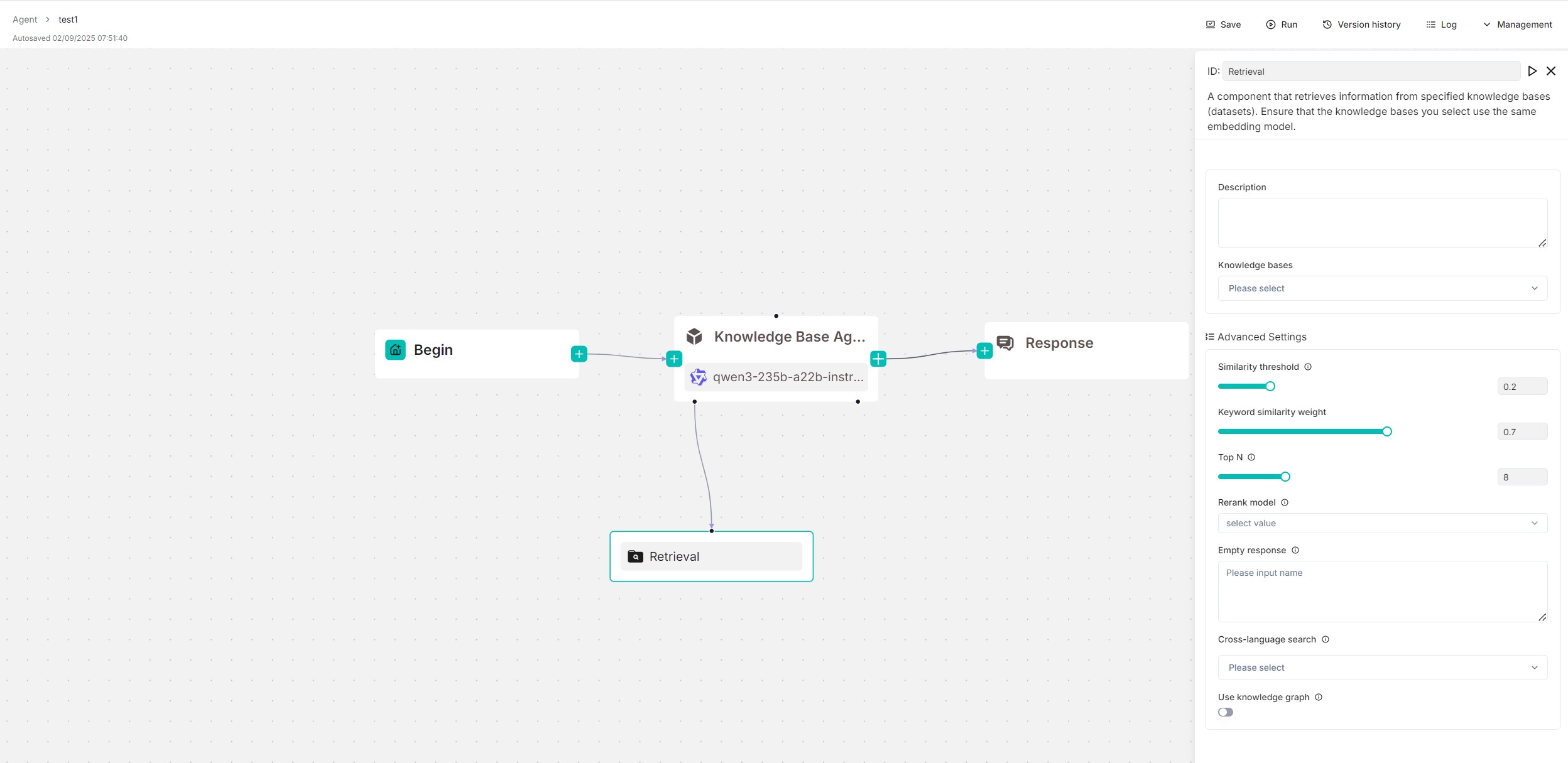
|
||||
|
||||
## Prerequisites
|
||||
|
||||
Ensure you [have properly configured your target knowledge base(s)](../../dataset/configure_knowledge_base.md).
|
||||
|
||||
## Quickstart
|
||||
|
||||
### 1. Click on a **Retrieval** component to show its configuration panel
|
||||
|
||||
The corresponding configuration panel appears to the right of the canvas. Use this panel to define and fine-tune the **Retrieval** component's search behavior.
|
||||
|
||||
### 2. Input query variable(s)
|
||||
|
||||
The **Retrieval** component relies on query variables to specify its queries.
|
||||
|
||||
:::caution IMPORTANT
|
||||
- If you use the **Retrieval** component as a standalone workflow module, input query variables in the **Input Variables** text box.
|
||||
- If it is used as a tool for an **Agent** component, input the query variables in the **Agent** component's **User prompt** field.
|
||||
:::
|
||||
|
||||
By default, you can use `sys.query`, which is the user query and the default output of the **Begin** component. All global variables defined before the **Retrieval** component can also be used as query statements. Use the `(x)` button or type `/` to show all the available query variables.
|
||||
|
||||
### 3. Select knowledge base(s) to query
|
||||
|
||||
You can specify one or multiple knowledge bases to retrieve data from. If selecting mutiple, ensure they use the same embedding model.
|
||||
|
||||
### 4. Expand **Advanced Settings** to configure the retrieval method
|
||||
|
||||
By default, a combination of weighted keyword similarity and weighted vector cosine similarity is used during retrieval. If a rerank model is selected, a combination of weighted keyword similarity and weighted reranking score will be used for retrieval.
|
||||
|
||||
As a starter, you can skip this step to stay with the default retrieval method.
|
||||
|
||||
:::caution WARNING
|
||||
Using a rerank model will *significantly* increase the system's response time. If you must use a rerank model, ensure you use a SaaS reranker; if you prefer a locally deployed rerank model, ensure you start RAGFlow with **docker-compose-gpu.yml**.
|
||||
:::
|
||||
|
||||
### 5. Enable cross-language search
|
||||
|
||||
If your user query is different from the languages of the knowledge bases, you can select the target languages in the **Cross-language search** dropdown menu. The model will then translates queries to ensure accurate matching of semantic meaning across languages.
|
||||
|
||||
|
||||
### 6. Test retrieval results
|
||||
|
||||
Click the triangle button on the top of canvas to test the retrieval results.
|
||||
|
||||
### 6. Choose the next component
|
||||
|
||||
When necessary, click the **+** button on the **Retrieval** component to choose the next component in the worflow from the dropdown list.
|
||||
|
||||
|
||||
## Configurations
|
||||
|
||||
Click on a **Retrieval** component to open its configuration window.
|
||||
|
||||
### Query variables
|
||||
|
||||
*Mandatory*
|
||||
|
||||
Select the query source for retrieval.
|
||||
Select the query source for retrieval. Defaults to `sys.query`, which is the default output of the **Begin** component.
|
||||
|
||||
The **Retrieval** component relies on query variables to specify its data inputs (queries). All global variables defined before the **Retrieval** component are available in the dropdown list.
|
||||
The **Retrieval** component relies on query variables to specify its queries. All global variables defined before the **Retrieval** component can also be used as queries. Use the `(x)` button or type `/` to show all the available query variables.
|
||||
|
||||
### Knowledge bases
|
||||
|
||||
@ -72,8 +123,23 @@ Select one or more languages for cross‑language search. If no language is sele
|
||||
|
||||
### Use knowledge graph
|
||||
|
||||
:::caution IMPORTANT
|
||||
Before enabling this feature, ensure you have properly [constructed a knowledge graph from each target knowledge base](../../dataset/construct_knowledge_graph.md).
|
||||
:::
|
||||
|
||||
Whether to use knowledge graph(s) in the specified knowledge base(s) during retrieval for multi-hop question answering. When enabled, this would involve iterative searches across entity, relationship, and community report chunks, greatly increasing retrieval time.
|
||||
|
||||
### Output
|
||||
|
||||
The global variable name for the output of the **Retrieval** component, which can be referenced by other components in the workflow.
|
||||
|
||||
|
||||
## Frequently asked questions
|
||||
|
||||
### How to reduce response time?
|
||||
|
||||
Go through the checklist below for best performance:
|
||||
|
||||
- Leave the **Rerank model** field empty.
|
||||
- If you must use a rerank model, ensure you use a SaaS reranker; if you prefer a locally deployed rerank model, ensure you start RAGFlow with **docker-compose-gpu.yml**.
|
||||
- Disable **Use knowledge graph**.
|
||||
|
||||
@ -9,12 +9,12 @@ Key concepts, basic operations, a quick view of the agent editor.
|
||||
|
||||
---
|
||||
|
||||
## Key concepts
|
||||
|
||||
:::danger DEPRECATED!
|
||||
A new version is coming soon.
|
||||
:::
|
||||
|
||||
## Key concepts
|
||||
|
||||
Agents and RAG are complementary techniques, each enhancing the other’s capabilities in business applications. RAGFlow v0.8.0 introduces an agent mechanism, featuring a no-code workflow editor on the front end and a comprehensive graph-based task orchestration framework on the back end. This mechanism is built on top of RAGFlow's existing RAG solutions and aims to orchestrate search technologies such as query intent classification, conversation leading, and query rewriting to:
|
||||
|
||||
- Provide higher retrievals and,
|
||||
@ -33,55 +33,19 @@ Before proceeding, ensure that:
|
||||
|
||||
Click the **Agent** tab in the middle top of the page to show the **Agent** page. As shown in the screenshot below, the cards on this page represent the created agents, which you can continue to edit.
|
||||
|
||||

|
||||
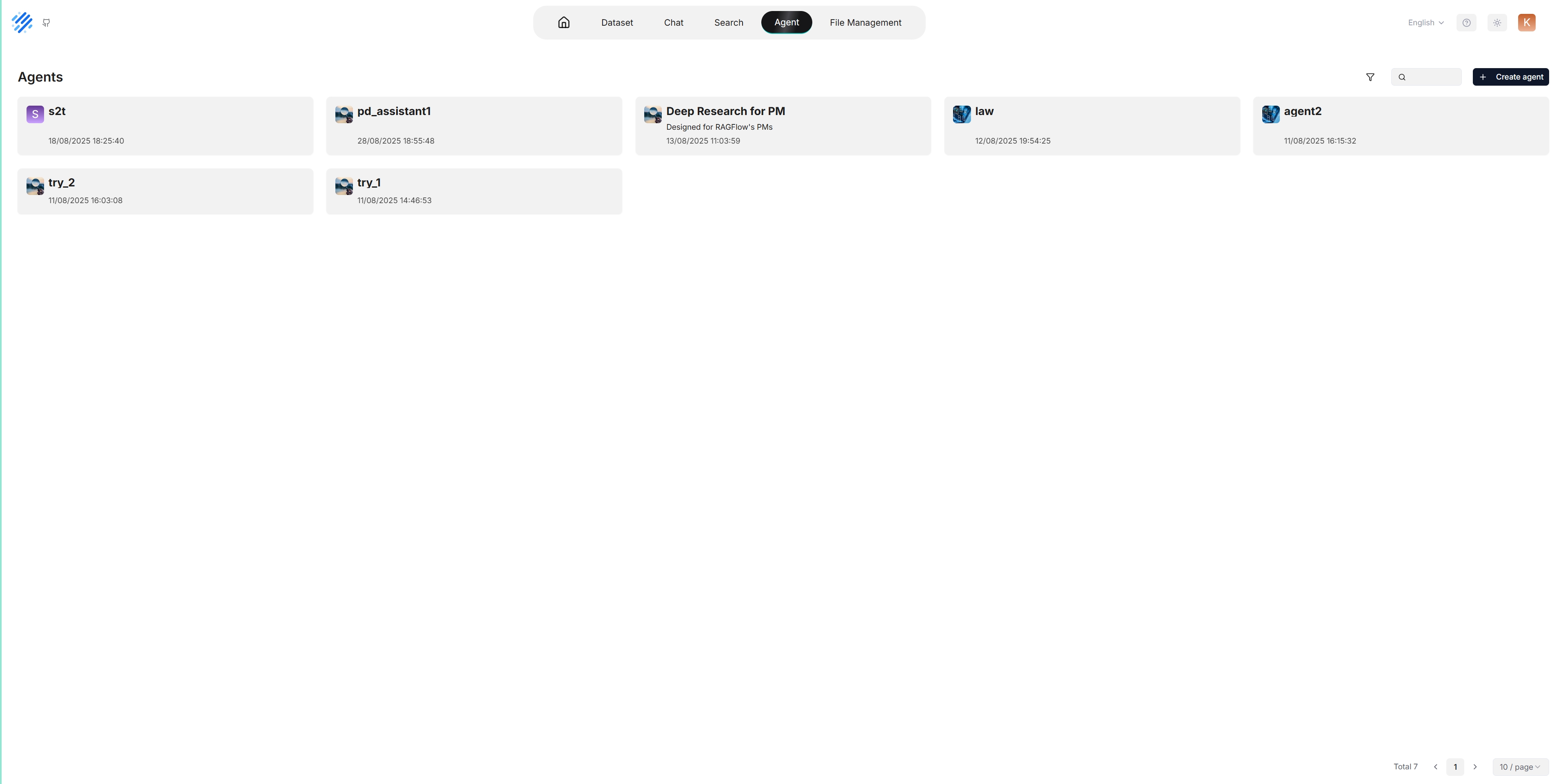
|
||||
|
||||
We also provide templates catered to different business scenarios. You can either generate your agent from one of our agent templates or create one from scratch:
|
||||
|
||||
1. Click **+ Create agent** to show the **agent template** page:
|
||||
|
||||

|
||||
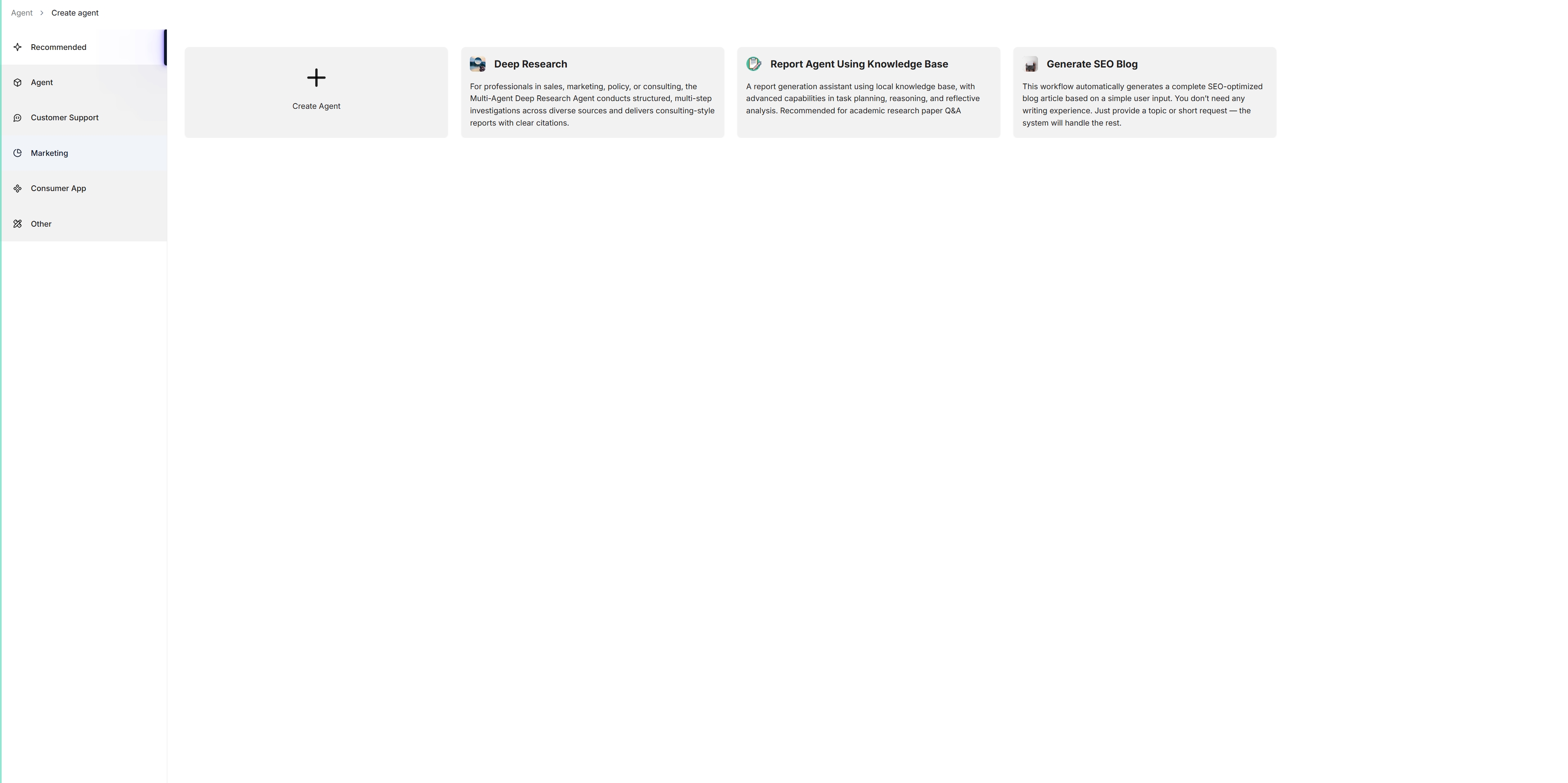
|
||||
|
||||
2. To create an agent from scratch, click the **Blank** card. Alternatively, to create an agent from one of our templates, hover over the desired card, such as **General-purpose chatbot**, click **Use this template**, name your agent in the pop-up dialogue, and click **OK** to confirm.
|
||||
2. To create an agent from scratch, click **Create Agent**. Alternatively, to create an agent from one of our templates, click the desired card, such as **Deep Research**, name your agent in the pop-up dialogue, and click **OK** to confirm.
|
||||
|
||||
*You are now taken to the **no-code workflow editor** page. The left panel lists the components (operators): Above the dividing line are the RAG-specific components; below the line are tools. We are still working to expand the component list.*
|
||||
*You are now taken to the **no-code workflow editor** page.*
|
||||
|
||||

|
||||
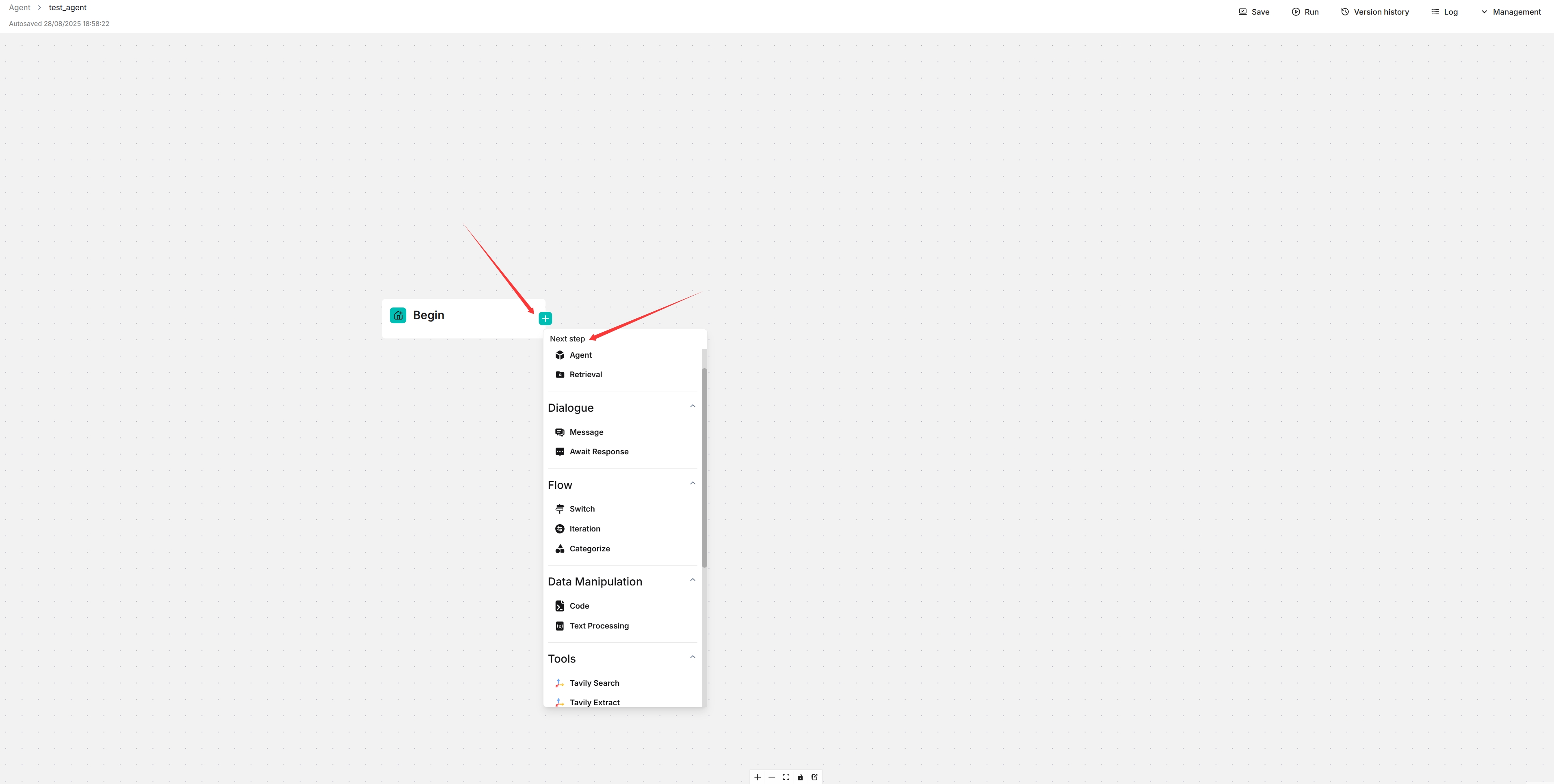
|
||||
|
||||
3. General speaking, now you can do the following:
|
||||
- Drag and drop a desired component to your workflow,
|
||||
- Select the knowledge base to use,
|
||||
- Update settings of specific components,
|
||||
- Update LLM settings
|
||||
- Sets the input and output for a specific component, and more.
|
||||
4. Click **Save** to apply changes to your agent and **Run** to test it.
|
||||
|
||||
## Components
|
||||
|
||||
Please review the flowing description of the RAG-specific components before you proceed:
|
||||
|
||||
| Component | Description |
|
||||
|----------------|----------------------------------------------------------------------------------------------------------------------------------------------------------------------------------------------------------|
|
||||
| **Retrieval** | A component that retrieves information from specified knowledge bases and returns 'Empty response' if no information is found. Ensure the correct knowledge bases are selected. |
|
||||
| **Generate** | A component that prompts the LLM to generate responses. You must ensure the prompt is set correctly. |
|
||||
| **Interact** | A component that serves as the interface between human and the bot, receiving user inputs and displaying the agent's responses. |
|
||||
| **Categorize** | A component that uses the LLM to classify user inputs into predefined categories. Ensure you specify the name, description, and examples for each category, along with the corresponding next component. |
|
||||
| **Message** | A component that sends out a static message. If multiple messages are supplied, it randomly selects one to send. Ensure its downstream is **Interact**, the interface component. |
|
||||
| **Rewrite** | A component that rewrites a user query from the **Interact** component, based on the context of previous dialogues. |
|
||||
| **Keyword** | A component that extracts keywords from a user query, with TopN specifying the number of keywords to extract. |
|
||||
|
||||
:::caution NOTE
|
||||
|
||||
- Ensure **Rewrite**'s upstream component is **Relevant** and downstream component is **Retrieval**.
|
||||
- Ensure the downstream component of **Message** is **Interact**.
|
||||
- The downstream component of **Begin** is always **Interact**.
|
||||
|
||||
:::
|
||||
|
||||
## Basic operations
|
||||
|
||||
| Operation | Description |
|
||||
|---------------------------|------------------------------------------------------------------------------------------------------------------------------------------|
|
||||
| Add a component | Drag and drop the desired component from the left panel onto the canvas. |
|
||||
| Delete a component | On the canvas, hover over the three dots (...) of the component to display the delete option, then select it to remove the component. |
|
||||
| Copy a component | On the canvas, hover over the three dots (...) of the component to display the copy option, then select it to make a copy the component. |
|
||||
| Update component settings | On the canvas, click the desired component to display the component settings. |
|
||||
3. Click the **+** button on the **Begin** component to select the desired components in your workflow.
|
||||
4. Click **Save** to apply changes to your agent.
|
||||
|
||||
@ -10,4 +10,6 @@ You can use iframe to embed an agent into a third-party webpage.
|
||||
1. Before proceeding, you must [acquire an API key](../models/llm_api_key_setup.md); otherwise, an error message would appear.
|
||||
2. On the **Agent** page, click an intended agent to access its editing page.
|
||||
3. Click **Management > Embed into webpage** on the top right corner of the canvas to show the **iframe** window:
|
||||
4. Copy the iframe and embed it into a specific location on your webpage.
|
||||
4. Copy the iframe and embed it into your webpage.
|
||||
|
||||
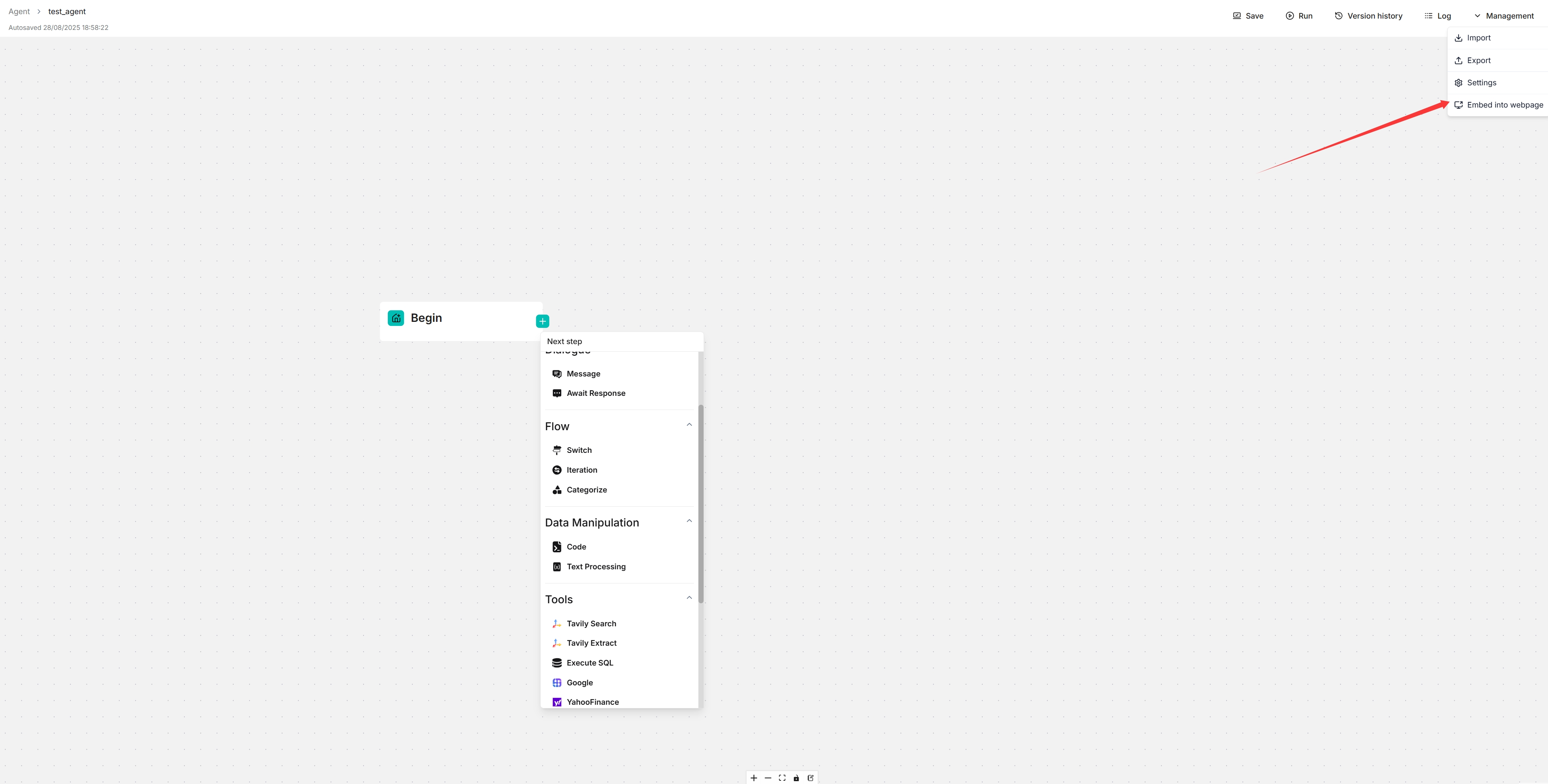
|
||||
@ -1,109 +0,0 @@
|
||||
---
|
||||
sidebar_position: 2
|
||||
slug: /general_purpose_chatbot
|
||||
---
|
||||
|
||||
# Create chatbot
|
||||
|
||||
Create a general-purpose chatbot.
|
||||
|
||||
---
|
||||
|
||||
:::danger DEPRECATED!
|
||||
A new version is coming soon.
|
||||
:::
|
||||
|
||||
Chatbot is one of the most common AI scenarios. However, effectively understanding user queries and responding appropriately remains a challenge. RAGFlow's general-purpose chatbot agent is our attempt to tackle this longstanding issue.
|
||||
|
||||
This chatbot closely resembles the chatbot introduced in [Start an AI chat](../chat/start_chat.md), but with a key difference - it introduces a reflective mechanism that allows it to improve the retrieval from the target knowledge bases by rewriting the user's query.
|
||||
|
||||
This document provides guides on creating such a chatbot using our chatbot template.
|
||||
|
||||
## Prerequisites
|
||||
|
||||
1. Ensure you have properly set the LLM to use. See the guides on [Configure your API key](../models/llm_api_key_setup.md) or [Deploy a local LLM](../models/deploy_local_llm.mdx) for more information.
|
||||
2. Ensure you have a knowledge base configured and the corresponding files properly parsed. See the guide on [Configure a knowledge base](../dataset/configure_knowledge_base.md) for more information.
|
||||
3. Make sure you have read the [Introduction to Agentic RAG](./agent_introduction.md).
|
||||
|
||||
## Create a chatbot agent from template
|
||||
|
||||
To create a general-purpose chatbot agent using our template:
|
||||
|
||||
1. Click the **Agent** tab in the middle top of the page to show the **Agent** page.
|
||||
2. Click **+ Create agent** on the top right of the page to show the **agent template** page.
|
||||
3. On the **agent template** page, hover over the card on **General-purpose chatbot** and click **Use this template**.
|
||||
*You are now directed to the **no-code workflow editor** page.*
|
||||
|
||||

|
||||
|
||||
:::tip NOTE
|
||||
RAGFlow's no-code editor spares you the trouble of coding, making agent development effortless.
|
||||
:::
|
||||
|
||||
## Understand each component in the template
|
||||
|
||||
Here’s a breakdown of each component and its role and requirements in the chatbot template:
|
||||
|
||||
- **Begin**
|
||||
- Function: Sets an opening greeting for users.
|
||||
- Purpose: Establishes a welcoming atmosphere and prepares the user for interaction.
|
||||
|
||||
- **Interact**
|
||||
- Function: Serves as the interface between human and the bot.
|
||||
- Role: Acts as the downstream component of **Begin**.
|
||||
|
||||
- **Retrieval**
|
||||
- Function: Retrieves information from specified knowledge base(s).
|
||||
- Requirement: Must have `knowledgebases` set up to function.
|
||||
|
||||
- **Relevant**
|
||||
- Function: Assesses the relevance of the retrieved information from the **Retrieval** component to the user query.
|
||||
- Process:
|
||||
- If relevant, it directs the data to the **Generate** component for final response generation.
|
||||
- Otherwise, it triggers the **Rewrite** component to refine the user query and redo the retrival process.
|
||||
|
||||
- **Generate**
|
||||
- Function: Prompts the LLM to generate responses based on the retrieved information.
|
||||
- Note: The prompt settings allow you to control the way in which the LLM generates responses. Be sure to review the prompts and make necessary changes.
|
||||
|
||||
- **Rewrite**:
|
||||
- Function: Refines a user query when no relevant information from the knowledge base is retrieved.
|
||||
- Usage: Often used in conjunction with **Relevant** and **Retrieval** to create a reflective/feedback loop.
|
||||
|
||||
## Configure your chatbot agent
|
||||
|
||||
1. Click **Begin** to set an opening greeting:
|
||||

|
||||
|
||||
2. Click **Retrieval** to select the right knowledge base(s) and make any necessary adjustments:
|
||||

|
||||
|
||||
3. Click **Generate** to configure the LLM's summarization behavior:
|
||||
3.1. Confirm the model.
|
||||
3.2. Review the prompt settings. If there are variables, ensure they match the correct component IDs:
|
||||

|
||||
|
||||
4. Click **Relevant** to review or change its settings:
|
||||
*You may retain the current settings, but feel free to experiment with changes to understand how the agent operates.*
|
||||

|
||||
|
||||
5. Click **Rewrite** to select a different model for query rewriting or update the maximum loop times for query rewriting:
|
||||
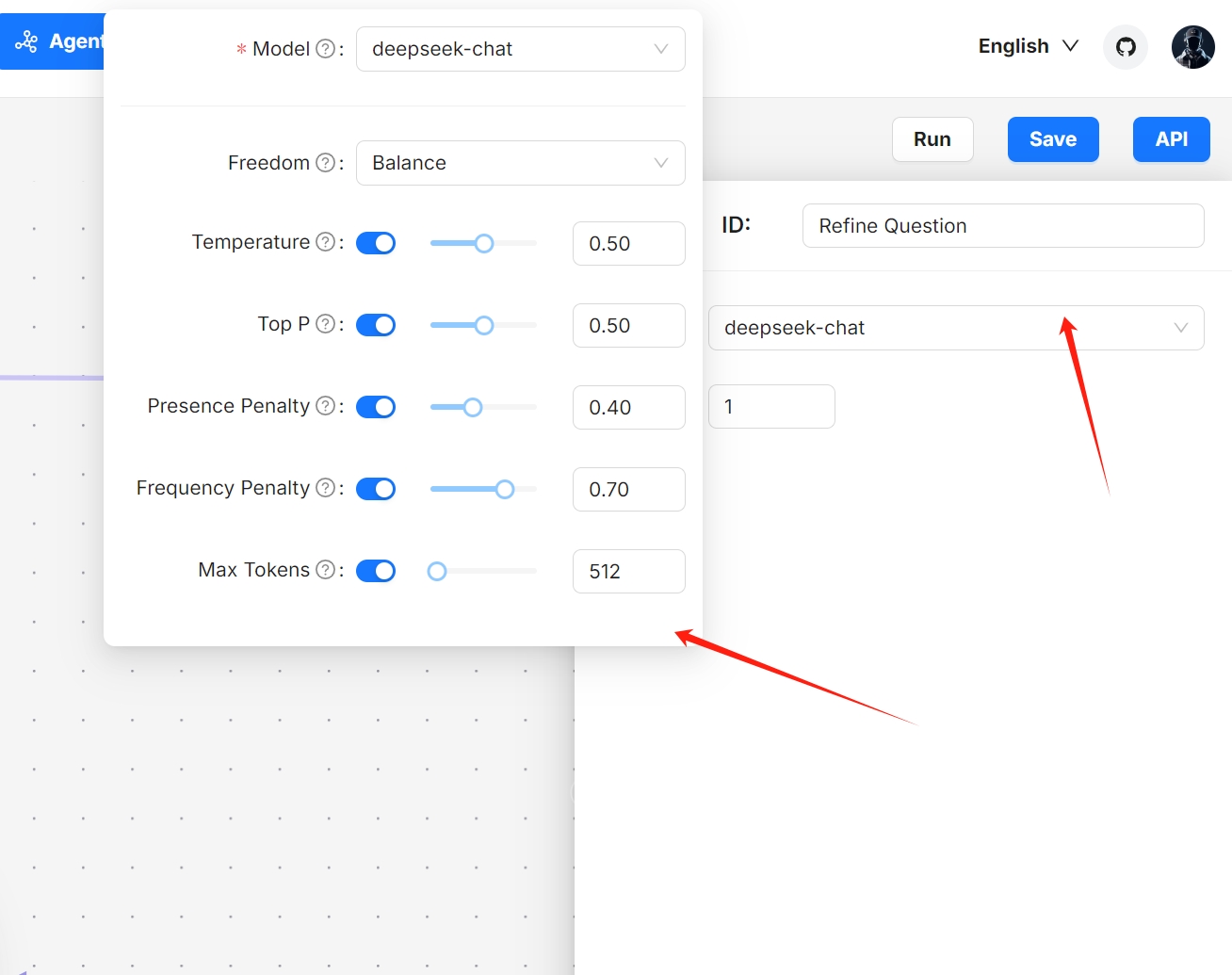
|
||||

|
||||
|
||||
:::danger NOTE
|
||||
Increasing the maximum loop times may significantly extend the time required to receive the final response.
|
||||
:::
|
||||
|
||||
1. Update your workflow where you see necessary.
|
||||
|
||||
2. Click to **Save** to apply your changes.
|
||||
*Your agent appears as one of the agent cards on the **Agent** page.*
|
||||
|
||||
## Test your chatbot agent
|
||||
|
||||
1. Find your chatbot agent on the **Agent** page:
|
||||

|
||||
|
||||
2. Experiment with your questions to verify if this chatbot functions as intended:
|
||||

|
||||
@ -11,7 +11,9 @@ Conduct an AI search.
|
||||
|
||||
An AI search is a single-turn AI conversation using a predefined retrieval strategy (a hybrid search of weighted keyword similarity and weighted vector similarity) and the system's default chat model. It does not involve advanced RAG strategies like knowledge graph, auto-keyword, or auto-question. The related chunks are listed below the chat model's response in descending order based on their similarity scores.
|
||||
|
||||
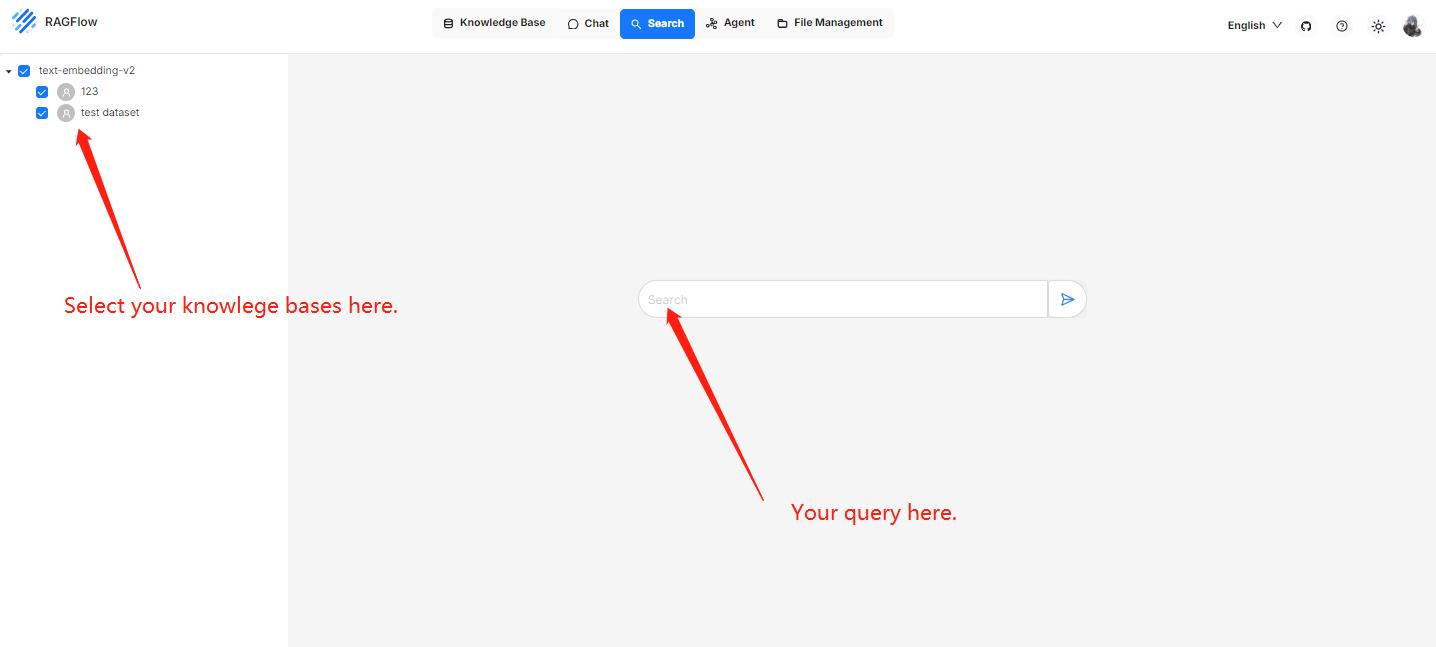
|
||||

|
||||
|
||||
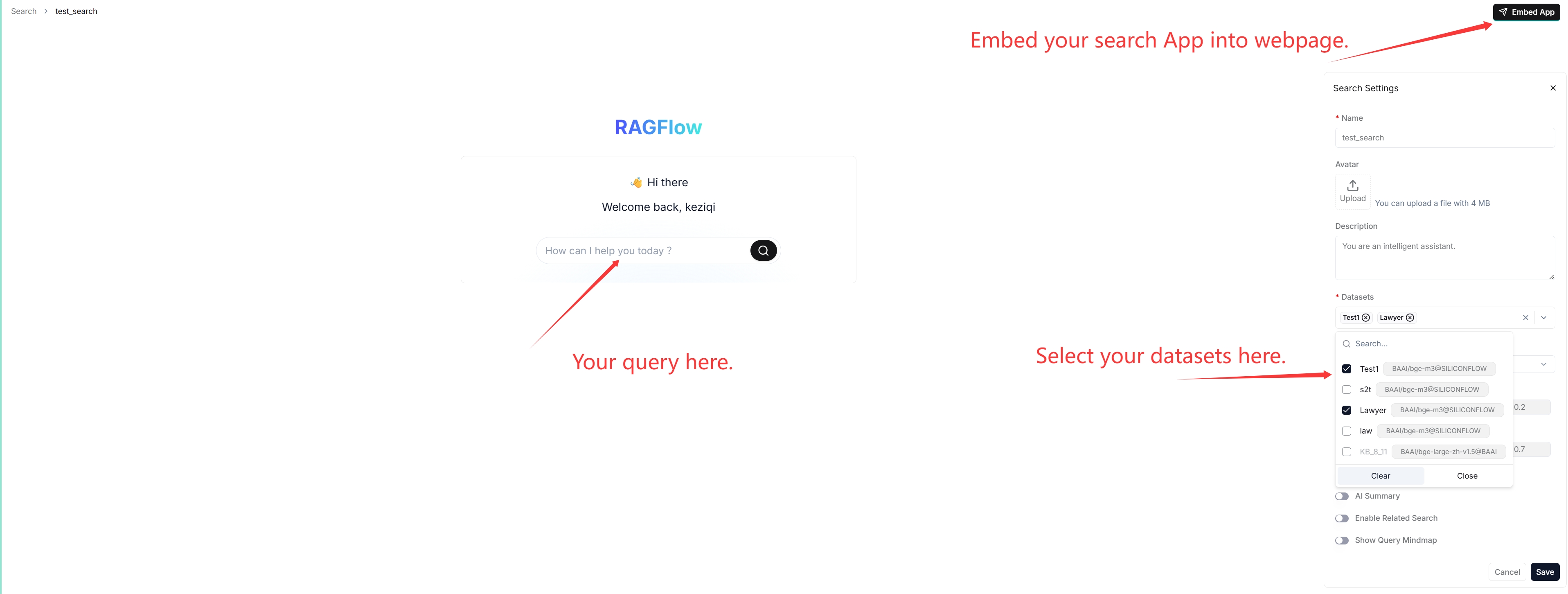
|
||||
|
||||
:::tip NOTE
|
||||
When debugging your chat assistant, you can use AI search as a reference to verify your model settings and retrieval strategy.
|
||||
@ -22,10 +24,8 @@ When debugging your chat assistant, you can use AI search as a reference to veri
|
||||
- Ensure that you have configured the system's default models on the **Model providers** page.
|
||||
- Ensure that the intended knowledge bases are properly configured and the intended documents have finished file parsing.
|
||||
|
||||
|
||||
## Frequently asked questions
|
||||
|
||||
### Key difference between an AI search and an AI chat?
|
||||
|
||||
A chat is a multi-turn AI conversation where you can define your retrieval strategy (a weighted reranking score can be used to replace the weighted vector similarity in a hybrid search) and choose your chat model. In an AI chat, you can configure advanced RAG strategies, such as knowledge graphs, auto-keyword, and auto-question, for your specific case. Retrieved chunks are not displayed along with the answer.
|
||||
|
||||
|
||||
@ -15,13 +15,13 @@ From v0.17.0 onward, RAGFlow supports integrating agentic reasoning in an AI cha
|
||||
|
||||
To activate this feature:
|
||||
|
||||
1. Enable the **Reasoning** toggle under the **Prompt engine** tab of your chat assistant dialogue.
|
||||
1. Enable the **Reasoning** toggle in **Chat setting**.
|
||||
|
||||

|
||||
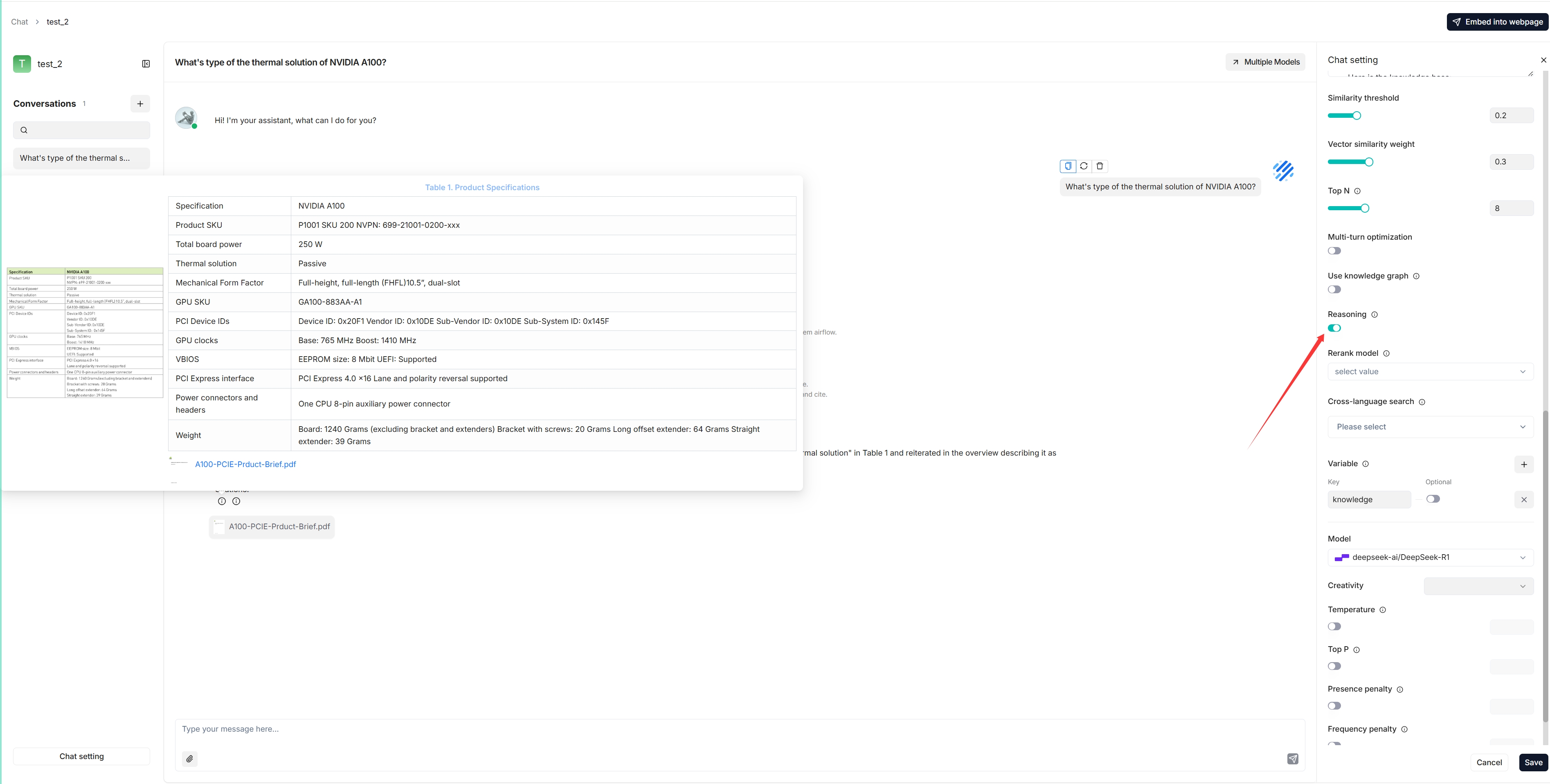
|
||||
|
||||
2. Enter the correct Tavily API key under the **Assistant settings** tab of your chat assistant dialogue to leverage Tavily-based web search
|
||||
2. Enter the correct Tavily API key to leverage Tavily-based web search:
|
||||
|
||||

|
||||
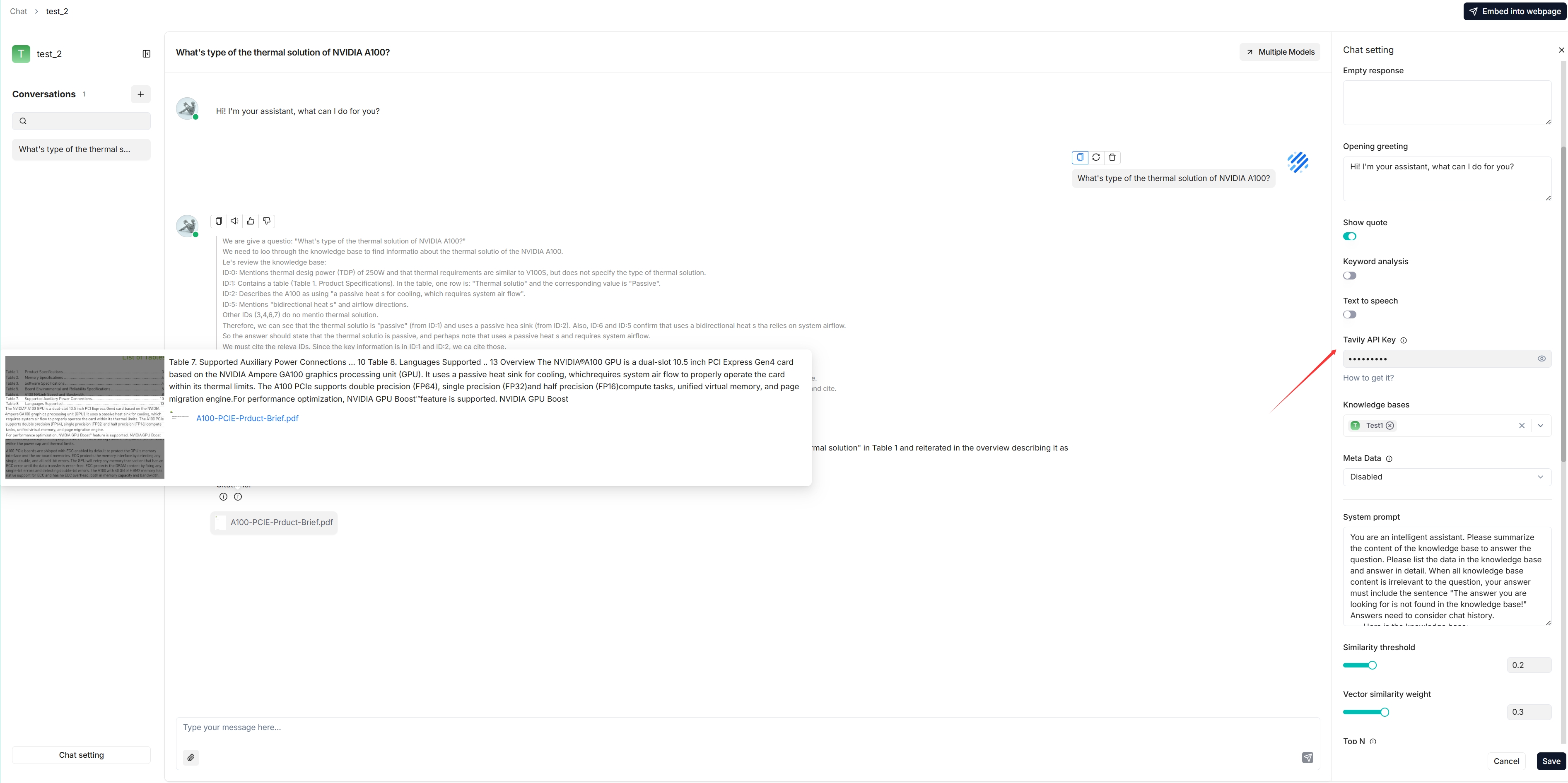
|
||||
|
||||
*The following is a screenshot of a conversation that integrates Deep Research:*
|
||||
|
||||
|
||||
@ -9,7 +9,7 @@ Set variables to be used together with the system prompt for your LLM.
|
||||
|
||||
---
|
||||
|
||||
When configuring the system prompt for a chat model, variables play an important role in enhancing flexibility and reusability. With variables, you can dynamically adjust the system prompt to be sent to your model. In the context of RAGFlow, if you have defined variables in the **Chat Configuration** dialogue, except for the system's reserved variable `{knowledge}`, you are required to pass in values for them from RAGFlow's [HTTP API](../../references/http_api_reference.md#converse-with-chat-assistant) or through its [Python SDK](../../references/python_api_reference.md#converse-with-chat-assistant).
|
||||
When configuring the system prompt for a chat model, variables play an important role in enhancing flexibility and reusability. With variables, you can dynamically adjust the system prompt to be sent to your model. In the context of RAGFlow, if you have defined variables in **Chat setting**, except for the system's reserved variable `{knowledge}`, you are required to pass in values for them from RAGFlow's [HTTP API](../../references/http_api_reference.md#converse-with-chat-assistant) or through its [Python SDK](../../references/python_api_reference.md#converse-with-chat-assistant).
|
||||
|
||||
:::danger IMPORTANT
|
||||
In RAGFlow, variables are closely linked with the system prompt. When you add a variable in the **Variable** section, include it in the system prompt. Conversely, when deleting a variable, ensure it is removed from the system prompt; otherwise, an error would occur.
|
||||
@ -17,9 +17,7 @@ In RAGFlow, variables are closely linked with the system prompt. When you add a
|
||||
|
||||
## Where to set variables
|
||||
|
||||
Hover your mouse over your chat assistant, click **Edit** to open its **Chat Configuration** dialogue, then click the **Prompt engine** tab. Here, you can work on your variables in the **System prompt** field and the **Variable** section:
|
||||
|
||||
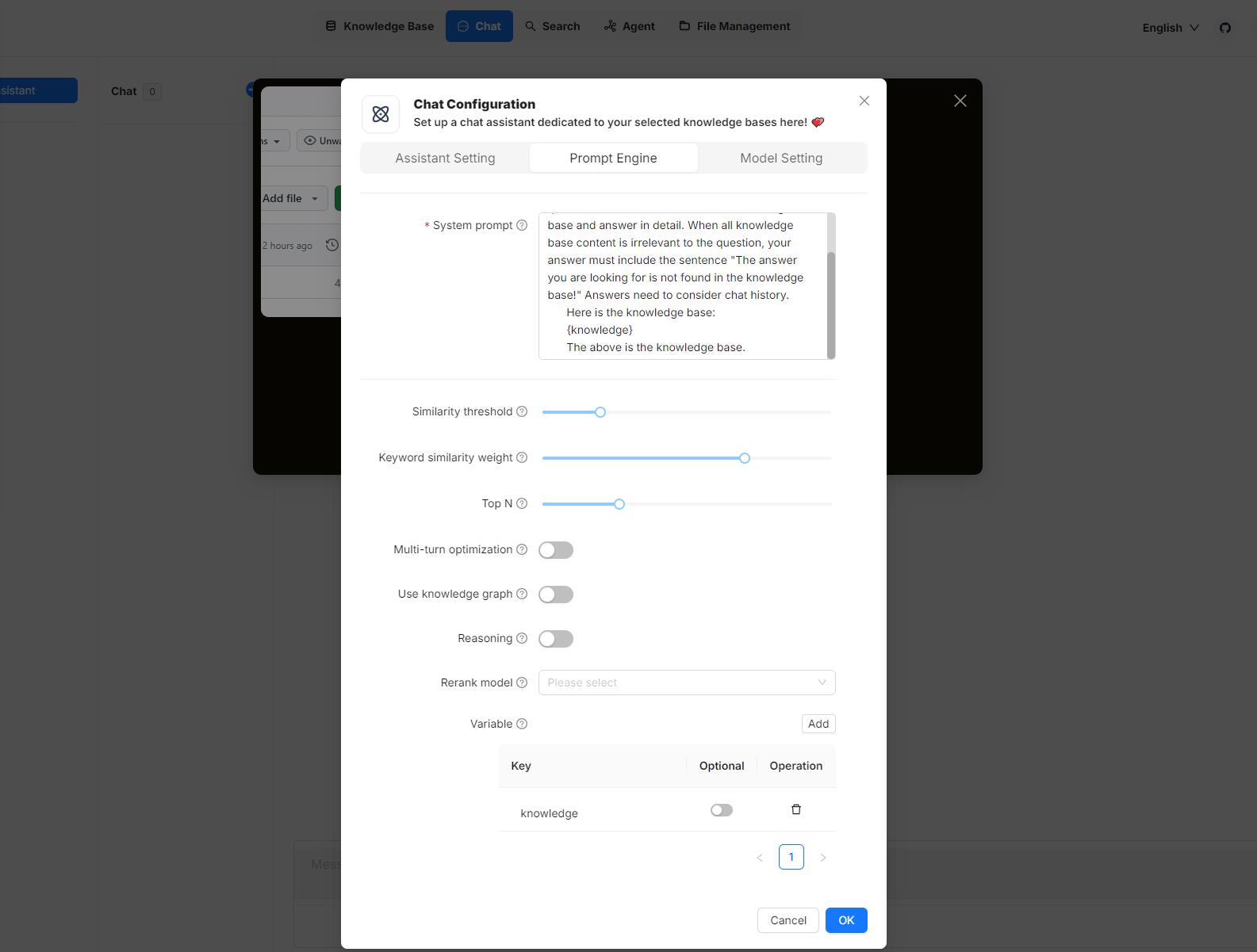
|
||||
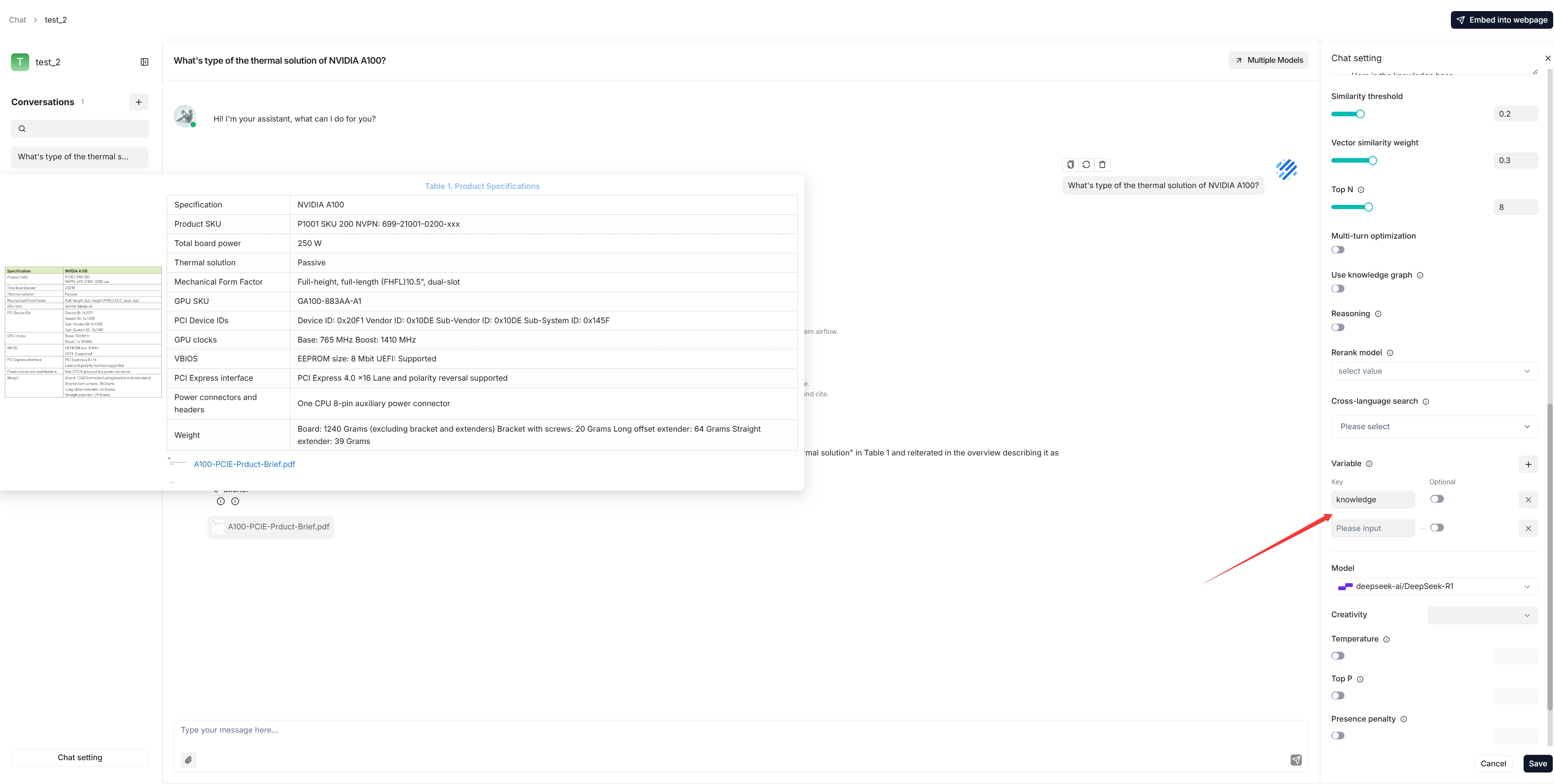
|
||||
|
||||
## 1. Manage variables
|
||||
|
||||
@ -42,8 +40,6 @@ Besides `{knowledge}`, you can also define your own variables to pair with the s
|
||||
- **Disabled** (Default): The variable is mandatory and must be provided.
|
||||
- **Enabled**: The variable is optional and can be omitted if not needed.
|
||||
|
||||
|
||||
|
||||
## 2. Update system prompt
|
||||
|
||||
After you add or remove variables in the **Variable** section, ensure your changes are reflected in the system prompt to avoid inconsistencies or errors. Here's an example:
|
||||
|
||||
@ -77,28 +77,24 @@ You start an AI conversation by creating an assistant.
|
||||
|
||||
5. Now, let's start the show:
|
||||
|
||||

|
||||
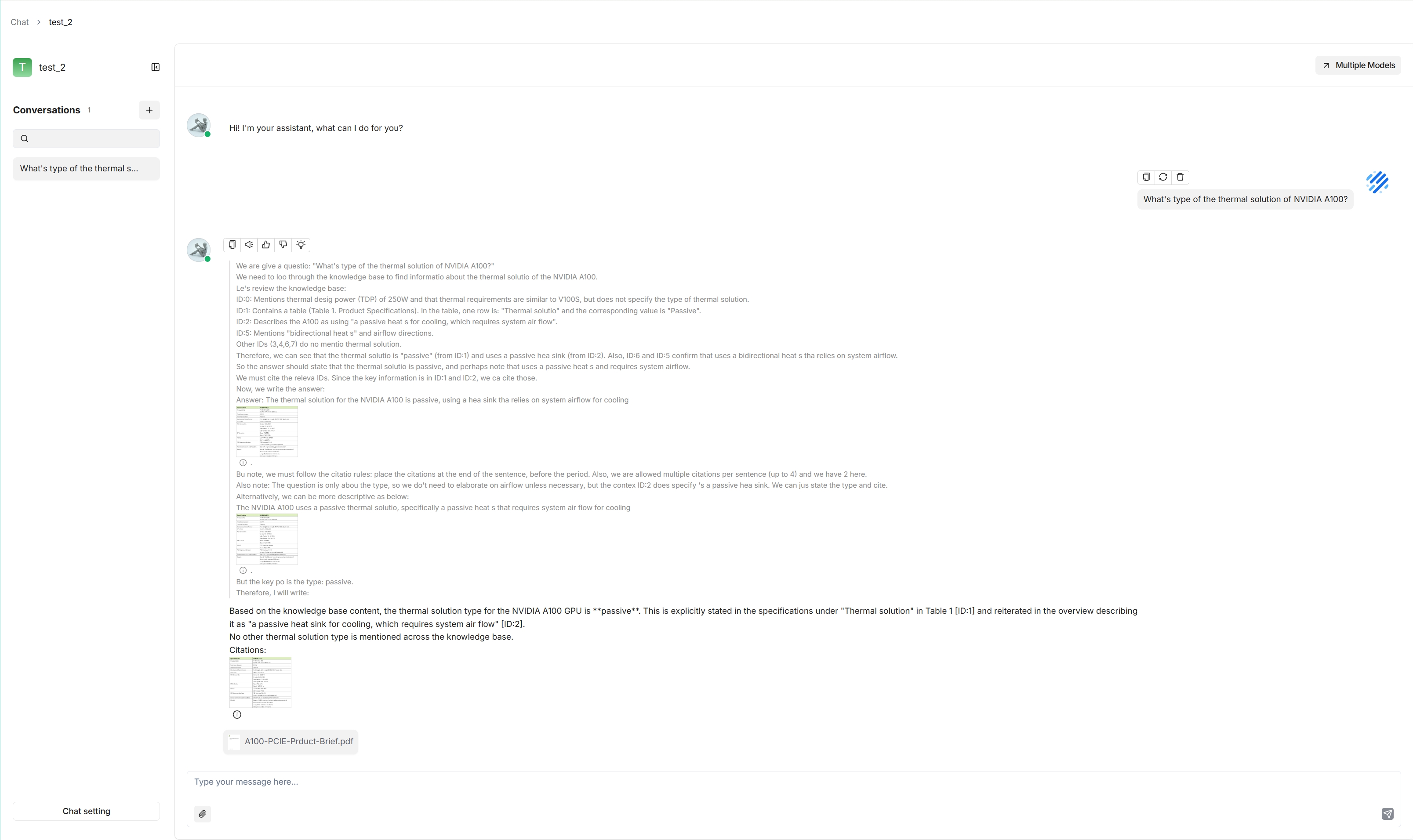
|
||||
|
||||
:::tip NOTE
|
||||
|
||||
1. Click the light bulb icon above the answer to view the expanded system prompt:
|
||||
|
||||

|
||||
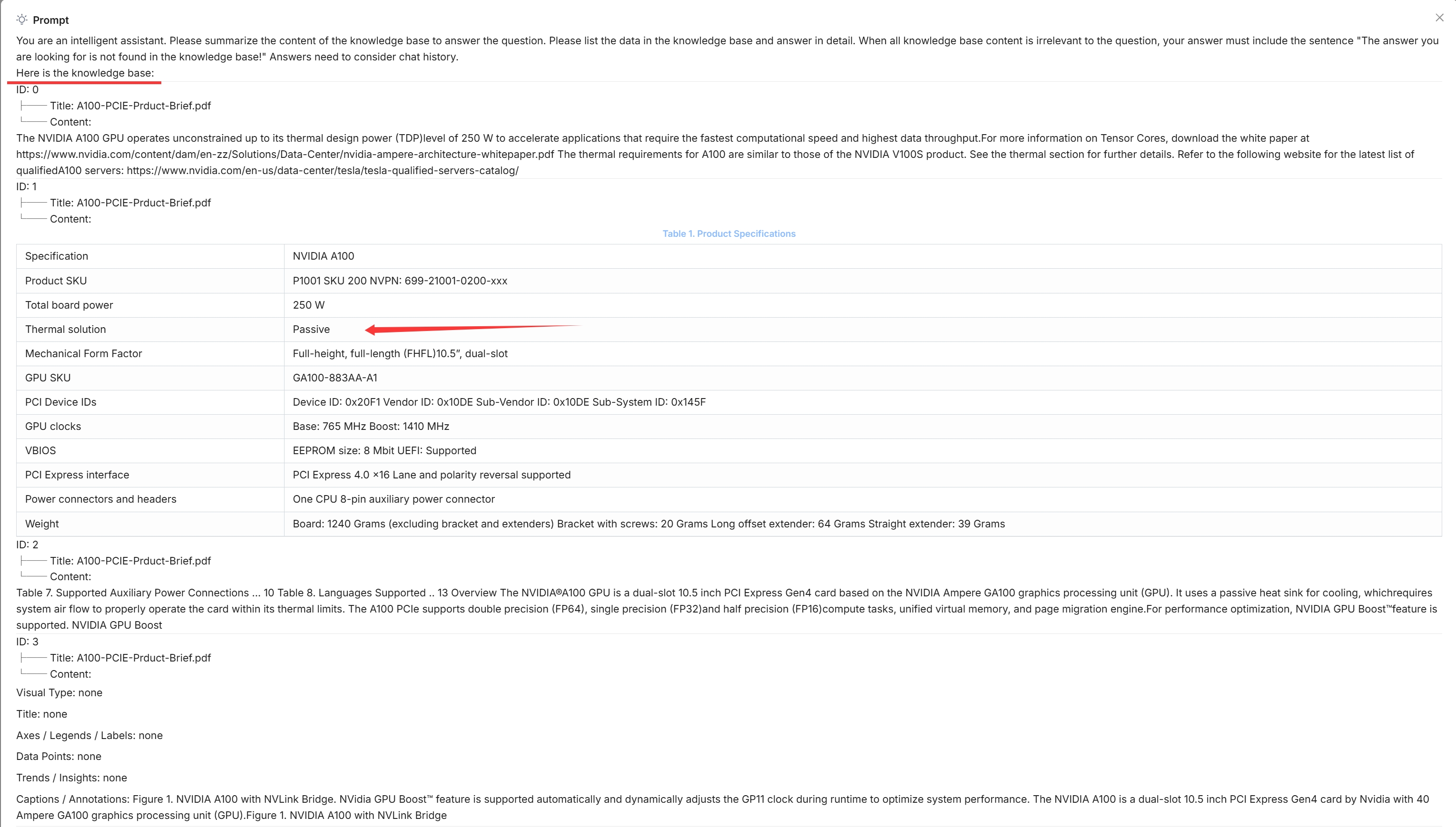
|
||||
|
||||
*The light bulb icon is available only for the current dialogue.*
|
||||
|
||||
2. Scroll down the expanded prompt to view the time consumed for each task:
|
||||
|
||||

|
||||
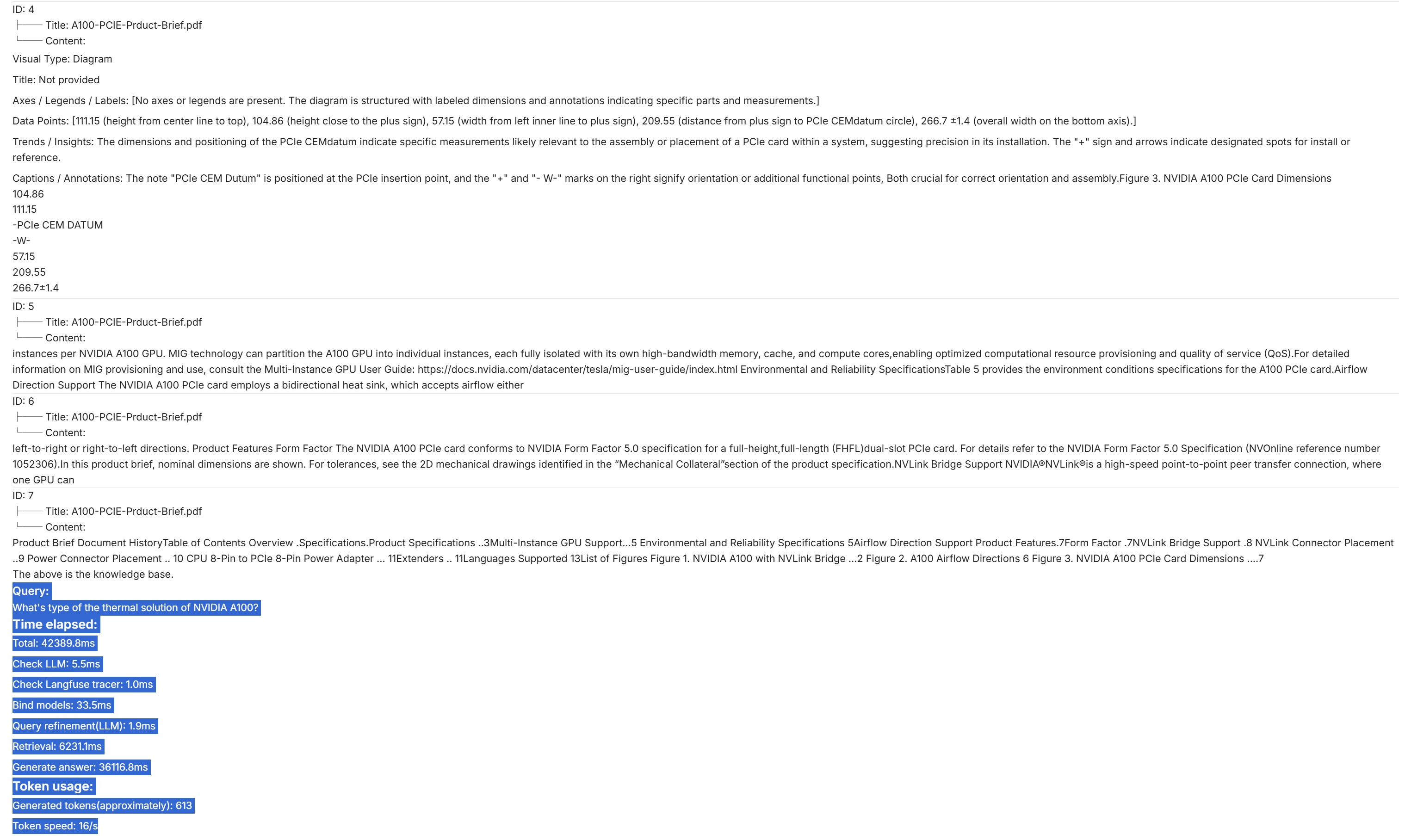
|
||||
:::
|
||||
|
||||
## Update settings of an existing chat assistant
|
||||
|
||||
Hover over an intended chat assistant **>** **Edit** to show the chat configuration dialogue:
|
||||
|
||||

|
||||
|
||||

|
||||
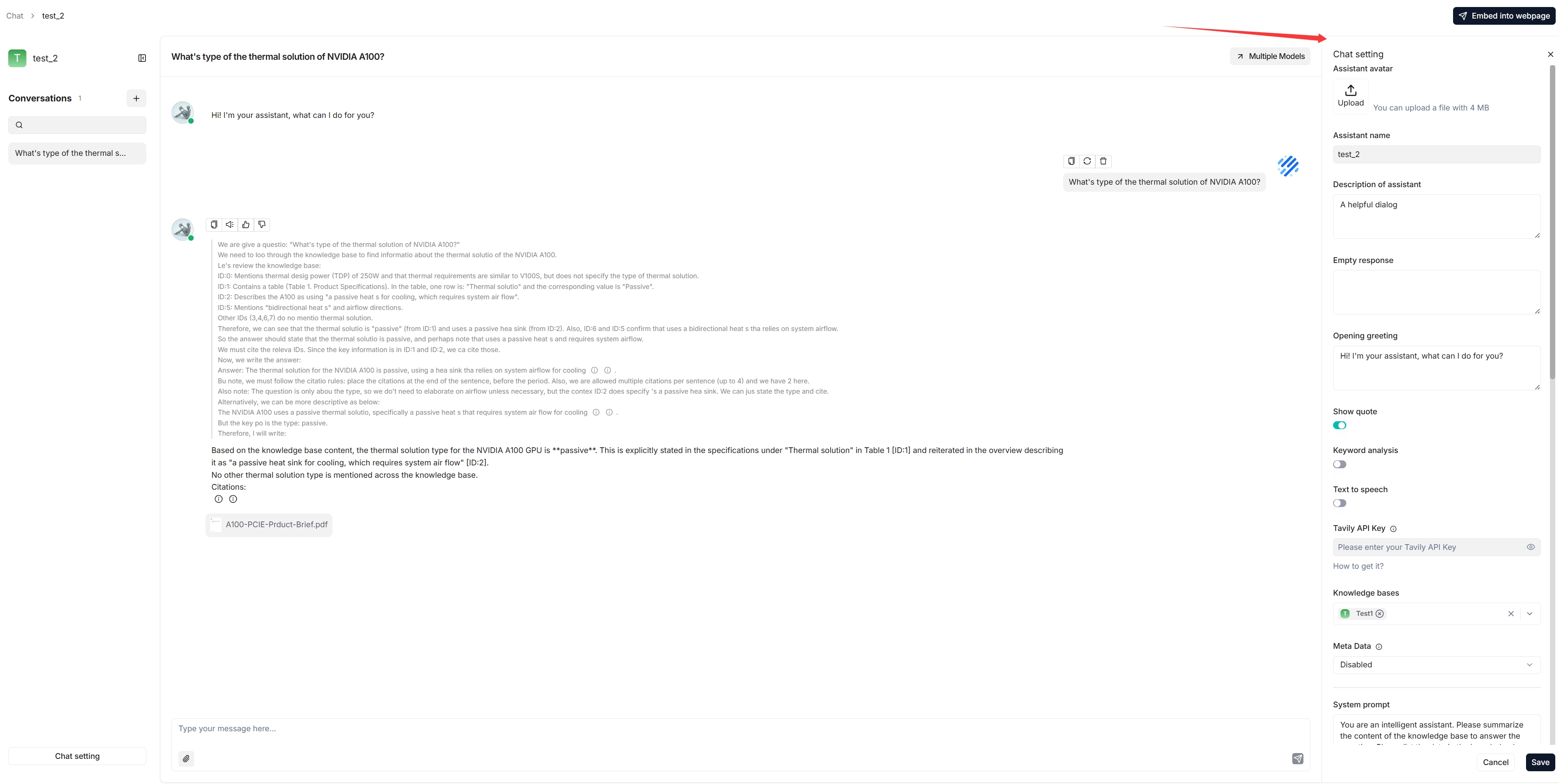
|
||||
|
||||
## Integrate chat capabilities into your application or webpage
|
||||
|
||||
@ -113,6 +109,8 @@ You can use iframe to embed the created chat assistant into a third-party webpag
|
||||
1. Before proceeding, you must [acquire an API key](../models/llm_api_key_setup.md); otherwise, an error message would appear.
|
||||
2. Hover over an intended chat assistant **>** **Edit** to show the **iframe** window:
|
||||
|
||||

|
||||
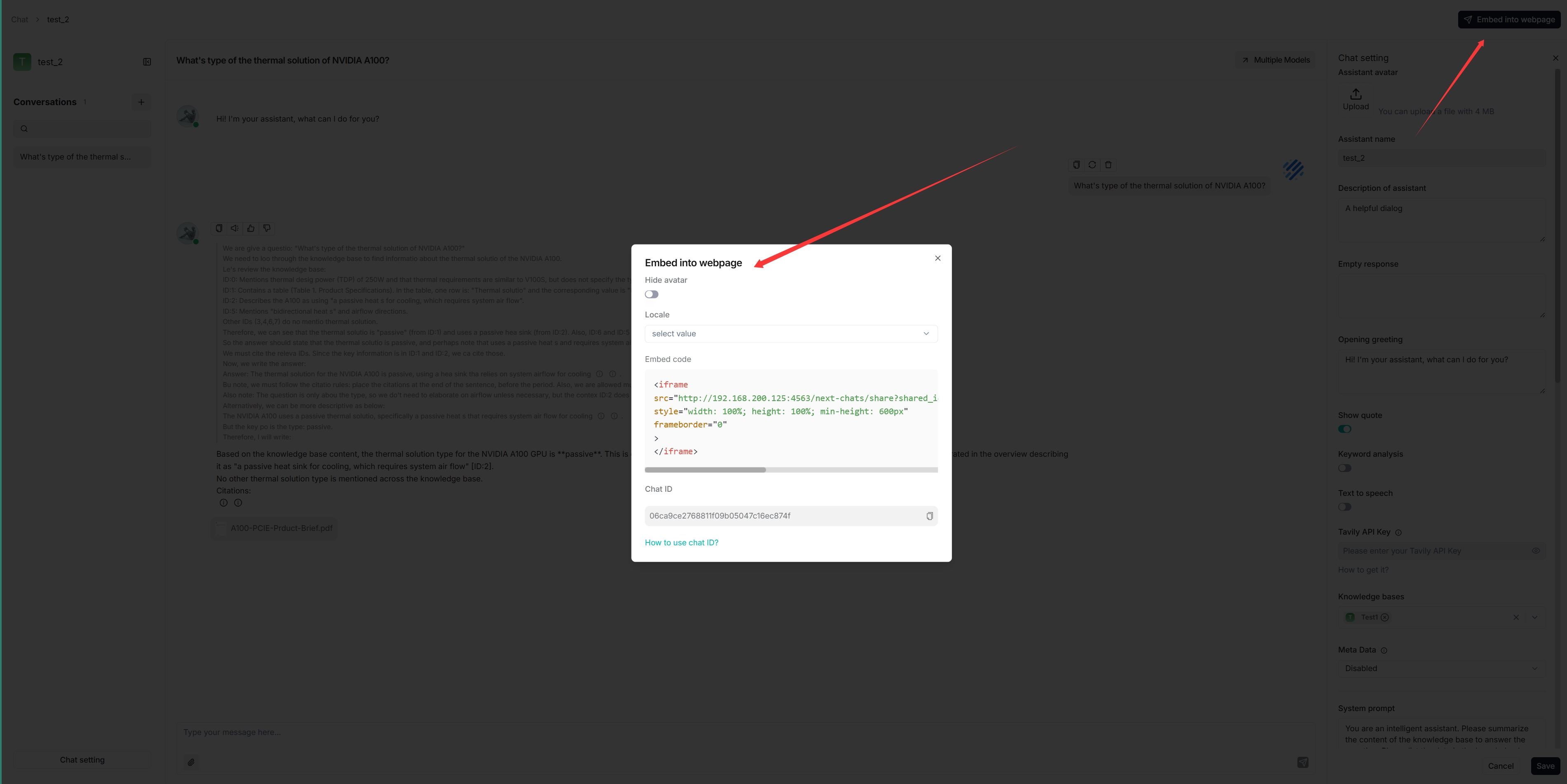
|
||||
|
||||
3. Copy the iframe and embed it into a specific location on your webpage.
|
||||
3. Copy the iframe and embed it into your webpage.
|
||||
|
||||
|
||||
|
||||
@ -16,7 +16,7 @@ Knowledge base, hallucination-free chat, and file management are the three pilla
|
||||
|
||||
With multiple knowledge bases, you can build more flexible, diversified question answering. To create your first knowledge base:
|
||||
|
||||

|
||||
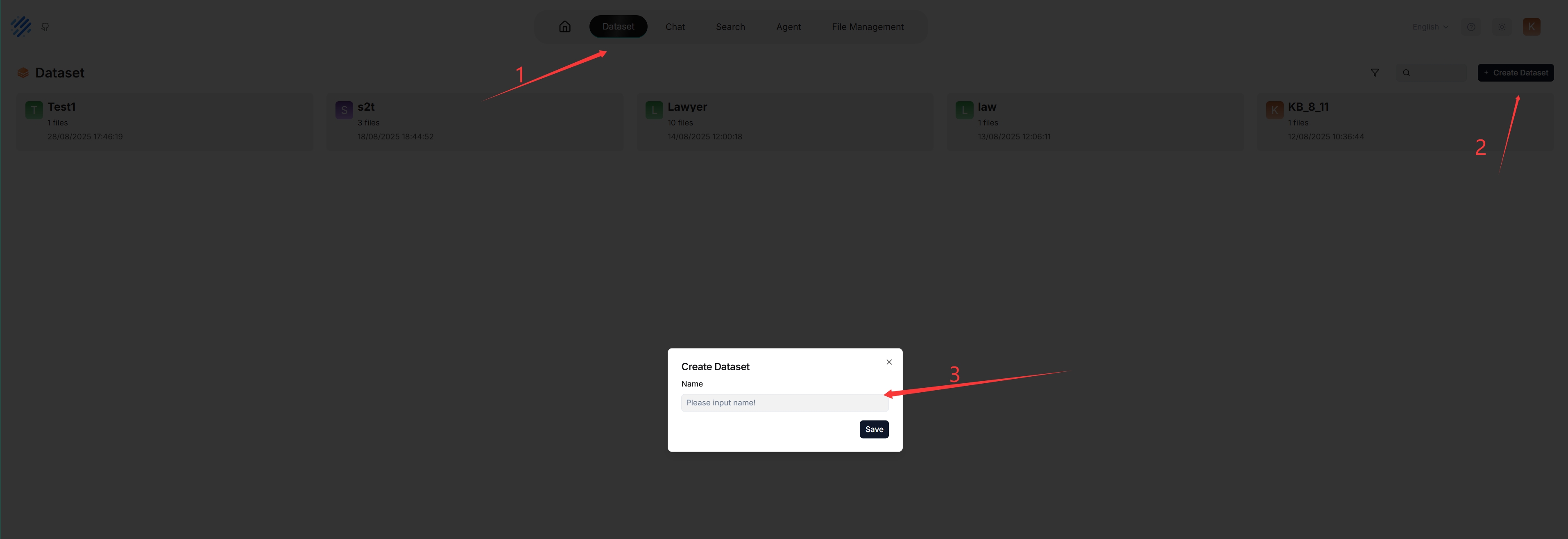
|
||||
|
||||
_Each time a knowledge base is created, a folder with the same name is generated in the **root/.knowledgebase** directory._
|
||||
|
||||
@ -24,7 +24,7 @@ _Each time a knowledge base is created, a folder with the same name is generated
|
||||
|
||||
The following screenshot shows the configuration page of a knowledge base. A proper configuration of your knowledge base is crucial for future AI chats. For example, choosing the wrong embedding model or chunking method would cause unexpected semantic loss or mismatched answers in chats.
|
||||
|
||||

|
||||
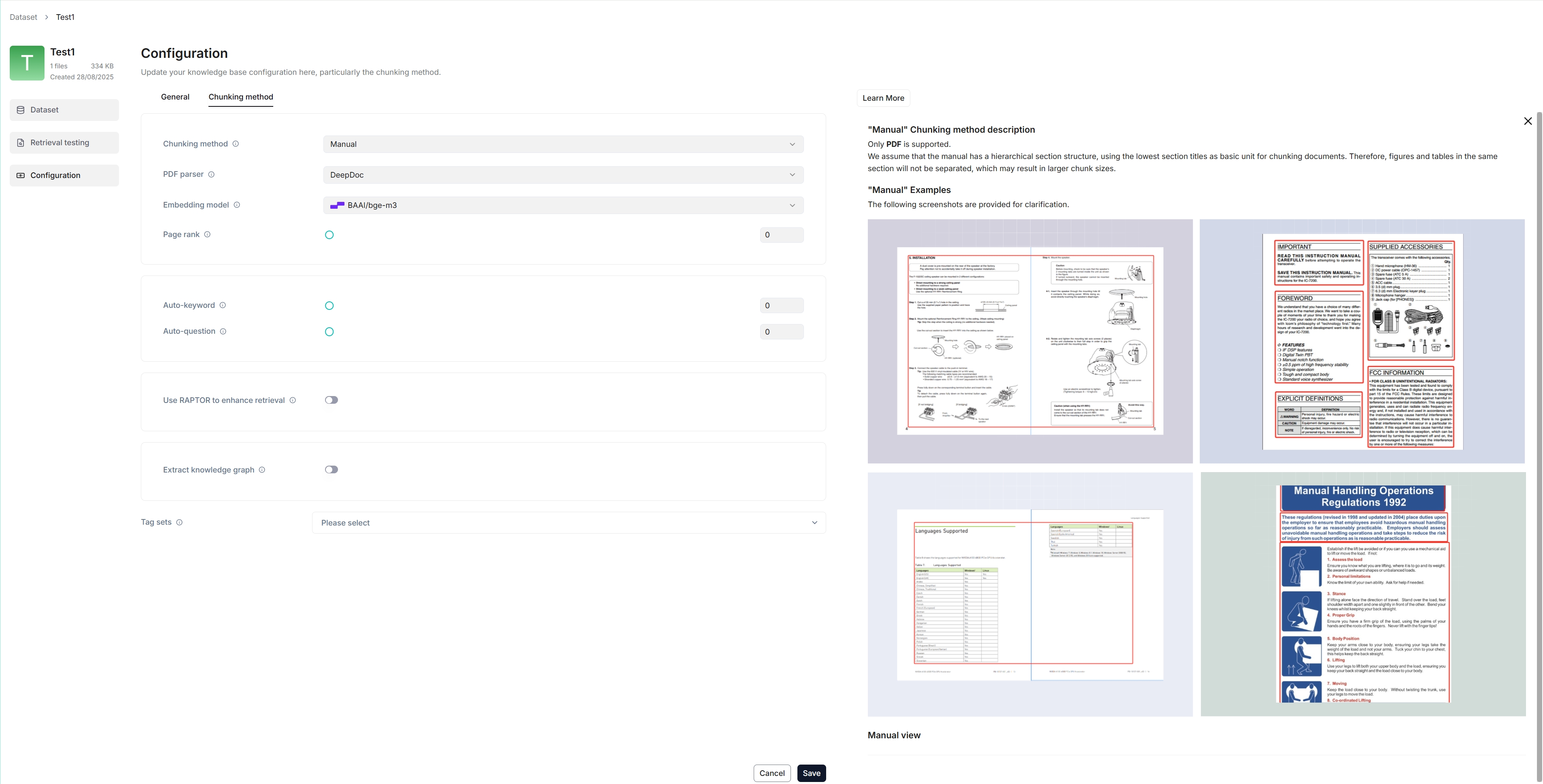
|
||||
|
||||
This section covers the following topics:
|
||||
|
||||
@ -56,7 +56,7 @@ RAGFlow offers multiple chunking template to facilitate chunking files of differ
|
||||
|
||||
You can also change a file's chunking method on the **Datasets** page.
|
||||
|
||||

|
||||

|
||||
|
||||
### Select embedding model
|
||||
|
||||
@ -82,10 +82,8 @@ While uploading files directly to a knowledge base seems more convenient, we *hi
|
||||
|
||||
File parsing is a crucial topic in knowledge base configuration. The meaning of file parsing in RAGFlow is twofold: chunking files based on file layout and building embedding and full-text (keyword) indexes on these chunks. After having selected the chunking method and embedding model, you can start parsing a file:
|
||||
|
||||

|
||||
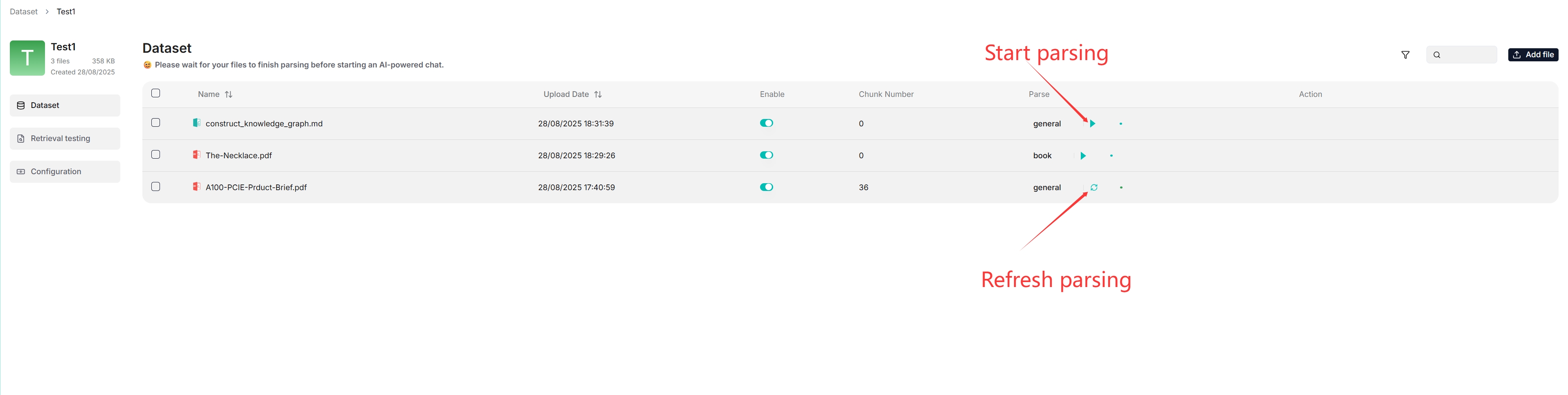
|
||||
|
||||
- Click the play button next to **UNSTART** to start file parsing.
|
||||
- Click the red-cross icon and then refresh, if your file parsing stalls for a long time.
|
||||
- As shown above, RAGFlow allows you to use a different chunking method for a particular file, offering flexibility beyond the default method.
|
||||
- As shown above, RAGFlow allows you to enable or disable individual files, offering finer control over knowledge base-based AI chats.
|
||||
|
||||
@ -97,13 +95,13 @@ RAGFlow features visibility and explainability, allowing you to view the chunkin
|
||||
|
||||
_You are taken to the **Chunk** page:_
|
||||
|
||||

|
||||
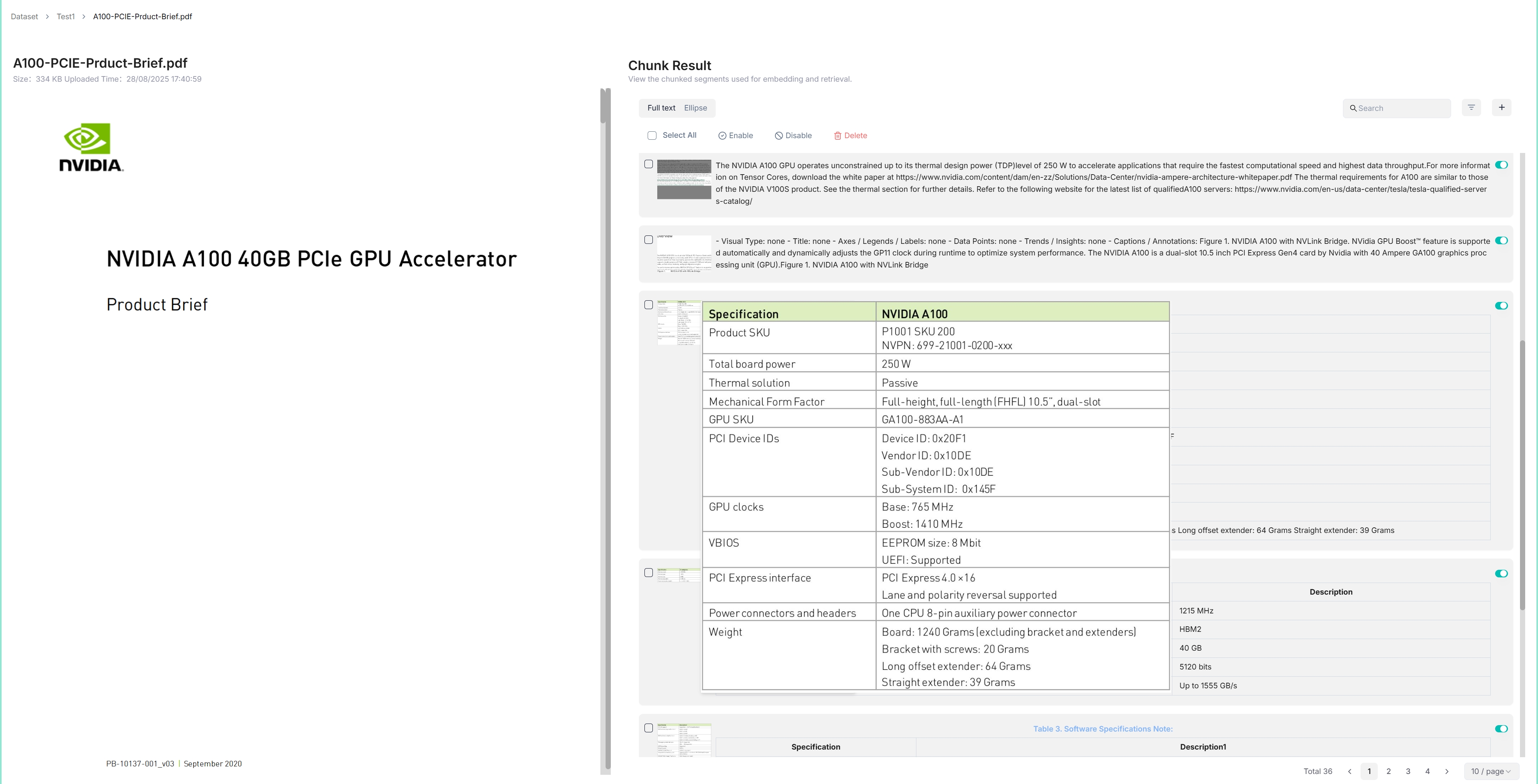
|
||||
|
||||
2. Hover over each snapshot for a quick view of each chunk.
|
||||
|
||||
3. Double-click the chunked texts to add keywords or make *manual* changes where necessary:
|
||||
3. Double-click the chunked texts to add keywords, questions, tags, or make *manual* changes where necessary:
|
||||
|
||||

|
||||
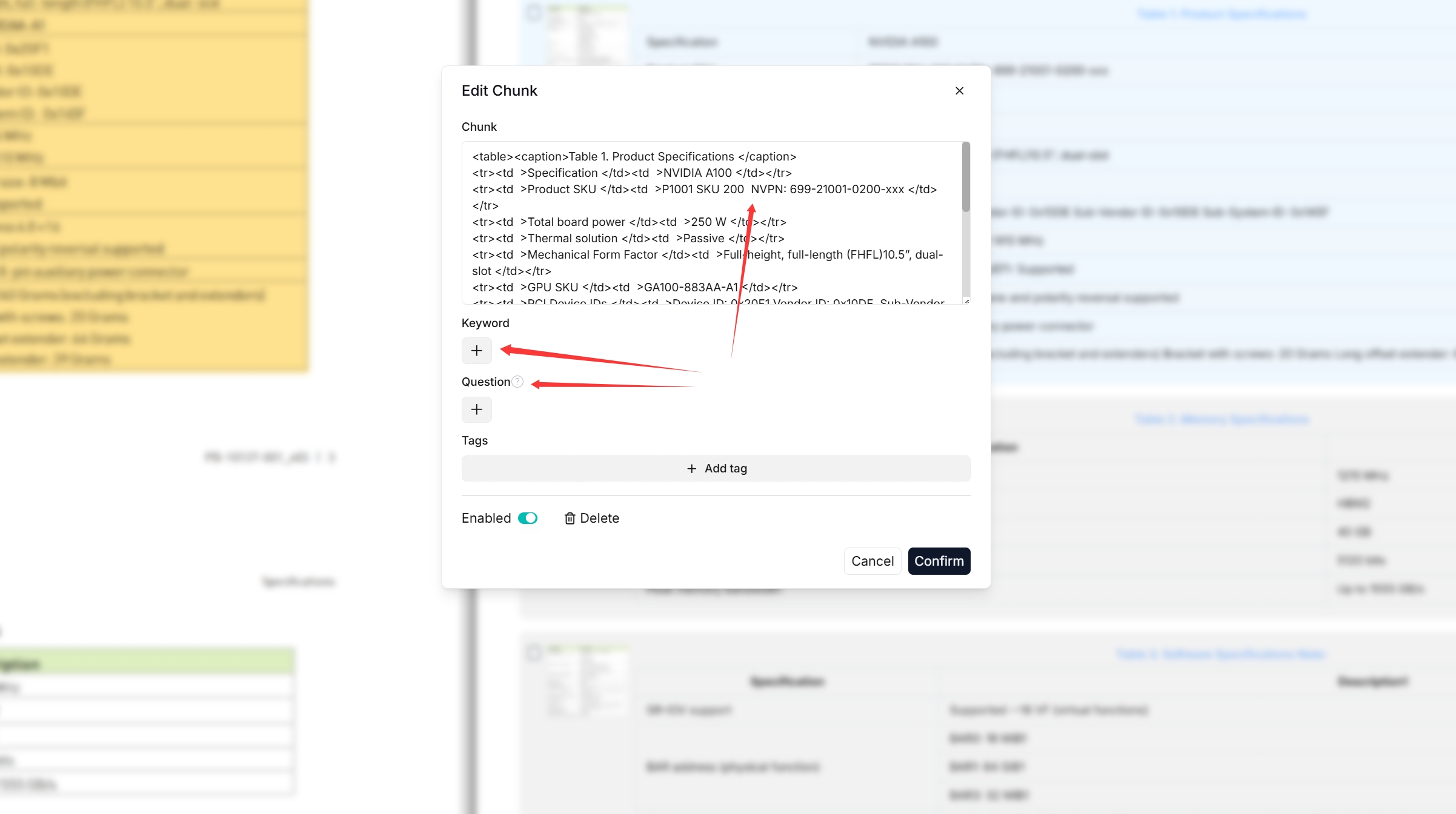
|
||||
|
||||
:::caution NOTE
|
||||
You can add keywords to a file chunk to increase its ranking for queries containing those keywords. This action increases its keyword weight and can improve its position in search list.
|
||||
@ -113,7 +111,7 @@ You can add keywords to a file chunk to increase its ranking for queries contain
|
||||
|
||||
_As you can tell from the following, RAGFlow responds with truthful citations._
|
||||
|
||||

|
||||
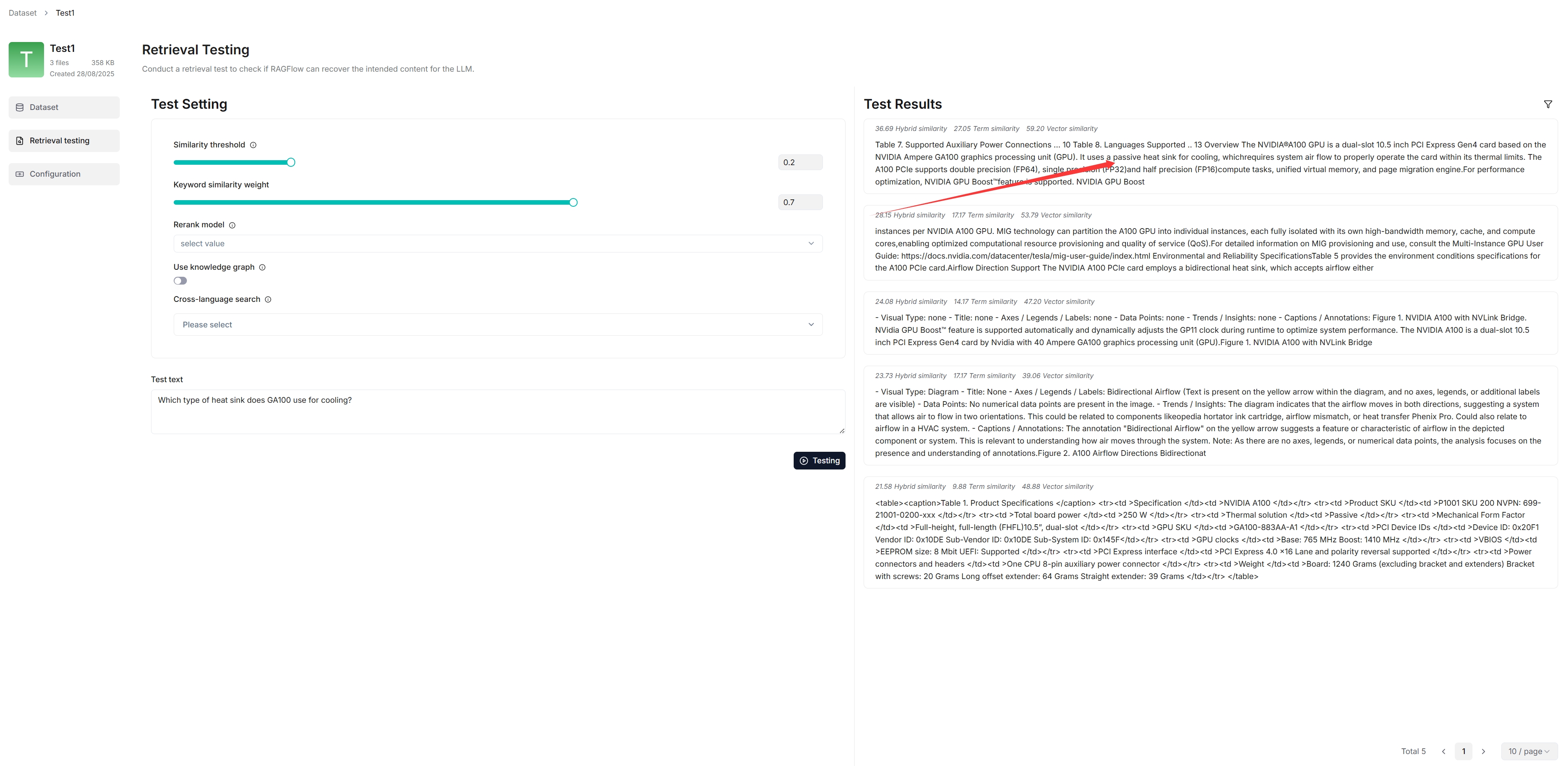
|
||||
|
||||
### Run retrieval testing
|
||||
|
||||
@ -124,13 +122,11 @@ RAGFlow uses multiple recall of both full-text search and vector search in its c
|
||||
|
||||
See [Run retrieval test](./run_retrieval_test.md) for details.
|
||||
|
||||

|
||||
|
||||
## Search for knowledge base
|
||||
|
||||
As of RAGFlow v0.20.4, the search feature is still in a rudimentary form, supporting only knowledge base search by name.
|
||||
|
||||

|
||||

|
||||
|
||||
## Delete knowledge base
|
||||
|
||||
@ -139,4 +135,4 @@ You are allowed to delete a knowledge base. Hover your mouse over the three dot
|
||||
- The files uploaded directly to the knowledge base are gone;
|
||||
- The file references, which you created from within **File Management**, are gone, but the associated files still exist in **File Management**.
|
||||
|
||||

|
||||

|
||||
|
||||
@ -31,7 +31,7 @@ RAPTOR (Recursive Abstractive Processing for Tree Organized Retrieval) can also
|
||||
|
||||
The system's default chat model is used to generate knowledge graph. Before proceeding, ensure that you have a chat model properly configured:
|
||||
|
||||

|
||||

|
||||
|
||||
## Configurations
|
||||
|
||||
@ -74,7 +74,7 @@ In a knowledge graph, a community is a cluster of entities linked by relationshi
|
||||
3. Click **Knowledge graph** to view the details of the generated graph.
|
||||
4. To use the created knowledge graph, do either of the following:
|
||||
|
||||
- In your **Chat Configuration** dialogue, click the **Assistant settings** tab to add the corresponding knowledge base(s) and click the **Prompt engine** tab to switch on the **Use knowledge graph** toggle.
|
||||
- In the **Chat setting** panel of your chat app, switch on the **Use knowledge graph** toggle.
|
||||
- If you are using an agent, click the **Retrieval** agent component to specify the knowledge base(s) and switch on the **Use knowledge graph** toggle.
|
||||
|
||||
## Frequently asked questions
|
||||
|
||||
@ -39,7 +39,7 @@ Knowledge graphs can also be used for multi-hop question-answering tasks. See [C
|
||||
|
||||
The system's default chat model is used to summarize clustered content. Before proceeding, ensure that you have a chat model properly configured:
|
||||
|
||||

|
||||

|
||||
|
||||
## Configurations
|
||||
|
||||
|
||||
@ -13,13 +13,13 @@ On the **Dataset** page of your knowledge base, you can add metadata to any uplo
|
||||
|
||||
For example, if you have a dataset of HTML files and want the LLM to cite the source URL when responding to your query, add a `"url"` parameter to each file's metadata.
|
||||
|
||||

|
||||

|
||||
|
||||
:::tip NOTE
|
||||
Ensure that your metadata is in JSON format; otherwise, your updates will not be applied.
|
||||
:::
|
||||
|
||||

|
||||
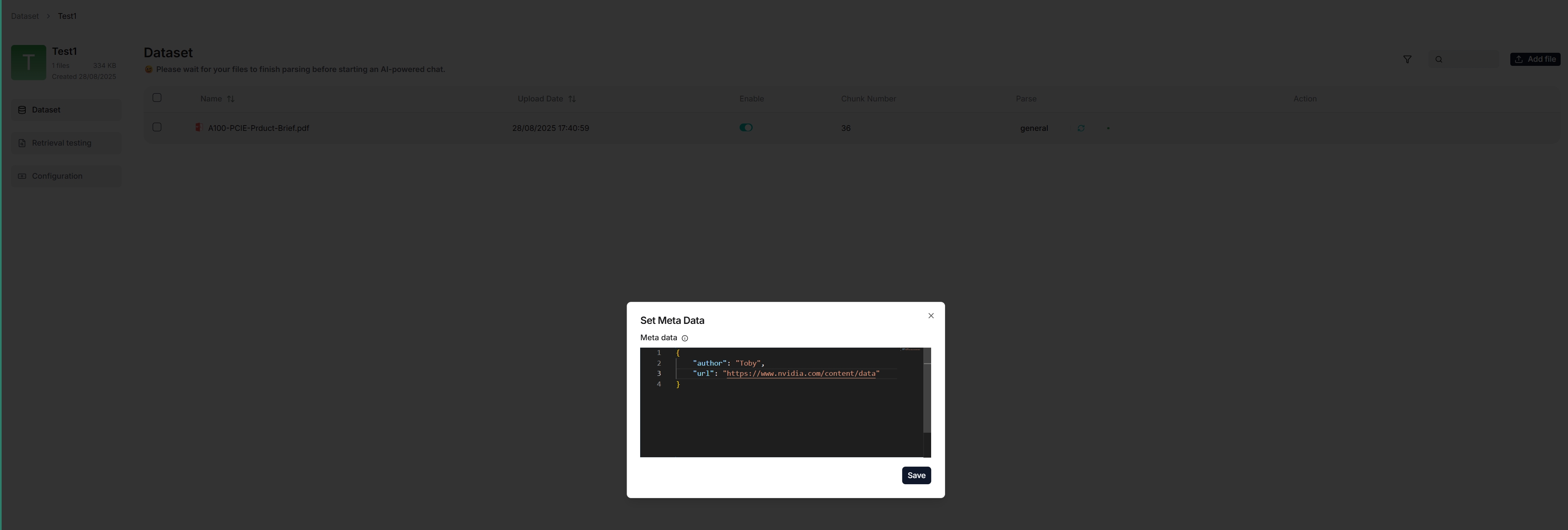
|
||||
|
||||
## Frequently asked questions
|
||||
|
||||
|
||||
@ -42,13 +42,7 @@ After logging into RAGFlow, configuring your model API key through the **service
|
||||
After logging into RAGFlow, you can *only* configure API Key on the **Model providers** page:
|
||||
|
||||
1. Click on your logo on the top right of the page **>** **Model providers**.
|
||||
2. Find your model card under **Models to be added** and click **Add the model**:
|
||||

|
||||
2. Find your model card under **Models to be added** and click **Add the model**.
|
||||
3. Paste your model API key.
|
||||
4. Fill in your base URL if you use a proxy to connect to the remote service.
|
||||
5. Click **OK** to confirm your changes.
|
||||
|
||||
:::note
|
||||
To update an existing model API key:
|
||||

|
||||
:::
|
||||
5. Click **OK** to confirm your changes.
|
||||
@ -26,20 +26,12 @@ You cannot invite users to a team unless you are its owner.
|
||||
|
||||
## Accept or decline team invite
|
||||
|
||||
1. You will be notified when you receive an invitation to join a team:
|
||||
|
||||
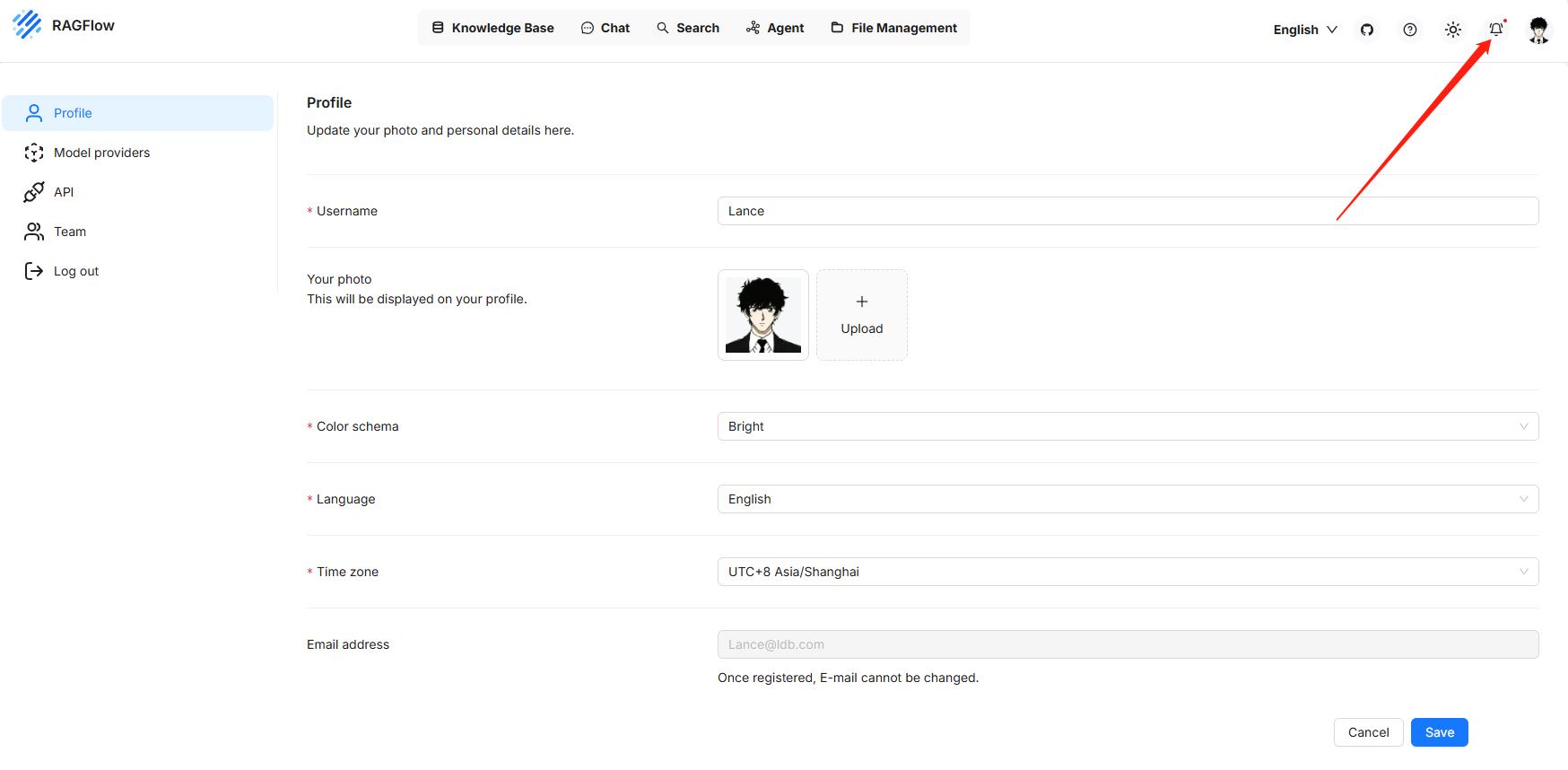
|
||||
1. You will be notified on the top right corner of your system page when you receive an invitation to join a team.
|
||||
|
||||
2. Click on your avatar in the top right corner of the page, then select **Team** in the left-hand panel to access the **Team** page.
|
||||
|
||||

|
||||
|
||||
_On the **Team** page, you can view the information about members of your team and the teams you have joined._
|
||||
|
||||

|
||||
|
||||
_After accepting the team invite, you should be able to view and update the team owner's knowledge bases whose **Permissions** is set to **Team**._
|
||||
|
||||
## Leave a joined team
|
||||
|
||||
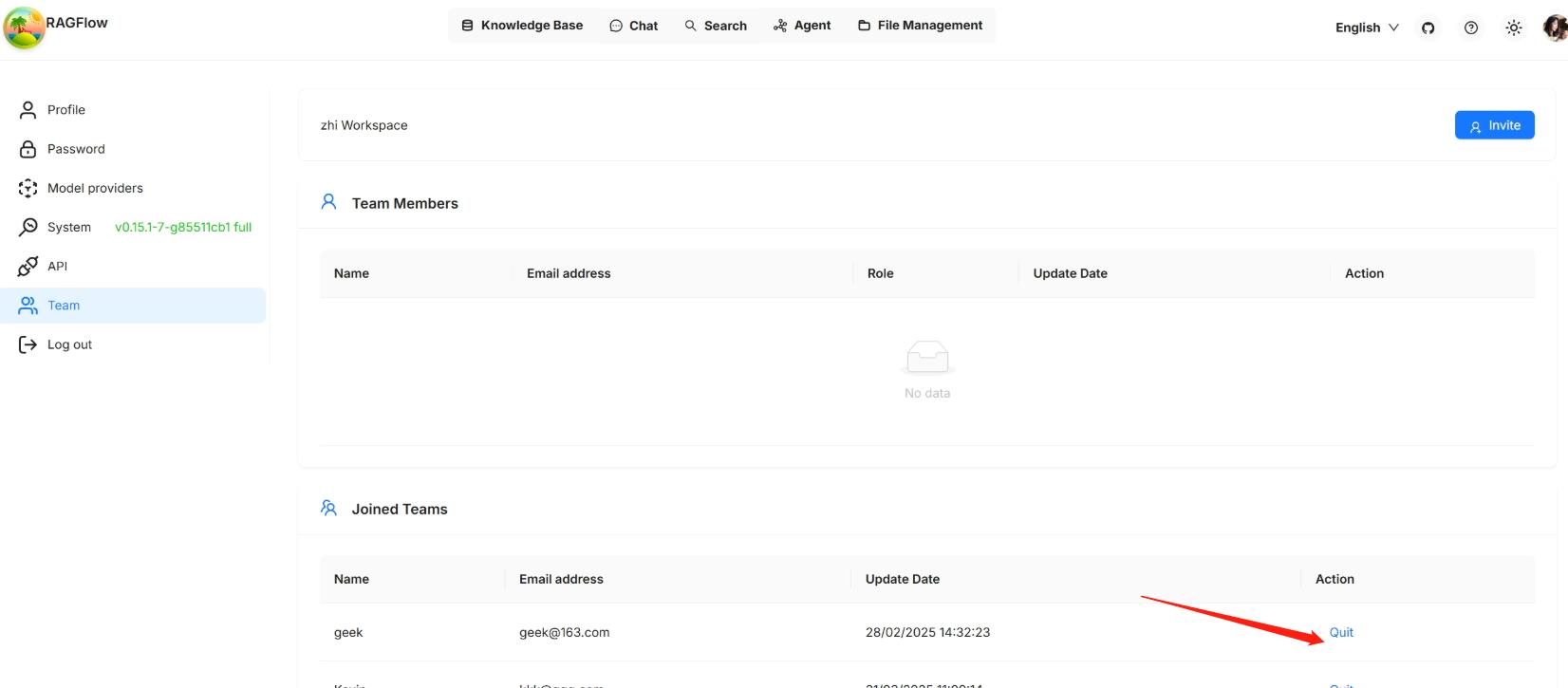
|
||||
## Leave a joined team
|
||||
@ -29,14 +29,14 @@ By default, each RAGFlow user is assigned a single team named after their name.
|
||||
|
||||
Click on your avatar in the top right corner of the page, then select **Team** in the left-hand panel to access the **Team** page.
|
||||
|
||||

|
||||
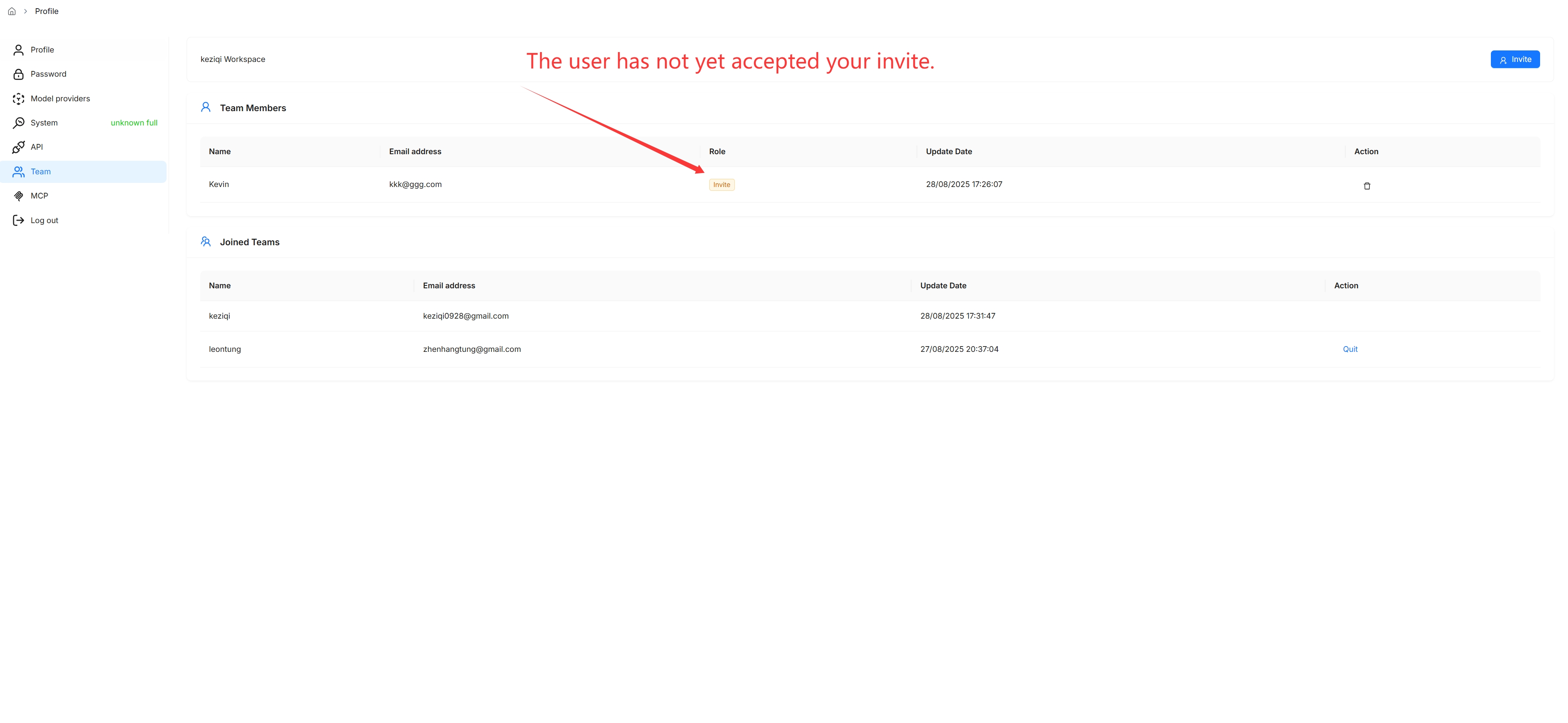
|
||||
|
||||
_On the **Team** page, you can view the information about members of your team and the teams you have joined._
|
||||
|
||||
You are, by default, the owner of your own team and the only person permitted to invite users to join your team or remove team members.
|
||||
|
||||

|
||||
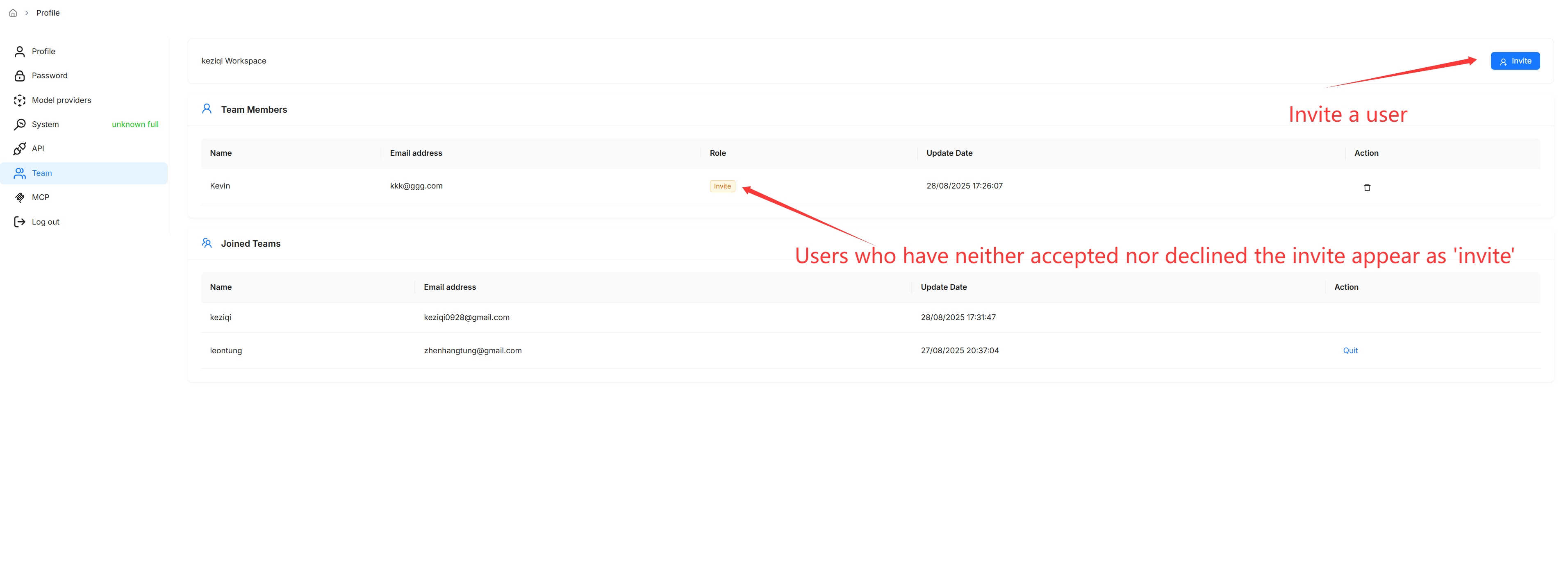
|
||||
|
||||
## Remove team members
|
||||
|
||||

|
||||
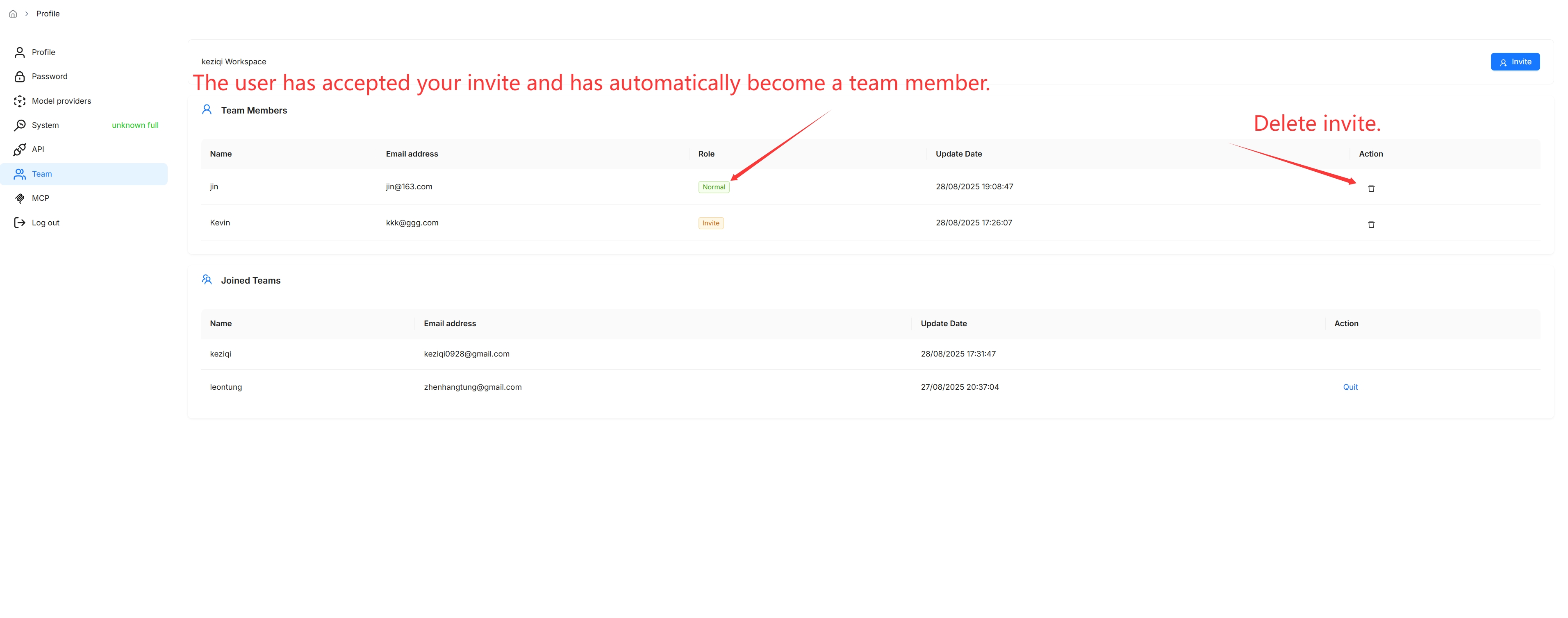
|
||||
@ -12,12 +12,8 @@ Share an Agent with your team members.
|
||||
When ready, you may share your Agents with your team members so that they can use them. Please note that your Agents are not shared automatically; you must manually enable sharing by selecting the corresponding **Permissions** radio button:
|
||||
|
||||
1. Click the intended Agent to open its editing canvas.
|
||||
2. Click **Settings** to show the **Agent settings** dialogue.
|
||||
2. Click **Management** > **Settings** to show the **Agent settings** dialogue.
|
||||
3. Change **Permissions** from **Only me** to **Team**.
|
||||
4. Click **Save** to apply your changes.
|
||||
|
||||
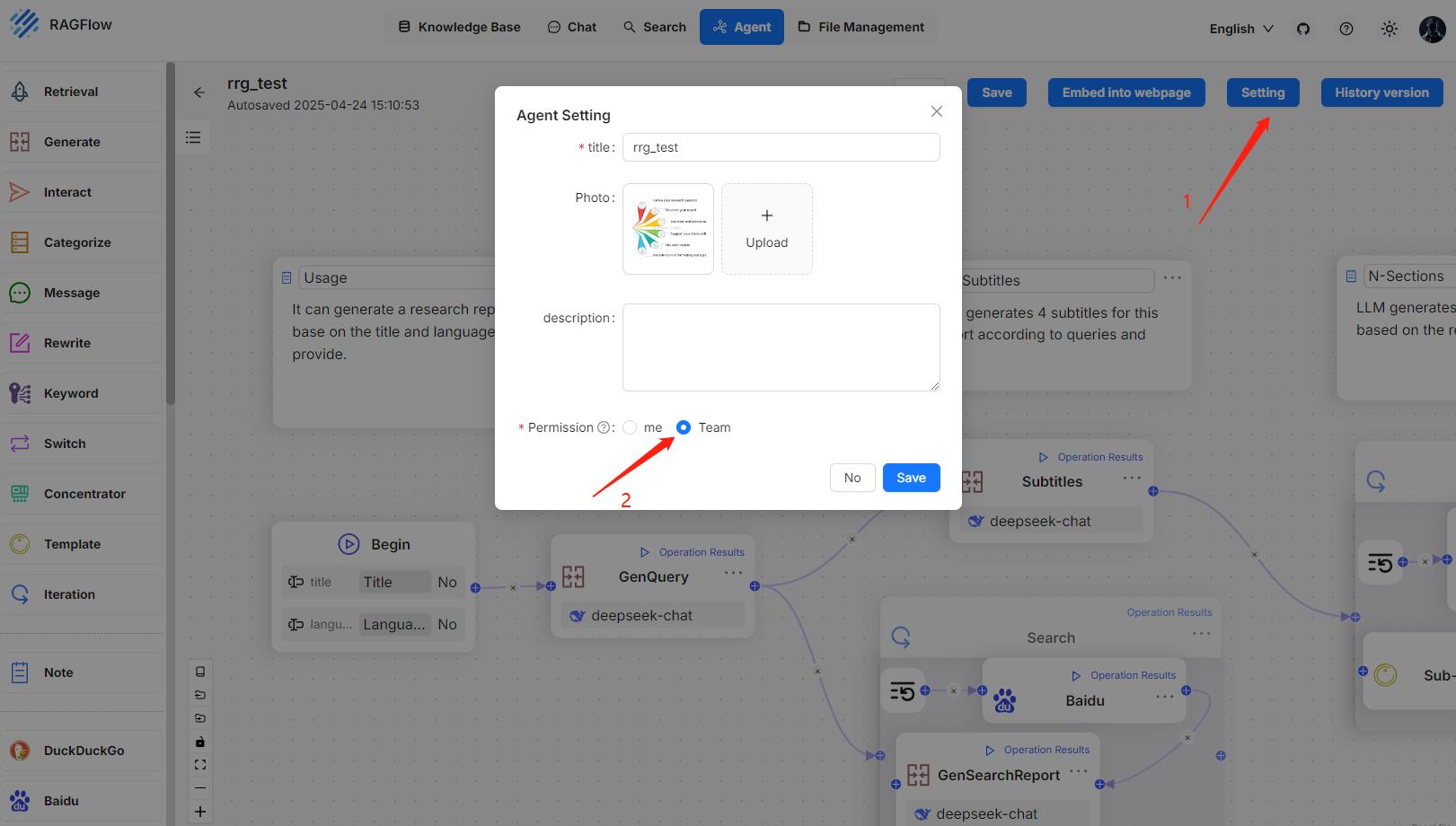
|
||||
|
||||
*When completed, your team members will see your shared Agents like this:*
|
||||
|
||||
|
||||
*When completed, your team members will see your shared Agents.*
|
||||
@ -15,8 +15,4 @@ When ready, you may share your knowledge bases with your team members so that th
|
||||
2. Change **Permissions** from **Only me** to **Team**.
|
||||
3. Click **Save** to apply your changes.
|
||||
|
||||
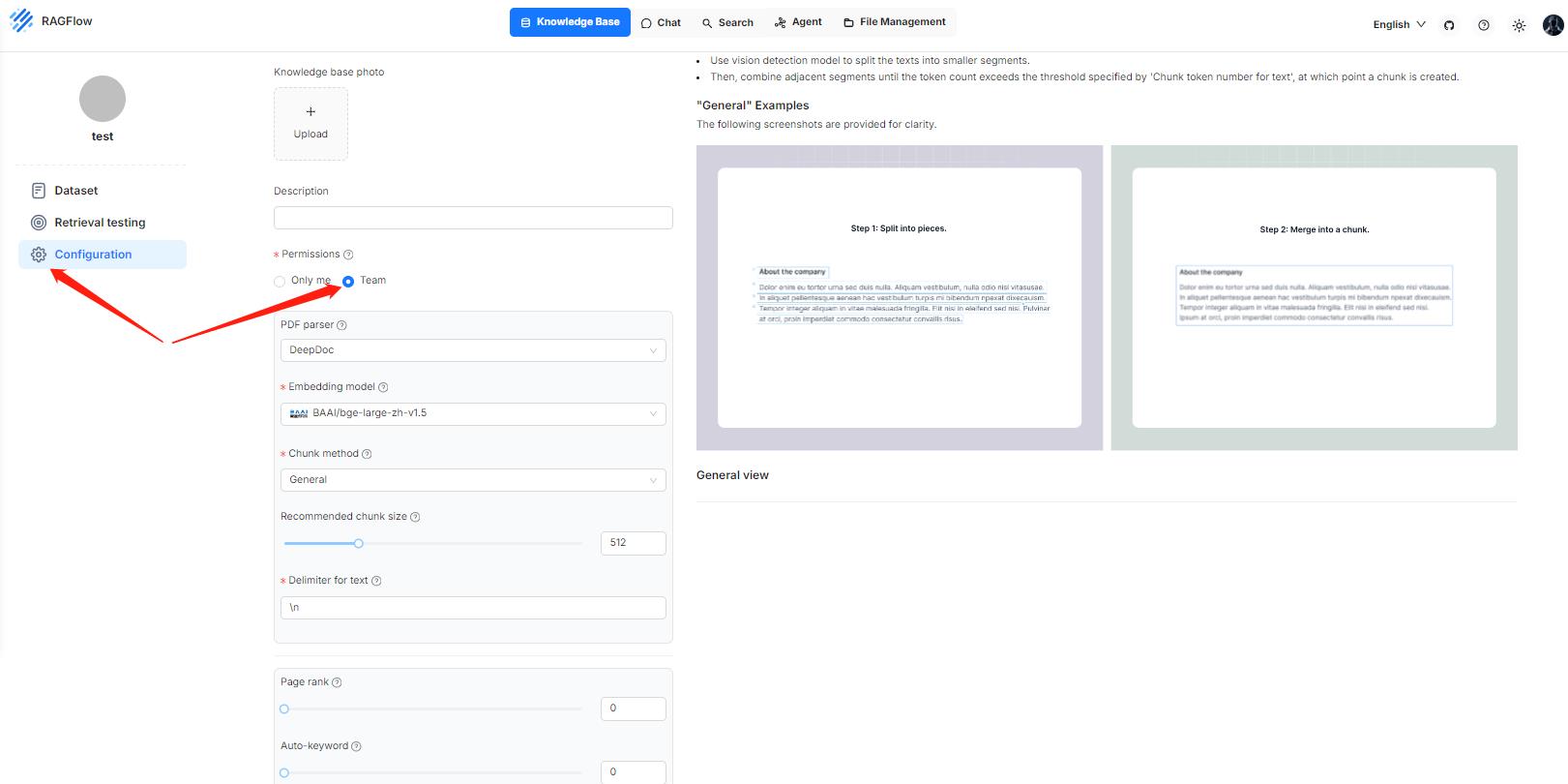
|
||||
|
||||
*Once completed, your team members will see your shared knowledge bases like this:*
|
||||
|
||||
|
||||
*Once completed, your team members will see your shared knowledge bases.*
|
||||
@ -267,25 +267,16 @@ RAGFlow also supports deploying LLMs locally using Ollama, Xinference, or LocalA
|
||||
|
||||
To add and configure an LLM:
|
||||
|
||||
1. Click on your logo on the top right of the page **>** **Model providers**:
|
||||
1. Click on your logo on the top right of the page **>** **Model providers**.
|
||||
|
||||

|
||||
|
||||
2. Click on the desired LLM and update the API key accordingly (DeepSeek-V2 in this case):
|
||||
|
||||

|
||||
|
||||
*Your added models appear as follows:*
|
||||
|
||||

|
||||
2. Click on the desired LLM and update the API key accordingly.
|
||||
|
||||
3. Click **System Model Settings** to select the default models:
|
||||
|
||||
- Chat model,
|
||||
- Embedding model,
|
||||
- Image-to-text model.
|
||||
|
||||

|
||||
- Image-to-text model,
|
||||
- and more.
|
||||
|
||||
> Some models, such as the image-to-text model **qwen-vl-max**, are subsidiary to a specific LLM. And you may need to update your API key to access these models.
|
||||
|
||||
@ -295,13 +286,13 @@ You are allowed to upload files to a knowledge base in RAGFlow and parse them in
|
||||
|
||||
To create your first knowledge base:
|
||||
|
||||
1. Click the **Knowledge Base** tab in the top middle of the page **>** **Create knowledge base**.
|
||||
1. Click the **Dataset** tab in the top middle of the page **>** **Create dataset**.
|
||||
|
||||
2. Input the name of your knowledge base and click **OK** to confirm your changes.
|
||||
|
||||
_You are taken to the **Configuration** page of your knowledge base._
|
||||
|
||||

|
||||

|
||||
|
||||
3. RAGFlow offers multiple chunk templates that cater to different document layouts and file formats. Select the embedding model and chunking method (template) for your knowledge base.
|
||||
|
||||
@ -315,9 +306,7 @@ Once you have selected an embedding model and used it to parse a file, you are n
|
||||
|
||||
5. In the uploaded file entry, click the play button to start file parsing:
|
||||
|
||||

|
||||
|
||||
_When the file parsing completes, its parsing status changes to **SUCCESS**._
|
||||

|
||||
|
||||
:::caution NOTE
|
||||
- If your file parsing gets stuck at below 1%, see [this FAQ](./faq.mdx#why-does-my-document-parsing-stall-at-under-one-percent).
|
||||
@ -332,23 +321,23 @@ RAGFlow features visibility and explainability, allowing you to view the chunkin
|
||||
|
||||
_You are taken to the **Chunk** page:_
|
||||
|
||||

|
||||

|
||||
|
||||
2. Hover over each snapshot for a quick view of each chunk.
|
||||
|
||||
3. Double click the chunked texts to add keywords or make *manual* changes where necessary:
|
||||
|
||||

|
||||

|
||||
|
||||
:::caution NOTE
|
||||
You can add keywords to a file chunk to improve its ranking for queries containing those keywords. This action increases its keyword weight and can improve its position in search list.
|
||||
You can add keywords or questions to a file chunk to improve its ranking for queries containing those keywords. This action increases its keyword weight and can improve its position in search list.
|
||||
:::
|
||||
|
||||
4. In Retrieval testing, ask a quick question in **Test text** to double check if your configurations work:
|
||||
|
||||
_As you can tell from the following, RAGFlow responds with truthful citations._
|
||||
|
||||

|
||||

|
||||
|
||||
## Set up an AI chat
|
||||
|
||||
@ -370,9 +359,7 @@ Conversations in RAGFlow are based on a particular knowledge base or multiple kn
|
||||
|
||||
5. Now, let's start the show:
|
||||
|
||||

|
||||
|
||||

|
||||

|
||||
|
||||
|
||||
:::tip NOTE
|
||||
|
||||
@ -143,7 +143,6 @@ Non-stream:
|
||||
}
|
||||
```
|
||||
|
||||
|
||||
Failure:
|
||||
|
||||
```json
|
||||
@ -200,19 +199,24 @@ curl --request POST \
|
||||
- `stream` (*Body parameter*) `boolean`
|
||||
Whether to receive the response as a stream. Set this to `false` explicitly if you prefer to receive the entire response in one go instead of as a stream.
|
||||
|
||||
- `session_id` (*Body parameter*) `string`
|
||||
Agent session id.
|
||||
|
||||
#### Response
|
||||
|
||||
Stream:
|
||||
|
||||
```json
|
||||
...
|
||||
|
||||
data: {
|
||||
"id": "5fa65c94-e316-4954-800a-06dfd5827052",
|
||||
"id": "c39f6f9c83d911f0858253708ecb6573",
|
||||
"object": "chat.completion.chunk",
|
||||
"model": "99ee29d6783511f09c921a6272e682d8",
|
||||
"model": "d1f79142831f11f09cc51795b9eb07c0",
|
||||
"choices": [
|
||||
{
|
||||
"delta": {
|
||||
"content": "Hello"
|
||||
"content": " terminal"
|
||||
},
|
||||
"finish_reason": null,
|
||||
"index": 0
|
||||
@ -220,21 +224,83 @@ data: {
|
||||
]
|
||||
}
|
||||
|
||||
data: {"id": "518022d9-545b-4100-89ed-ecd9e46fa753", "object": "chat.completion.chunk", "model": "99ee29d6783511f09c921a6272e682d8", "choices": [{"delta": {"content": "!"}, "finish_reason": null, "index": 0}]}
|
||||
data: {
|
||||
"id": "c39f6f9c83d911f0858253708ecb6573",
|
||||
"object": "chat.completion.chunk",
|
||||
"model": "d1f79142831f11f09cc51795b9eb07c0",
|
||||
"choices": [
|
||||
{
|
||||
"delta": {
|
||||
"content": "."
|
||||
},
|
||||
"finish_reason": null,
|
||||
"index": 0
|
||||
}
|
||||
]
|
||||
}
|
||||
|
||||
data: {"id": "f37c4af0-8187-4c86-8186-048c3c6ffe4e", "object": "chat.completion.chunk", "model": "99ee29d6783511f09c921a6272e682d8", "choices": [{"delta": {"content": " How"}, "finish_reason": null, "index": 0}]}
|
||||
|
||||
data: {"id": "3ebc0fcb-0f85-4024-b4a5-3b03234a16df", "object": "chat.completion.chunk", "model": "99ee29d6783511f09c921a6272e682d8", "choices": [{"delta": {"content": " can"}, "finish_reason": null, "index": 0}]}
|
||||
|
||||
data: {"id": "efa1f3cf-7bc4-47a4-8e53-cd696f290587", "object": "chat.completion.chunk", "model": "99ee29d6783511f09c921a6272e682d8", "choices": [{"delta": {"content": " I"}, "finish_reason": null, "index": 0}]}
|
||||
|
||||
data: {"id": "2eb6f741-50a3-4d3d-8418-88be27895611", "object": "chat.completion.chunk", "model": "99ee29d6783511f09c921a6272e682d8", "choices": [{"delta": {"content": " assist"}, "finish_reason": null, "index": 0}]}
|
||||
|
||||
data: {"id": "f1227e4f-bf8b-462c-8632-8f5269492ce9", "object": "chat.completion.chunk", "model": "99ee29d6783511f09c921a6272e682d8", "choices": [{"delta": {"content": " you"}, "finish_reason": null, "index": 0}]}
|
||||
|
||||
data: {"id": "35b669d0-b2be-4c0c-88d8-17ff98592b21", "object": "chat.completion.chunk", "model": "99ee29d6783511f09c921a6272e682d8", "choices": [{"delta": {"content": " today"}, "finish_reason": null, "index": 0}]}
|
||||
|
||||
data: {"id": "f00d8a39-af60-4f32-924f-d64106a7fdf1", "object": "chat.completion.chunk", "model": "99ee29d6783511f09c921a6272e682d8", "choices": [{"delta": {"content": "?"}, "finish_reason": null, "index": 0}]}
|
||||
data: {
|
||||
"id": "c39f6f9c83d911f0858253708ecb6573",
|
||||
"object": "chat.completion.chunk",
|
||||
"model": "d1f79142831f11f09cc51795b9eb07c0",
|
||||
"choices": [
|
||||
{
|
||||
"delta": {
|
||||
"content": "",
|
||||
"reference": {
|
||||
"chunks": {
|
||||
"20": {
|
||||
"id": "4b8935ac0a22deb1",
|
||||
"content": "```cd /usr/ports/editors/neovim/ && make install```## Android[Termux](https://github.com/termux/termux-app) offers a Neovim package.",
|
||||
"document_id": "4bdd2ff65e1511f0907f09f583941b45",
|
||||
"document_name": "INSTALL22.md",
|
||||
"dataset_id": "456ce60c5e1511f0907f09f583941b45",
|
||||
"image_id": "",
|
||||
"positions": [
|
||||
[
|
||||
12,
|
||||
11,
|
||||
11,
|
||||
11,
|
||||
11
|
||||
]
|
||||
],
|
||||
"url": null,
|
||||
"similarity": 0.5697155305154673,
|
||||
"vector_similarity": 0.7323851005515574,
|
||||
"term_similarity": 0.5000000005,
|
||||
"doc_type": ""
|
||||
}
|
||||
},
|
||||
"doc_aggs": {
|
||||
"INSTALL22.md": {
|
||||
"doc_name": "INSTALL22.md",
|
||||
"doc_id": "4bdd2ff65e1511f0907f09f583941b45",
|
||||
"count": 3
|
||||
},
|
||||
"INSTALL.md": {
|
||||
"doc_name": "INSTALL.md",
|
||||
"doc_id": "4bd7fdd85e1511f0907f09f583941b45",
|
||||
"count": 2
|
||||
},
|
||||
"INSTALL(1).md": {
|
||||
"doc_name": "INSTALL(1).md",
|
||||
"doc_id": "4bdfb42e5e1511f0907f09f583941b45",
|
||||
"count": 2
|
||||
},
|
||||
"INSTALL3.md": {
|
||||
"doc_name": "INSTALL3.md",
|
||||
"doc_id": "4bdab5825e1511f0907f09f583941b45",
|
||||
"count": 1
|
||||
}
|
||||
}
|
||||
}
|
||||
},
|
||||
"finish_reason": null,
|
||||
"index": 0
|
||||
}
|
||||
]
|
||||
}
|
||||
|
||||
data: [DONE]
|
||||
```
|
||||
@ -249,30 +315,77 @@ Non-stream:
|
||||
"index": 0,
|
||||
"logprobs": null,
|
||||
"message": {
|
||||
"content": "Hello! How can I assist you today?",
|
||||
"content": "\nTo install Neovim, the process varies depending on your operating system:\n\n### For Windows:\n1. **Download from GitHub**: \n - Visit the [Neovim releases page](https://github.com/neovim/neovim/releases)\n - Download the latest Windows installer (nvim-win64.msi)\n - Run the installer and follow the prompts\n\n2. **Using winget** (Windows Package Manager):\n...",
|
||||
"reference": {
|
||||
"chunks": {
|
||||
"20": {
|
||||
"content": "```cd /usr/ports/editors/neovim/ && make install```## Android[Termux](https://github.com/termux/termux-app) offers a Neovim package.",
|
||||
"dataset_id": "456ce60c5e1511f0907f09f583941b45",
|
||||
"doc_type": "",
|
||||
"document_id": "4bdd2ff65e1511f0907f09f583941b45",
|
||||
"document_name": "INSTALL22.md",
|
||||
"id": "4b8935ac0a22deb1",
|
||||
"image_id": "",
|
||||
"positions": [
|
||||
[
|
||||
12,
|
||||
11,
|
||||
11,
|
||||
11,
|
||||
11
|
||||
]
|
||||
],
|
||||
"similarity": 0.5697155305154673,
|
||||
"term_similarity": 0.5000000005,
|
||||
"url": null,
|
||||
"vector_similarity": 0.7323851005515574
|
||||
}
|
||||
},
|
||||
"doc_aggs": {
|
||||
"INSTALL(1).md": {
|
||||
"count": 2,
|
||||
"doc_id": "4bdfb42e5e1511f0907f09f583941b45",
|
||||
"doc_name": "INSTALL(1).md"
|
||||
},
|
||||
"INSTALL.md": {
|
||||
"count": 2,
|
||||
"doc_id": "4bd7fdd85e1511f0907f09f583941b45",
|
||||
"doc_name": "INSTALL.md"
|
||||
},
|
||||
"INSTALL22.md": {
|
||||
"count": 3,
|
||||
"doc_id": "4bdd2ff65e1511f0907f09f583941b45",
|
||||
"doc_name": "INSTALL22.md"
|
||||
},
|
||||
"INSTALL3.md": {
|
||||
"count": 1,
|
||||
"doc_id": "4bdab5825e1511f0907f09f583941b45",
|
||||
"doc_name": "INSTALL3.md"
|
||||
}
|
||||
}
|
||||
},
|
||||
"role": "assistant"
|
||||
}
|
||||
}
|
||||
],
|
||||
"created": null,
|
||||
"id": "17aa4ec5-6d36-40c6-9a96-1b069c216d59",
|
||||
"model": "99ee29d6783511f09c921a6272e682d8",
|
||||
"id": "c39f6f9c83d911f0858253708ecb6573",
|
||||
"model": "d1f79142831f11f09cc51795b9eb07c0",
|
||||
"object": "chat.completion",
|
||||
"param": null,
|
||||
"usage": {
|
||||
"completion_tokens": 9,
|
||||
"completion_tokens": 415,
|
||||
"completion_tokens_details": {
|
||||
"accepted_prediction_tokens": 0,
|
||||
"reasoning_tokens": 0,
|
||||
"rejected_prediction_tokens": 0
|
||||
},
|
||||
"prompt_tokens": 1,
|
||||
"total_tokens": 10
|
||||
"prompt_tokens": 6,
|
||||
"total_tokens": 421
|
||||
}
|
||||
}
|
||||
```
|
||||
|
||||
|
||||
Failure:
|
||||
|
||||
```json
|
||||
@ -729,6 +842,7 @@ Failure:
|
||||
"message": "The dataset doesn't exist"
|
||||
}
|
||||
```
|
||||
|
||||
---
|
||||
|
||||
### Get knowledge graph
|
||||
@ -808,6 +922,7 @@ Failure:
|
||||
"message": "The dataset doesn't exist"
|
||||
}
|
||||
```
|
||||
|
||||
---
|
||||
|
||||
### Delete knowledge graph
|
||||
@ -855,6 +970,7 @@ Failure:
|
||||
"message": "The dataset doesn't exist"
|
||||
}
|
||||
```
|
||||
|
||||
---
|
||||
|
||||
## FILE MANAGEMENT WITHIN DATASET
|
||||
@ -3017,41 +3133,88 @@ success without `session_id` provided and with no variables specified in the **B
|
||||
Stream:
|
||||
|
||||
```json
|
||||
data:{
|
||||
"event": "message",
|
||||
"message_id": "eb0c0a5e783511f0b9b61a6272e682d8",
|
||||
"created_at": 1755083342,
|
||||
"task_id": "99ee29d6783511f09c921a6272e682d8",
|
||||
"data": {
|
||||
"content": "Hello"
|
||||
},
|
||||
"session_id": "eaf19a8e783511f0b9b61a6272e682d8"
|
||||
}
|
||||
|
||||
data:{
|
||||
"event": "message",
|
||||
"message_id": "eb0c0a5e783511f0b9b61a6272e682d8",
|
||||
"created_at": 1755083342,
|
||||
"task_id": "99ee29d6783511f09c921a6272e682d8",
|
||||
"data": {
|
||||
"content": "!"
|
||||
},
|
||||
"session_id": "eaf19a8e783511f0b9b61a6272e682d8"
|
||||
}
|
||||
|
||||
data:{
|
||||
"event": "message",
|
||||
"message_id": "eb0c0a5e783511f0b9b61a6272e682d8",
|
||||
"created_at": 1755083342,
|
||||
"task_id": "99ee29d6783511f09c921a6272e682d8",
|
||||
"data": {
|
||||
"content": " How"
|
||||
},
|
||||
"session_id": "eaf19a8e783511f0b9b61a6272e682d8"
|
||||
}
|
||||
|
||||
...
|
||||
|
||||
data: {
|
||||
"event": "message",
|
||||
"message_id": "cecdcb0e83dc11f0858253708ecb6573",
|
||||
"created_at": 1756364483,
|
||||
"task_id": "d1f79142831f11f09cc51795b9eb07c0",
|
||||
"data": {
|
||||
"content": " themes"
|
||||
},
|
||||
"session_id": "cd097ca083dc11f0858253708ecb6573"
|
||||
}
|
||||
|
||||
data: {
|
||||
"event": "message",
|
||||
"message_id": "cecdcb0e83dc11f0858253708ecb6573",
|
||||
"created_at": 1756364483,
|
||||
"task_id": "d1f79142831f11f09cc51795b9eb07c0",
|
||||
"data": {
|
||||
"content": "."
|
||||
},
|
||||
"session_id": "cd097ca083dc11f0858253708ecb6573"
|
||||
}
|
||||
|
||||
data: {
|
||||
"event": "message_end",
|
||||
"message_id": "cecdcb0e83dc11f0858253708ecb6573",
|
||||
"created_at": 1756364483,
|
||||
"task_id": "d1f79142831f11f09cc51795b9eb07c0",
|
||||
"data": {
|
||||
"reference": {
|
||||
"chunks": {
|
||||
"20": {
|
||||
"id": "4b8935ac0a22deb1",
|
||||
"content": "```cd /usr/ports/editors/neovim/ && make install```## Android[Termux](https://github.com/termux/termux-app) offers a Neovim package.",
|
||||
"document_id": "4bdd2ff65e1511f0907f09f583941b45",
|
||||
"document_name": "INSTALL22.md",
|
||||
"dataset_id": "456ce60c5e1511f0907f09f583941b45",
|
||||
"image_id": "",
|
||||
"positions": [
|
||||
[
|
||||
12,
|
||||
11,
|
||||
11,
|
||||
11,
|
||||
11
|
||||
]
|
||||
],
|
||||
"url": null,
|
||||
"similarity": 0.5705525104787287,
|
||||
"vector_similarity": 0.7351750337624289,
|
||||
"term_similarity": 0.5000000005,
|
||||
"doc_type": ""
|
||||
}
|
||||
},
|
||||
"doc_aggs": {
|
||||
"INSTALL22.md": {
|
||||
"doc_name": "INSTALL22.md",
|
||||
"doc_id": "4bdd2ff65e1511f0907f09f583941b45",
|
||||
"count": 3
|
||||
},
|
||||
"INSTALL.md": {
|
||||
"doc_name": "INSTALL.md",
|
||||
"doc_id": "4bd7fdd85e1511f0907f09f583941b45",
|
||||
"count": 2
|
||||
},
|
||||
"INSTALL(1).md": {
|
||||
"doc_name": "INSTALL(1).md",
|
||||
"doc_id": "4bdfb42e5e1511f0907f09f583941b45",
|
||||
"count": 2
|
||||
},
|
||||
"INSTALL3.md": {
|
||||
"doc_name": "INSTALL3.md",
|
||||
"doc_id": "4bdab5825e1511f0907f09f583941b45",
|
||||
"count": 1
|
||||
}
|
||||
}
|
||||
}
|
||||
},
|
||||
"session_id": "cd097ca083dc11f0858253708ecb6573"
|
||||
}
|
||||
|
||||
data:[DONE]
|
||||
```
|
||||
|
||||
@ -3061,21 +3224,77 @@ Non-stream:
|
||||
{
|
||||
"code": 0,
|
||||
"data": {
|
||||
"created_at": 1755083440,
|
||||
"created_at": 1756363177,
|
||||
"data": {
|
||||
"created_at": 547061.147866385,
|
||||
"elapsed_time": 2.595433341921307,
|
||||
"inputs": {},
|
||||
"content": "\nTo install Neovim, the process varies depending on your operating system:\n\n### For macOS:\nUsing Homebrew:\n```bash\nbrew install neovim\n```\n\n### For Linux (Debian/Ubuntu):\n```bash\nsudo apt update\nsudo apt install neovim\n```\n\nFor other Linux distributions, you can use their respective package managers or build from source.\n\n### For Windows:\n1. Download the latest Windows installer from the official Neovim GitHub releases page\n2. Run the installer and follow the prompts\n3. Add Neovim to your PATH if not done automatically\n\n### From source (Unix-like systems):\n```bash\ngit clone https://github.com/neovim/neovim.git\ncd neovim\nmake CMAKE_BUILD_TYPE=Release\nsudo make install\n```\n\nAfter installation, you can verify it by running `nvim --version` in your terminal.",
|
||||
"created_at": 18129.044975627,
|
||||
"elapsed_time": 10.0157331670016,
|
||||
"inputs": {
|
||||
"var1": {
|
||||
"value": "I am var1"
|
||||
},
|
||||
"var2": {
|
||||
"value": "I am var2"
|
||||
}
|
||||
},
|
||||
"outputs": {
|
||||
"_created_time": 547061.149137775,
|
||||
"_elapsed_time": 8.720310870558023e-05,
|
||||
"content": "Hello! How can I assist you today?"
|
||||
"_created_time": 18129.502422278,
|
||||
"_elapsed_time": 0.00013378599760471843,
|
||||
"content": "\nTo install Neovim, the process varies depending on your operating system:\n\n### For macOS:\nUsing Homebrew:\n```bash\nbrew install neovim\n```\n\n### For Linux (Debian/Ubuntu):\n```bash\nsudo apt update\nsudo apt install neovim\n```\n\nFor other Linux distributions, you can use their respective package managers or build from source.\n\n### For Windows:\n1. Download the latest Windows installer from the official Neovim GitHub releases page\n2. Run the installer and follow the prompts\n3. Add Neovim to your PATH if not done automatically\n\n### From source (Unix-like systems):\n```bash\ngit clone https://github.com/neovim/neovim.git\ncd neovim\nmake CMAKE_BUILD_TYPE=Release\nsudo make install\n```\n\nAfter installation, you can verify it by running `nvim --version` in your terminal."
|
||||
},
|
||||
"reference": {
|
||||
"chunks": {
|
||||
"20": {
|
||||
"content": "```cd /usr/ports/editors/neovim/ && make install```## Android[Termux](https://github.com/termux/termux-app) offers a Neovim package.",
|
||||
"dataset_id": "456ce60c5e1511f0907f09f583941b45",
|
||||
"doc_type": "",
|
||||
"document_id": "4bdd2ff65e1511f0907f09f583941b45",
|
||||
"document_name": "INSTALL22.md",
|
||||
"id": "4b8935ac0a22deb1",
|
||||
"image_id": "",
|
||||
"positions": [
|
||||
[
|
||||
12,
|
||||
11,
|
||||
11,
|
||||
11,
|
||||
11
|
||||
]
|
||||
],
|
||||
"similarity": 0.5705525104787287,
|
||||
"term_similarity": 0.5000000005,
|
||||
"url": null,
|
||||
"vector_similarity": 0.7351750337624289
|
||||
}
|
||||
},
|
||||
"doc_aggs": {
|
||||
"INSTALL(1).md": {
|
||||
"count": 2,
|
||||
"doc_id": "4bdfb42e5e1511f0907f09f583941b45",
|
||||
"doc_name": "INSTALL(1).md"
|
||||
},
|
||||
"INSTALL.md": {
|
||||
"count": 2,
|
||||
"doc_id": "4bd7fdd85e1511f0907f09f583941b45",
|
||||
"doc_name": "INSTALL.md"
|
||||
},
|
||||
"INSTALL22.md": {
|
||||
"count": 3,
|
||||
"doc_id": "4bdd2ff65e1511f0907f09f583941b45",
|
||||
"doc_name": "INSTALL22.md"
|
||||
},
|
||||
"INSTALL3.md": {
|
||||
"count": 1,
|
||||
"doc_id": "4bdab5825e1511f0907f09f583941b45",
|
||||
"doc_name": "INSTALL3.md"
|
||||
}
|
||||
}
|
||||
}
|
||||
},
|
||||
"event": "workflow_finished",
|
||||
"message_id": "25807f94783611f095171a6272e682d8",
|
||||
"session_id": "25663198783611f095171a6272e682d8",
|
||||
"task_id": "99ee29d6783511f09c921a6272e682d8"
|
||||
"message_id": "c4692a2683d911f0858253708ecb6573",
|
||||
"session_id": "c39f6f9c83d911f0858253708ecb6573",
|
||||
"task_id": "d1f79142831f11f09cc51795b9eb07c0"
|
||||
}
|
||||
}
|
||||
```
|
||||
|
||||
@ -1,5 +1,5 @@
|
||||
#
|
||||
# Copyright 2024 The InfiniFlow Authors. All Rights Reserved.
|
||||
# Copyright 2025 The InfiniFlow Authors. All Rights Reserved.
|
||||
#
|
||||
# Licensed under the Apache License, Version 2.0 (the "License");
|
||||
# you may not use this file except in compliance with the License.
|
||||
@ -14,17 +14,28 @@
|
||||
# limitations under the License.
|
||||
#
|
||||
import logging
|
||||
import os
|
||||
import re
|
||||
from collections import defaultdict, Counter
|
||||
from collections import Counter, defaultdict
|
||||
from copy import deepcopy
|
||||
from typing import Callable
|
||||
import trio
|
||||
|
||||
import networkx as nx
|
||||
import trio
|
||||
|
||||
from api.utils.api_utils import timeout
|
||||
from graphrag.general.graph_prompt import SUMMARIZE_DESCRIPTIONS_PROMPT
|
||||
from graphrag.utils import get_llm_cache, set_llm_cache, handle_single_entity_extraction, \
|
||||
handle_single_relationship_extraction, split_string_by_multi_markers, flat_uniq_list, chat_limiter, get_from_to, GraphChange
|
||||
from graphrag.utils import (
|
||||
GraphChange,
|
||||
chat_limiter,
|
||||
flat_uniq_list,
|
||||
get_from_to,
|
||||
get_llm_cache,
|
||||
handle_single_entity_extraction,
|
||||
handle_single_relationship_extraction,
|
||||
set_llm_cache,
|
||||
split_string_by_multi_markers,
|
||||
)
|
||||
from rag.llm.chat_model import Base as CompletionLLM
|
||||
from rag.prompts import message_fit_in
|
||||
from rag.utils import truncate
|
||||
@ -32,6 +43,7 @@ from rag.utils import truncate
|
||||
GRAPH_FIELD_SEP = "<SEP>"
|
||||
DEFAULT_ENTITY_TYPES = ["organization", "person", "geo", "event", "category"]
|
||||
ENTITY_EXTRACTION_MAX_GLEANINGS = 2
|
||||
MAX_CONCURRENT_PROCESS_AND_EXTRACT_CHUNK = int(os.environ.get("MAX_CONCURRENT_PROCESS_AND_EXTRACT_CHUNK", 10))
|
||||
|
||||
|
||||
class Extractor:
|
||||
@ -47,7 +59,7 @@ class Extractor:
|
||||
self._language = language
|
||||
self._entity_types = entity_types or DEFAULT_ENTITY_TYPES
|
||||
|
||||
@timeout(60*20)
|
||||
@timeout(60 * 20)
|
||||
def _chat(self, system, history, gen_conf={}):
|
||||
hist = deepcopy(history)
|
||||
conf = deepcopy(gen_conf)
|
||||
@ -55,6 +67,7 @@ class Extractor:
|
||||
if response:
|
||||
return response
|
||||
_, system_msg = message_fit_in([{"role": "system", "content": system}], int(self._llm.max_length * 0.92))
|
||||
response = ""
|
||||
for attempt in range(3):
|
||||
try:
|
||||
response = self._llm.chat(system_msg[0]["content"], hist, conf)
|
||||
@ -74,38 +87,37 @@ class Extractor:
|
||||
maybe_edges = defaultdict(list)
|
||||
ent_types = [t.lower() for t in self._entity_types]
|
||||
for record in records:
|
||||
record_attributes = split_string_by_multi_markers(
|
||||
record, [tuple_delimiter]
|
||||
)
|
||||
record_attributes = split_string_by_multi_markers(record, [tuple_delimiter])
|
||||
|
||||
if_entities = handle_single_entity_extraction(
|
||||
record_attributes, chunk_key
|
||||
)
|
||||
if_entities = handle_single_entity_extraction(record_attributes, chunk_key)
|
||||
if if_entities is not None and if_entities.get("entity_type", "unknown").lower() in ent_types:
|
||||
maybe_nodes[if_entities["entity_name"]].append(if_entities)
|
||||
continue
|
||||
|
||||
if_relation = handle_single_relationship_extraction(
|
||||
record_attributes, chunk_key
|
||||
)
|
||||
if_relation = handle_single_relationship_extraction(record_attributes, chunk_key)
|
||||
if if_relation is not None:
|
||||
maybe_edges[(if_relation["src_id"], if_relation["tgt_id"])].append(
|
||||
if_relation
|
||||
)
|
||||
maybe_edges[(if_relation["src_id"], if_relation["tgt_id"])].append(if_relation)
|
||||
return dict(maybe_nodes), dict(maybe_edges)
|
||||
|
||||
async def __call__(
|
||||
self, doc_id: str, chunks: list[str],
|
||||
callback: Callable | None = None
|
||||
):
|
||||
|
||||
async def __call__(self, doc_id: str, chunks: list[str], callback: Callable | None = None):
|
||||
self.callback = callback
|
||||
start_ts = trio.current_time()
|
||||
out_results = []
|
||||
async with trio.open_nursery() as nursery:
|
||||
for i, ck in enumerate(chunks):
|
||||
ck = truncate(ck, int(self._llm.max_length*0.8))
|
||||
nursery.start_soon(self._process_single_content, (doc_id, ck), i, len(chunks), out_results)
|
||||
|
||||
async def extract_all(doc_id, chunks, max_concurrency=MAX_CONCURRENT_PROCESS_AND_EXTRACT_CHUNK):
|
||||
out_results = []
|
||||
limiter = trio.Semaphore(max_concurrency)
|
||||
|
||||
async def worker(chunk_key_dp: tuple[str, str], idx: int, total: int):
|
||||
async with limiter:
|
||||
await self._process_single_content(chunk_key_dp, idx, total, out_results)
|
||||
|
||||
async with trio.open_nursery() as nursery:
|
||||
for i, ck in enumerate(chunks):
|
||||
nursery.start_soon(worker, (doc_id, ck), i, len(chunks))
|
||||
|
||||
return out_results
|
||||
|
||||
out_results = await extract_all(doc_id, chunks, max_concurrency=MAX_CONCURRENT_PROCESS_AND_EXTRACT_CHUNK)
|
||||
|
||||
maybe_nodes = defaultdict(list)
|
||||
maybe_edges = defaultdict(list)
|
||||
@ -118,7 +130,7 @@ class Extractor:
|
||||
sum_token_count += token_count
|
||||
now = trio.current_time()
|
||||
if callback:
|
||||
callback(msg = f"Entities and relationships extraction done, {len(maybe_nodes)} nodes, {len(maybe_edges)} edges, {sum_token_count} tokens, {now-start_ts:.2f}s.")
|
||||
callback(msg=f"Entities and relationships extraction done, {len(maybe_nodes)} nodes, {len(maybe_edges)} edges, {sum_token_count} tokens, {now - start_ts:.2f}s.")
|
||||
start_ts = now
|
||||
logging.info("Entities merging...")
|
||||
all_entities_data = []
|
||||
@ -127,7 +139,7 @@ class Extractor:
|
||||
nursery.start_soon(self._merge_nodes, en_nm, ents, all_entities_data)
|
||||
now = trio.current_time()
|
||||
if callback:
|
||||
callback(msg = f"Entities merging done, {now-start_ts:.2f}s.")
|
||||
callback(msg=f"Entities merging done, {now - start_ts:.2f}s.")
|
||||
|
||||
start_ts = now
|
||||
logging.info("Relationships merging...")
|
||||
@ -137,12 +149,10 @@ class Extractor:
|
||||
nursery.start_soon(self._merge_edges, src, tgt, rels, all_relationships_data)
|
||||
now = trio.current_time()
|
||||
if callback:
|
||||
callback(msg = f"Relationships merging done, {now-start_ts:.2f}s.")
|
||||
callback(msg=f"Relationships merging done, {now - start_ts:.2f}s.")
|
||||
|
||||
if not len(all_entities_data) and not len(all_relationships_data):
|
||||
logging.warning(
|
||||
"Didn't extract any entities and relationships, maybe your LLM is not working"
|
||||
)
|
||||
logging.warning("Didn't extract any entities and relationships, maybe your LLM is not working")
|
||||
|
||||
if not len(all_entities_data):
|
||||
logging.warning("Didn't extract any entities")
|
||||
@ -155,15 +165,11 @@ class Extractor:
|
||||
if not entities:
|
||||
return
|
||||
entity_type = sorted(
|
||||
Counter(
|
||||
[dp["entity_type"] for dp in entities]
|
||||
).items(),
|
||||
Counter([dp["entity_type"] for dp in entities]).items(),
|
||||
key=lambda x: x[1],
|
||||
reverse=True,
|
||||
)[0][0]
|
||||
description = GRAPH_FIELD_SEP.join(
|
||||
sorted(set([dp["description"] for dp in entities]))
|
||||
)
|
||||
description = GRAPH_FIELD_SEP.join(sorted(set([dp["description"] for dp in entities])))
|
||||
already_source_ids = flat_uniq_list(entities, "source_id")
|
||||
description = await self._handle_entity_relation_summary(entity_name, description)
|
||||
node_data = dict(
|
||||
@ -174,13 +180,7 @@ class Extractor:
|
||||
node_data["entity_name"] = entity_name
|
||||
all_relationships_data.append(node_data)
|
||||
|
||||
async def _merge_edges(
|
||||
self,
|
||||
src_id: str,
|
||||
tgt_id: str,
|
||||
edges_data: list[dict],
|
||||
all_relationships_data=None
|
||||
):
|
||||
async def _merge_edges(self, src_id: str, tgt_id: str, edges_data: list[dict], all_relationships_data=None):
|
||||
if not edges_data:
|
||||
return
|
||||
weight = sum([edge["weight"] for edge in edges_data])
|
||||
@ -188,14 +188,7 @@ class Extractor:
|
||||
description = await self._handle_entity_relation_summary(f"{src_id} -> {tgt_id}", description)
|
||||
keywords = flat_uniq_list(edges_data, "keywords")
|
||||
source_id = flat_uniq_list(edges_data, "source_id")
|
||||
edge_data = dict(
|
||||
src_id=src_id,
|
||||
tgt_id=tgt_id,
|
||||
description=description,
|
||||
keywords=keywords,
|
||||
weight=weight,
|
||||
source_id=source_id
|
||||
)
|
||||
edge_data = dict(src_id=src_id, tgt_id=tgt_id, description=description, keywords=keywords, weight=weight, source_id=source_id)
|
||||
all_relationships_data.append(edge_data)
|
||||
|
||||
async def _merge_graph_nodes(self, graph: nx.Graph, nodes: list[str], change: GraphChange):
|
||||
@ -231,14 +224,10 @@ class Extractor:
|
||||
node0_attrs["description"] = await self._handle_entity_relation_summary(nodes[0], node0_attrs["description"])
|
||||
graph.nodes[nodes[0]].update(node0_attrs)
|
||||
|
||||
async def _handle_entity_relation_summary(
|
||||
self,
|
||||
entity_or_relation_name: str,
|
||||
description: str
|
||||
) -> str:
|
||||
async def _handle_entity_relation_summary(self, entity_or_relation_name: str, description: str) -> str:
|
||||
summary_max_tokens = 512
|
||||
use_description = truncate(description, summary_max_tokens)
|
||||
description_list=use_description.split(GRAPH_FIELD_SEP),
|
||||
description_list = (use_description.split(GRAPH_FIELD_SEP),)
|
||||
if len(description_list) <= 12:
|
||||
return use_description
|
||||
prompt_template = SUMMARIZE_DESCRIPTIONS_PROMPT
|
||||
@ -250,5 +239,5 @@ class Extractor:
|
||||
use_prompt = prompt_template.format(**context_base)
|
||||
logging.info(f"Trigger summary: {entity_or_relation_name}")
|
||||
async with chat_limiter:
|
||||
summary = await trio.to_thread.run_sync(lambda: self._chat(use_prompt, [{"role": "user", "content": "Output: "}]))
|
||||
summary = await trio.to_thread.run_sync(self._chat, "", [{"role": "user", "content": use_prompt}])
|
||||
return summary
|
||||
|
||||
@ -1,5 +1,5 @@
|
||||
#
|
||||
# Copyright 2024 The InfiniFlow Authors. All Rights Reserved.
|
||||
# Copyright 2025 The InfiniFlow Authors. All Rights Reserved.
|
||||
#
|
||||
# Licensed under the Apache License, Version 2.0 (the "License");
|
||||
# you may not use this file except in compliance with the License.
|
||||
@ -23,25 +23,24 @@ import trio
|
||||
from api import settings
|
||||
from api.utils import get_uuid
|
||||
from api.utils.api_utils import timeout
|
||||
from graphrag.light.graph_extractor import GraphExtractor as LightKGExt
|
||||
from graphrag.general.graph_extractor import GraphExtractor as GeneralKGExt
|
||||
from graphrag.general.community_reports_extractor import CommunityReportsExtractor
|
||||
from graphrag.entity_resolution import EntityResolution
|
||||
from graphrag.general.community_reports_extractor import CommunityReportsExtractor
|
||||
from graphrag.general.extractor import Extractor
|
||||
from graphrag.general.graph_extractor import GraphExtractor as GeneralKGExt
|
||||
from graphrag.light.graph_extractor import GraphExtractor as LightKGExt
|
||||
from graphrag.utils import (
|
||||
graph_merge,
|
||||
get_graph,
|
||||
set_graph,
|
||||
GraphChange,
|
||||
chunk_id,
|
||||
does_graph_contains,
|
||||
get_graph,
|
||||
graph_merge,
|
||||
set_graph,
|
||||
tidy_graph,
|
||||
GraphChange,
|
||||
)
|
||||
from rag.nlp import rag_tokenizer, search
|
||||
from rag.utils.redis_conn import RedisDistributedLock
|
||||
|
||||
|
||||
|
||||
async def run_graphrag(
|
||||
row: dict,
|
||||
language,
|
||||
@ -51,20 +50,16 @@ async def run_graphrag(
|
||||
embedding_model,
|
||||
callback,
|
||||
):
|
||||
enable_timeout_assertion=os.environ.get("ENABLE_TIMEOUT_ASSERTION")
|
||||
enable_timeout_assertion = os.environ.get("ENABLE_TIMEOUT_ASSERTION")
|
||||
start = trio.current_time()
|
||||
tenant_id, kb_id, doc_id = row["tenant_id"], str(row["kb_id"]), row["doc_id"]
|
||||
chunks = []
|
||||
for d in settings.retrievaler.chunk_list(
|
||||
doc_id, tenant_id, [kb_id], fields=["content_with_weight", "doc_id"]
|
||||
):
|
||||
for d in settings.retrievaler.chunk_list(doc_id, tenant_id, [kb_id], fields=["content_with_weight", "doc_id"]):
|
||||
chunks.append(d["content_with_weight"])
|
||||
|
||||
with trio.fail_after(max(120, len(chunks)*60*10) if enable_timeout_assertion else 10000000000):
|
||||
with trio.fail_after(max(120, len(chunks) * 60 * 10) if enable_timeout_assertion else 10000000000):
|
||||
subgraph = await generate_subgraph(
|
||||
LightKGExt
|
||||
if "method" not in row["kb_parser_config"].get("graphrag", {}) or row["kb_parser_config"]["graphrag"]["method"] != "general"
|
||||
else GeneralKGExt,
|
||||
LightKGExt if "method" not in row["kb_parser_config"].get("graphrag", {}) or row["kb_parser_config"]["graphrag"]["method"] != "general" else GeneralKGExt,
|
||||
tenant_id,
|
||||
kb_id,
|
||||
doc_id,
|
||||
@ -177,9 +172,7 @@ async def generate_subgraph(
|
||||
|
||||
subgraph.graph["source_id"] = [doc_id]
|
||||
chunk = {
|
||||
"content_with_weight": json.dumps(
|
||||
nx.node_link_data(subgraph, edges="edges"), ensure_ascii=False
|
||||
),
|
||||
"content_with_weight": json.dumps(nx.node_link_data(subgraph, edges="edges"), ensure_ascii=False),
|
||||
"knowledge_graph_kwd": "subgraph",
|
||||
"kb_id": kb_id,
|
||||
"source_id": [doc_id],
|
||||
@ -187,22 +180,14 @@ async def generate_subgraph(
|
||||
"removed_kwd": "N",
|
||||
}
|
||||
cid = chunk_id(chunk)
|
||||
await trio.to_thread.run_sync(
|
||||
lambda: settings.docStoreConn.delete(
|
||||
{"knowledge_graph_kwd": "subgraph", "source_id": doc_id}, search.index_name(tenant_id), kb_id
|
||||
)
|
||||
)
|
||||
await trio.to_thread.run_sync(
|
||||
lambda: settings.docStoreConn.insert(
|
||||
[{"id": cid, **chunk}], search.index_name(tenant_id), kb_id
|
||||
)
|
||||
)
|
||||
await trio.to_thread.run_sync(settings.docStoreConn.delete, {"knowledge_graph_kwd": "subgraph", "source_id": doc_id}, search.index_name(tenant_id), kb_id)
|
||||
await trio.to_thread.run_sync(settings.docStoreConn.insert, [{"id": cid, **chunk}], search.index_name(tenant_id), kb_id)
|
||||
now = trio.current_time()
|
||||
callback(msg=f"generated subgraph for doc {doc_id} in {now - start:.2f} seconds.")
|
||||
return subgraph
|
||||
|
||||
|
||||
@timeout(60*3)
|
||||
@timeout(60 * 3)
|
||||
async def merge_subgraph(
|
||||
tenant_id: str,
|
||||
kb_id: str,
|
||||
@ -228,13 +213,11 @@ async def merge_subgraph(
|
||||
|
||||
await set_graph(tenant_id, kb_id, embedding_model, new_graph, change, callback)
|
||||
now = trio.current_time()
|
||||
callback(
|
||||
msg=f"merging subgraph for doc {doc_id} into the global graph done in {now - start:.2f} seconds."
|
||||
)
|
||||
callback(msg=f"merging subgraph for doc {doc_id} into the global graph done in {now - start:.2f} seconds.")
|
||||
return new_graph
|
||||
|
||||
|
||||
@timeout(60*30, 1)
|
||||
@timeout(60 * 30, 1)
|
||||
async def resolve_entities(
|
||||
graph,
|
||||
subgraph_nodes: set[str],
|
||||
@ -260,7 +243,7 @@ async def resolve_entities(
|
||||
callback(msg=f"Graph resolution done in {now - start:.2f}s.")
|
||||
|
||||
|
||||
@timeout(60*30, 1)
|
||||
@timeout(60 * 30, 1)
|
||||
async def extract_community(
|
||||
graph,
|
||||
tenant_id: str,
|
||||
@ -280,9 +263,7 @@ async def extract_community(
|
||||
doc_ids = graph.graph["source_id"]
|
||||
|
||||
now = trio.current_time()
|
||||
callback(
|
||||
msg=f"Graph extracted {len(cr.structured_output)} communities in {now - start:.2f}s."
|
||||
)
|
||||
callback(msg=f"Graph extracted {len(cr.structured_output)} communities in {now - start:.2f}s.")
|
||||
start = now
|
||||
chunks = []
|
||||
for stru, rep in zip(community_structure, community_reports):
|
||||
@ -295,9 +276,7 @@ async def extract_community(
|
||||
"docnm_kwd": stru["title"],
|
||||
"title_tks": rag_tokenizer.tokenize(stru["title"]),
|
||||
"content_with_weight": json.dumps(obj, ensure_ascii=False),
|
||||
"content_ltks": rag_tokenizer.tokenize(
|
||||
obj["report"] + " " + obj["evidences"]
|
||||
),
|
||||
"content_ltks": rag_tokenizer.tokenize(obj["report"] + " " + obj["evidences"]),
|
||||
"knowledge_graph_kwd": "community_report",
|
||||
"weight_flt": stru["weight"],
|
||||
"entities_kwd": stru["entities"],
|
||||
@ -306,9 +285,7 @@ async def extract_community(
|
||||
"source_id": list(doc_ids),
|
||||
"available_int": 0,
|
||||
}
|
||||
chunk["content_sm_ltks"] = rag_tokenizer.fine_grained_tokenize(
|
||||
chunk["content_ltks"]
|
||||
)
|
||||
chunk["content_sm_ltks"] = rag_tokenizer.fine_grained_tokenize(chunk["content_ltks"])
|
||||
chunks.append(chunk)
|
||||
|
||||
await trio.to_thread.run_sync(
|
||||
@ -320,13 +297,11 @@ async def extract_community(
|
||||
)
|
||||
es_bulk_size = 4
|
||||
for b in range(0, len(chunks), es_bulk_size):
|
||||
doc_store_result = await trio.to_thread.run_sync(lambda: settings.docStoreConn.insert(chunks[b:b + es_bulk_size], search.index_name(tenant_id), kb_id))
|
||||
doc_store_result = await trio.to_thread.run_sync(lambda: settings.docStoreConn.insert(chunks[b : b + es_bulk_size], search.index_name(tenant_id), kb_id))
|
||||
if doc_store_result:
|
||||
error_message = f"Insert chunk error: {doc_store_result}, please check log file and Elasticsearch/Infinity status!"
|
||||
raise Exception(error_message)
|
||||
|
||||
now = trio.current_time()
|
||||
callback(
|
||||
msg=f"Graph indexed {len(cr.structured_output)} communities in {now - start:.2f}s."
|
||||
)
|
||||
callback(msg=f"Graph indexed {len(cr.structured_output)} communities in {now - start:.2f}s.")
|
||||
return community_structure, community_reports
|
||||
|
||||
@ -0,0 +1,15 @@
|
||||
#
|
||||
# Copyright 2025 The InfiniFlow Authors. All Rights Reserved.
|
||||
#
|
||||
# Licensed under the Apache License, Version 2.0 (the "License");
|
||||
# you may not use this file except in compliance with the License.
|
||||
# You may obtain a copy of the License at
|
||||
#
|
||||
# http://www.apache.org/licenses/LICENSE-2.0
|
||||
#
|
||||
# Unless required by applicable law or agreed to in writing, software
|
||||
# distributed under the License is distributed on an "AS IS" BASIS,
|
||||
# WITHOUT WARRANTIES OR CONDITIONS OF ANY KIND, either express or implied.
|
||||
# See the License for the specific language governing permissions and
|
||||
# limitations under the License.
|
||||
#
|
||||
|
||||
@ -4,17 +4,21 @@
|
||||
Reference:
|
||||
- [graphrag](https://github.com/microsoft/graphrag)
|
||||
"""
|
||||
|
||||
import logging
|
||||
import re
|
||||
from typing import Any
|
||||
from dataclasses import dataclass
|
||||
from graphrag.general.extractor import Extractor, ENTITY_EXTRACTION_MAX_GLEANINGS
|
||||
from graphrag.light.graph_prompt import PROMPTS
|
||||
from graphrag.utils import pack_user_ass_to_openai_messages, split_string_by_multi_markers, chat_limiter
|
||||
from rag.llm.chat_model import Base as CompletionLLM
|
||||
from typing import Any
|
||||
|
||||
import networkx as nx
|
||||
from rag.utils import num_tokens_from_string
|
||||
import trio
|
||||
|
||||
from graphrag.general.extractor import ENTITY_EXTRACTION_MAX_GLEANINGS, Extractor
|
||||
from graphrag.light.graph_prompt import PROMPTS
|
||||
from graphrag.utils import chat_limiter, pack_user_ass_to_openai_messages, split_string_by_multi_markers
|
||||
from rag.llm.chat_model import Base as CompletionLLM
|
||||
from rag.utils import num_tokens_from_string
|
||||
|
||||
|
||||
@dataclass
|
||||
class GraphExtractionResult:
|
||||
@ -25,7 +29,6 @@ class GraphExtractionResult:
|
||||
|
||||
|
||||
class GraphExtractor(Extractor):
|
||||
|
||||
_max_gleanings: int
|
||||
|
||||
def __init__(
|
||||
@ -38,15 +41,9 @@ class GraphExtractor(Extractor):
|
||||
):
|
||||
super().__init__(llm_invoker, language, entity_types)
|
||||
"""Init method definition."""
|
||||
self._max_gleanings = (
|
||||
max_gleanings
|
||||
if max_gleanings is not None
|
||||
else ENTITY_EXTRACTION_MAX_GLEANINGS
|
||||
)
|
||||
self._max_gleanings = max_gleanings if max_gleanings is not None else ENTITY_EXTRACTION_MAX_GLEANINGS
|
||||
self._example_number = example_number
|
||||
examples = "\n".join(
|
||||
PROMPTS["entity_extraction_examples"][: int(self._example_number)]
|
||||
)
|
||||
examples = "\n".join(PROMPTS["entity_extraction_examples"][: int(self._example_number)])
|
||||
|
||||
example_context_base = dict(
|
||||
tuple_delimiter=PROMPTS["DEFAULT_TUPLE_DELIMITER"],
|
||||
@ -68,45 +65,52 @@ class GraphExtractor(Extractor):
|
||||
language=self._language,
|
||||
)
|
||||
|
||||
self._continue_prompt = PROMPTS["entiti_continue_extraction"]
|
||||
self._if_loop_prompt = PROMPTS["entiti_if_loop_extraction"]
|
||||
self._continue_prompt = PROMPTS["entity_continue_extraction"].format(**self._context_base)
|
||||
self._if_loop_prompt = PROMPTS["entity_if_loop_extraction"]
|
||||
|
||||
self._left_token_count = llm_invoker.max_length - num_tokens_from_string(
|
||||
self._entity_extract_prompt.format(
|
||||
**self._context_base, input_text="{input_text}"
|
||||
).format(**self._context_base, input_text="")
|
||||
)
|
||||
self._left_token_count = llm_invoker.max_length - num_tokens_from_string(self._entity_extract_prompt.format(**self._context_base, input_text=""))
|
||||
self._left_token_count = max(llm_invoker.max_length * 0.6, self._left_token_count)
|
||||
|
||||
async def _process_single_content(self, chunk_key_dp: tuple[str, str], chunk_seq: int, num_chunks: int, out_results):
|
||||
token_count = 0
|
||||
chunk_key = chunk_key_dp[0]
|
||||
content = chunk_key_dp[1]
|
||||
hint_prompt = self._entity_extract_prompt.format(
|
||||
**self._context_base, input_text="{input_text}"
|
||||
).format(**self._context_base, input_text=content)
|
||||
hint_prompt = self._entity_extract_prompt.format(**self._context_base, input_text=content)
|
||||
|
||||
gen_conf = {}
|
||||
final_result = ""
|
||||
glean_result = ""
|
||||
if_loop_result = ""
|
||||
history = []
|
||||
logging.info(f"Start processing for {chunk_key}: {content[:25]}...")
|
||||
if self.callback:
|
||||
self.callback(msg=f"Start processing for {chunk_key}: {content[:25]}...")
|
||||
async with chat_limiter:
|
||||
final_result = await trio.to_thread.run_sync(lambda: self._chat(hint_prompt, [{"role": "user", "content": "Output:"}], gen_conf))
|
||||
final_result = await trio.to_thread.run_sync(self._chat, "", [{"role": "user", "content": hint_prompt}], gen_conf)
|
||||
token_count += num_tokens_from_string(hint_prompt + final_result)
|
||||
history = pack_user_ass_to_openai_messages("Output:", final_result, self._continue_prompt)
|
||||
history = pack_user_ass_to_openai_messages(hint_prompt, final_result, self._continue_prompt)
|
||||
for now_glean_index in range(self._max_gleanings):
|
||||
async with chat_limiter:
|
||||
glean_result = await trio.to_thread.run_sync(lambda: self._chat(hint_prompt, history, gen_conf))
|
||||
history.extend([{"role": "assistant", "content": glean_result}, {"role": "user", "content": self._continue_prompt}])
|
||||
# glean_result = await trio.to_thread.run_sync(lambda: self._chat(hint_prompt, history, gen_conf))
|
||||
glean_result = await trio.to_thread.run_sync(self._chat, "", history, gen_conf)
|
||||
history.extend([{"role": "assistant", "content": glean_result}])
|
||||
token_count += num_tokens_from_string("\n".join([m["content"] for m in history]) + hint_prompt + self._continue_prompt)
|
||||
final_result += glean_result
|
||||
if now_glean_index == self._max_gleanings - 1:
|
||||
break
|
||||
|
||||
history.extend([{"role": "user", "content": self._if_loop_prompt}])
|
||||
async with chat_limiter:
|
||||
if_loop_result = await trio.to_thread.run_sync(lambda: self._chat(self._if_loop_prompt, history, gen_conf))
|
||||
if_loop_result = await trio.to_thread.run_sync(self._chat, "", history, gen_conf)
|
||||
token_count += num_tokens_from_string("\n".join([m["content"] for m in history]) + if_loop_result + self._if_loop_prompt)
|
||||
if_loop_result = if_loop_result.strip().strip('"').strip("'").lower()
|
||||
if if_loop_result != "yes":
|
||||
break
|
||||
history.extend([{"role": "assistant", "content": if_loop_result}, {"role": "user", "content": self._continue_prompt}])
|
||||
|
||||
logging.info(f"Completed processing for {chunk_key}: {content[:25]}... after {now_glean_index} gleanings, {token_count} tokens.")
|
||||
if self.callback:
|
||||
self.callback(msg=f"Completed processing for {chunk_key}: {content[:25]}... after {now_glean_index} gleanings, {token_count} tokens.")
|
||||
records = split_string_by_multi_markers(
|
||||
final_result,
|
||||
[self._context_base["record_delimiter"], self._context_base["completion_delimiter"]],
|
||||
@ -121,4 +125,7 @@ class GraphExtractor(Extractor):
|
||||
maybe_nodes, maybe_edges = self._entities_and_relations(chunk_key, records, self._context_base["tuple_delimiter"])
|
||||
out_results.append((maybe_nodes, maybe_edges, token_count))
|
||||
if self.callback:
|
||||
self.callback(0.5+0.1*len(out_results)/num_chunks, msg = f"Entities extraction of chunk {chunk_seq} {len(out_results)}/{num_chunks} done, {len(maybe_nodes)} nodes, {len(maybe_edges)} edges, {token_count} tokens.")
|
||||
self.callback(
|
||||
0.5 + 0.1 * len(out_results) / num_chunks,
|
||||
msg=f"Entities extraction of chunk {chunk_seq} {len(out_results)}/{num_chunks} done, {len(maybe_nodes)} nodes, {len(maybe_edges)} edges, {token_count} tokens.",
|
||||
)
|
||||
|
||||
@ -4,26 +4,28 @@ Reference:
|
||||
- [LightRAG](https://github.com/HKUDS/LightRAG/blob/main/lightrag/prompt.py)
|
||||
"""
|
||||
|
||||
from typing import Any
|
||||
|
||||
PROMPTS = {}
|
||||
PROMPTS: dict[str, Any] = {}
|
||||
|
||||
PROMPTS["DEFAULT_LANGUAGE"] = "English"
|
||||
PROMPTS["DEFAULT_TUPLE_DELIMITER"] = "<|>"
|
||||
PROMPTS["DEFAULT_RECORD_DELIMITER"] = "##"
|
||||
PROMPTS["DEFAULT_COMPLETION_DELIMITER"] = "<|COMPLETE|>"
|
||||
PROMPTS["process_tickers"] = ["⠋", "⠙", "⠹", "⠸", "⠼", "⠴", "⠦", "⠧", "⠇", "⠏"]
|
||||
|
||||
PROMPTS["DEFAULT_ENTITY_TYPES"] = ["organization", "person", "geo", "event", "category"]
|
||||
|
||||
PROMPTS["entity_extraction"] = """-Goal-
|
||||
PROMPTS["DEFAULT_USER_PROMPT"] = "n/a"
|
||||
|
||||
PROMPTS["entity_extraction"] = """---Goal---
|
||||
Given a text document that is potentially relevant to this activity and a list of entity types, identify all entities of those types from the text and all relationships among the identified entities.
|
||||
Use {language} as output language.
|
||||
|
||||
-Steps-
|
||||
---Steps---
|
||||
1. Identify all entities. For each identified entity, extract the following information:
|
||||
- entity_name: Name of the entity, use same language as input text. If English, capitalized the name.
|
||||
- entity_type: One of the following types: [{entity_types}]
|
||||
- entity_description: Comprehensive description of the entity's attributes and activities
|
||||
- entity_description: Provide a comprehensive description of the entity's attributes and activities *based solely on the information present in the input text*. **Do not infer or hallucinate information not explicitly stated.** If the text provides insufficient information to create a comprehensive description, state "Description not available in text."
|
||||
Format each entity as ("entity"{tuple_delimiter}<entity_name>{tuple_delimiter}<entity_type>{tuple_delimiter}<entity_description>)
|
||||
|
||||
2. From the entities identified in step 1, identify all pairs of (source_entity, target_entity) that are *clearly related* to each other.
|
||||
@ -43,31 +45,34 @@ Format the content-level key words as ("content_keywords"{tuple_delimiter}<high_
|
||||
5. When finished, output {completion_delimiter}
|
||||
|
||||
######################
|
||||
-Examples-
|
||||
---Examples---
|
||||
######################
|
||||
{examples}
|
||||
|
||||
#############################
|
||||
-Real Data-
|
||||
---Real Data---
|
||||
######################
|
||||
Entity_types: {entity_types}
|
||||
Text: {input_text}
|
||||
Entity_types: [{entity_types}]
|
||||
Text:
|
||||
{input_text}
|
||||
######################
|
||||
"""
|
||||
Output:"""
|
||||
|
||||
PROMPTS["entity_extraction_examples"] = [
|
||||
"""Example 1:
|
||||
|
||||
Entity_types: [person, technology, mission, organization, location]
|
||||
Text:
|
||||
```
|
||||
while Alex clenched his jaw, the buzz of frustration dull against the backdrop of Taylor's authoritarian certainty. It was this competitive undercurrent that kept him alert, the sense that his and Jordan's shared commitment to discovery was an unspoken rebellion against Cruz's narrowing vision of control and order.
|
||||
|
||||
Then Taylor did something unexpected. They paused beside Jordan and, for a moment, observed the device with something akin to reverence. “If this tech can be understood..." Taylor said, their voice quieter, "It could change the game for us. For all of us.”
|
||||
Then Taylor did something unexpected. They paused beside Jordan and, for a moment, observed the device with something akin to reverence. "If this tech can be understood..." Taylor said, their voice quieter, "It could change the game for us. For all of us."
|
||||
|
||||
The underlying dismissal earlier seemed to falter, replaced by a glimpse of reluctant respect for the gravity of what lay in their hands. Jordan looked up, and for a fleeting heartbeat, their eyes locked with Taylor's, a wordless clash of wills softening into an uneasy truce.
|
||||
|
||||
It was a small transformation, barely perceptible, but one that Alex noted with an inward nod. They had all been brought here by different paths
|
||||
################
|
||||
```
|
||||
|
||||
Output:
|
||||
("entity"{tuple_delimiter}"Alex"{tuple_delimiter}"person"{tuple_delimiter}"Alex is a character who experiences frustration and is observant of the dynamics among other characters."){record_delimiter}
|
||||
("entity"{tuple_delimiter}"Taylor"{tuple_delimiter}"person"{tuple_delimiter}"Taylor is portrayed with authoritarian certainty and shows a moment of reverence towards a device, indicating a change in perspective."){record_delimiter}
|
||||
@ -83,54 +88,71 @@ Output:
|
||||
#############################""",
|
||||
"""Example 2:
|
||||
|
||||
Entity_types: [person, technology, mission, organization, location]
|
||||
Entity_types: [company, index, commodity, market_trend, economic_policy, biological]
|
||||
Text:
|
||||
They were no longer mere operatives; they had become guardians of a threshold, keepers of a message from a realm beyond stars and stripes. This elevation in their mission could not be shackled by regulations and established protocols—it demanded a new perspective, a new resolve.
|
||||
```
|
||||
Stock markets faced a sharp downturn today as tech giants saw significant declines, with the Global Tech Index dropping by 3.4% in midday trading. Analysts attribute the selloff to investor concerns over rising interest rates and regulatory uncertainty.
|
||||
|
||||
Tension threaded through the dialogue of beeps and static as communications with Washington buzzed in the background. The team stood, a portentous air enveloping them. It was clear that the decisions they made in the ensuing hours could redefine humanity's place in the cosmos or condemn them to ignorance and potential peril.
|
||||
Among the hardest hit, Nexon Technologies saw its stock plummet by 7.8% after reporting lower-than-expected quarterly earnings. In contrast, Omega Energy posted a modest 2.1% gain, driven by rising oil prices.
|
||||
|
||||
Meanwhile, commodity markets reflected a mixed sentiment. Gold futures rose by 1.5%, reaching $2,080 per ounce, as investors sought safe-haven assets. Crude oil prices continued their rally, climbing to $87.60 per barrel, supported by supply constraints and strong demand.
|
||||
|
||||
Financial experts are closely watching the Federal Reserve's next move, as speculation grows over potential rate hikes. The upcoming policy announcement is expected to influence investor confidence and overall market stability.
|
||||
```
|
||||
|
||||
Their connection to the stars solidified, the group moved to address the crystallizing warning, shifting from passive recipients to active participants. Mercer's latter instincts gained precedence— the team's mandate had evolved, no longer solely to observe and report but to interact and prepare. A metamorphosis had begun, and Operation: Dulce hummed with the newfound frequency of their daring, a tone set not by the earthly
|
||||
#############
|
||||
Output:
|
||||
("entity"{tuple_delimiter}"Washington"{tuple_delimiter}"location"{tuple_delimiter}"Washington is a location where communications are being received, indicating its importance in the decision-making process."){record_delimiter}
|
||||
("entity"{tuple_delimiter}"Operation: Dulce"{tuple_delimiter}"mission"{tuple_delimiter}"Operation: Dulce is described as a mission that has evolved to interact and prepare, indicating a significant shift in objectives and activities."){record_delimiter}
|
||||
("entity"{tuple_delimiter}"The team"{tuple_delimiter}"organization"{tuple_delimiter}"The team is portrayed as a group of individuals who have transitioned from passive observers to active participants in a mission, showing a dynamic change in their role."){record_delimiter}
|
||||
("relationship"{tuple_delimiter}"The team"{tuple_delimiter}"Washington"{tuple_delimiter}"The team receives communications from Washington, which influences their decision-making process."{tuple_delimiter}"decision-making, external influence"{tuple_delimiter}7){record_delimiter}
|
||||
("relationship"{tuple_delimiter}"The team"{tuple_delimiter}"Operation: Dulce"{tuple_delimiter}"The team is directly involved in Operation: Dulce, executing its evolved objectives and activities."{tuple_delimiter}"mission evolution, active participation"{tuple_delimiter}9){completion_delimiter}
|
||||
("content_keywords"{tuple_delimiter}"mission evolution, decision-making, active participation, cosmic significance"){completion_delimiter}
|
||||
("entity"{tuple_delimiter}"Global Tech Index"{tuple_delimiter}"index"{tuple_delimiter}"The Global Tech Index tracks the performance of major technology stocks and experienced a 3.4% decline today."){record_delimiter}
|
||||
("entity"{tuple_delimiter}"Nexon Technologies"{tuple_delimiter}"company"{tuple_delimiter}"Nexon Technologies is a tech company that saw its stock decline by 7.8% after disappointing earnings."){record_delimiter}
|
||||
("entity"{tuple_delimiter}"Omega Energy"{tuple_delimiter}"company"{tuple_delimiter}"Omega Energy is an energy company that gained 2.1% in stock value due to rising oil prices."){record_delimiter}
|
||||
("entity"{tuple_delimiter}"Gold Futures"{tuple_delimiter}"commodity"{tuple_delimiter}"Gold futures rose by 1.5%, indicating increased investor interest in safe-haven assets."){record_delimiter}
|
||||
("entity"{tuple_delimiter}"Crude Oil"{tuple_delimiter}"commodity"{tuple_delimiter}"Crude oil prices rose to $87.60 per barrel due to supply constraints and strong demand."){record_delimiter}
|
||||
("entity"{tuple_delimiter}"Market Selloff"{tuple_delimiter}"market_trend"{tuple_delimiter}"Market selloff refers to the significant decline in stock values due to investor concerns over interest rates and regulations."){record_delimiter}
|
||||
("entity"{tuple_delimiter}"Federal Reserve Policy Announcement"{tuple_delimiter}"economic_policy"{tuple_delimiter}"The Federal Reserve's upcoming policy announcement is expected to impact investor confidence and market stability."){record_delimiter}
|
||||
("relationship"{tuple_delimiter}"Global Tech Index"{tuple_delimiter}"Market Selloff"{tuple_delimiter}"The decline in the Global Tech Index is part of the broader market selloff driven by investor concerns."{tuple_delimiter}"market performance, investor sentiment"{tuple_delimiter}9){record_delimiter}
|
||||
("relationship"{tuple_delimiter}"Nexon Technologies"{tuple_delimiter}"Global Tech Index"{tuple_delimiter}"Nexon Technologies' stock decline contributed to the overall drop in the Global Tech Index."{tuple_delimiter}"company impact, index movement"{tuple_delimiter}8){record_delimiter}
|
||||
("relationship"{tuple_delimiter}"Gold Futures"{tuple_delimiter}"Market Selloff"{tuple_delimiter}"Gold prices rose as investors sought safe-haven assets during the market selloff."{tuple_delimiter}"market reaction, safe-haven investment"{tuple_delimiter}10){record_delimiter}
|
||||
("relationship"{tuple_delimiter}"Federal Reserve Policy Announcement"{tuple_delimiter}"Market Selloff"{tuple_delimiter}"Speculation over Federal Reserve policy changes contributed to market volatility and investor selloff."{tuple_delimiter}"interest rate impact, financial regulation"{tuple_delimiter}7){record_delimiter}
|
||||
("content_keywords"{tuple_delimiter}"market downturn, investor sentiment, commodities, Federal Reserve, stock performance"){completion_delimiter}
|
||||
#############################""",
|
||||
"""Example 3:
|
||||
|
||||
Entity_types: [person, role, technology, organization, event, location, concept]
|
||||
Entity_types: [economic_policy, athlete, event, location, record, organization, equipment]
|
||||
Text:
|
||||
their voice slicing through the buzz of activity. "Control may be an illusion when facing an intelligence that literally writes its own rules," they stated stoically, casting a watchful eye over the flurry of data.
|
||||
```
|
||||
At the World Athletics Championship in Tokyo, Noah Carter broke the 100m sprint record using cutting-edge carbon-fiber spikes.
|
||||
```
|
||||
|
||||
"It's like it's learning to communicate," offered Sam Rivera from a nearby interface, their youthful energy boding a mix of awe and anxiety. "This gives talking to strangers' a whole new meaning."
|
||||
|
||||
Alex surveyed his team—each face a study in concentration, determination, and not a small measure of trepidation. "This might well be our first contact," he acknowledged, "And we need to be ready for whatever answers back."
|
||||
|
||||
Together, they stood on the edge of the unknown, forging humanity's response to a message from the heavens. The ensuing silence was palpable—a collective introspection about their role in this grand cosmic play, one that could rewrite human history.
|
||||
|
||||
The encrypted dialogue continued to unfold, its intricate patterns showing an almost uncanny anticipation
|
||||
#############
|
||||
Output:
|
||||
("entity"{tuple_delimiter}"Sam Rivera"{tuple_delimiter}"person"{tuple_delimiter}"Sam Rivera is a member of a team working on communicating with an unknown intelligence, showing a mix of awe and anxiety."){record_delimiter}
|
||||
("entity"{tuple_delimiter}"Alex"{tuple_delimiter}"person"{tuple_delimiter}"Alex is the leader of a team attempting first contact with an unknown intelligence, acknowledging the significance of their task."){record_delimiter}
|
||||
("entity"{tuple_delimiter}"Control"{tuple_delimiter}"concept"{tuple_delimiter}"Control refers to the ability to manage or govern, which is challenged by an intelligence that writes its own rules."){record_delimiter}
|
||||
("entity"{tuple_delimiter}"Intelligence"{tuple_delimiter}"concept"{tuple_delimiter}"Intelligence here refers to an unknown entity capable of writing its own rules and learning to communicate."){record_delimiter}
|
||||
("entity"{tuple_delimiter}"First Contact"{tuple_delimiter}"event"{tuple_delimiter}"First Contact is the potential initial communication between humanity and an unknown intelligence."){record_delimiter}
|
||||
("entity"{tuple_delimiter}"Humanity's Response"{tuple_delimiter}"event"{tuple_delimiter}"Humanity's Response is the collective action taken by Alex's team in response to a message from an unknown intelligence."){record_delimiter}
|
||||
("relationship"{tuple_delimiter}"Sam Rivera"{tuple_delimiter}"Intelligence"{tuple_delimiter}"Sam Rivera is directly involved in the process of learning to communicate with the unknown intelligence."{tuple_delimiter}"communication, learning process"{tuple_delimiter}9){record_delimiter}
|
||||
("relationship"{tuple_delimiter}"Alex"{tuple_delimiter}"First Contact"{tuple_delimiter}"Alex leads the team that might be making the First Contact with the unknown intelligence."{tuple_delimiter}"leadership, exploration"{tuple_delimiter}10){record_delimiter}
|
||||
("relationship"{tuple_delimiter}"Alex"{tuple_delimiter}"Humanity's Response"{tuple_delimiter}"Alex and his team are the key figures in Humanity's Response to the unknown intelligence."{tuple_delimiter}"collective action, cosmic significance"{tuple_delimiter}8){record_delimiter}
|
||||
("relationship"{tuple_delimiter}"Control"{tuple_delimiter}"Intelligence"{tuple_delimiter}"The concept of Control is challenged by the Intelligence that writes its own rules."{tuple_delimiter}"power dynamics, autonomy"{tuple_delimiter}7){record_delimiter}
|
||||
("content_keywords"{tuple_delimiter}"first contact, control, communication, cosmic significance"){completion_delimiter}
|
||||
("entity"{tuple_delimiter}"World Athletics Championship"{tuple_delimiter}"event"{tuple_delimiter}"The World Athletics Championship is a global sports competition featuring top athletes in track and field."){record_delimiter}
|
||||
("entity"{tuple_delimiter}"Tokyo"{tuple_delimiter}"location"{tuple_delimiter}"Tokyo is the host city of the World Athletics Championship."){record_delimiter}
|
||||
("entity"{tuple_delimiter}"Noah Carter"{tuple_delimiter}"athlete"{tuple_delimiter}"Noah Carter is a sprinter who set a new record in the 100m sprint at the World Athletics Championship."){record_delimiter}
|
||||
("entity"{tuple_delimiter}"100m Sprint Record"{tuple_delimiter}"record"{tuple_delimiter}"The 100m sprint record is a benchmark in athletics, recently broken by Noah Carter."){record_delimiter}
|
||||
("entity"{tuple_delimiter}"Carbon-Fiber Spikes"{tuple_delimiter}"equipment"{tuple_delimiter}"Carbon-fiber spikes are advanced sprinting shoes that provide enhanced speed and traction."){record_delimiter}
|
||||
("entity"{tuple_delimiter}"World Athletics Federation"{tuple_delimiter}"organization"{tuple_delimiter}"The World Athletics Federation is the governing body overseeing the World Athletics Championship and record validations."){record_delimiter}
|
||||
("relationship"{tuple_delimiter}"World Athletics Championship"{tuple_delimiter}"Tokyo"{tuple_delimiter}"The World Athletics Championship is being hosted in Tokyo."{tuple_delimiter}"event location, international competition"{tuple_delimiter}8){record_delimiter}
|
||||
("relationship"{tuple_delimiter}"Noah Carter"{tuple_delimiter}"100m Sprint Record"{tuple_delimiter}"Noah Carter set a new 100m sprint record at the championship."{tuple_delimiter}"athlete achievement, record-breaking"{tuple_delimiter}10){record_delimiter}
|
||||
("relationship"{tuple_delimiter}"Noah Carter"{tuple_delimiter}"Carbon-Fiber Spikes"{tuple_delimiter}"Noah Carter used carbon-fiber spikes to enhance performance during the race."{tuple_delimiter}"athletic equipment, performance boost"{tuple_delimiter}7){record_delimiter}
|
||||
("relationship"{tuple_delimiter}"World Athletics Federation"{tuple_delimiter}"100m Sprint Record"{tuple_delimiter}"The World Athletics Federation is responsible for validating and recognizing new sprint records."{tuple_delimiter}"sports regulation, record certification"{tuple_delimiter}9){record_delimiter}
|
||||
("content_keywords"{tuple_delimiter}"athletics, sprinting, record-breaking, sports technology, competition"){completion_delimiter}
|
||||
#############################""",
|
||||
]
|
||||
|
||||
PROMPTS[
|
||||
"entiti_continue_extraction"
|
||||
] = """
|
||||
PROMPTS["summarize_entity_descriptions"] = """You are a helpful assistant responsible for generating a comprehensive summary of the data provided below.
|
||||
Given one or two entities, and a list of descriptions, all related to the same entity or group of entities.
|
||||
Please concatenate all of these into a single, comprehensive description. Make sure to include information collected from all the descriptions.
|
||||
If the provided descriptions are contradictory, please resolve the contradictions and provide a single, coherent summary.
|
||||
Make sure it is written in third person, and include the entity names so we the have full context.
|
||||
Use {language} as output language.
|
||||
|
||||
#######
|
||||
---Data---
|
||||
Entities: {entity_name}
|
||||
Description List: {description_list}
|
||||
#######
|
||||
Output:
|
||||
"""
|
||||
|
||||
PROMPTS["entity_continue_extraction"] = """
|
||||
MANY entities and relationships were missed in the last extraction. Please find only the missing entities and relationships from previous text.
|
||||
|
||||
---Remember Steps---
|
||||
@ -159,126 +181,151 @@ Format the content-level key words as ("content_keywords"{tuple_delimiter}<high_
|
||||
|
||||
---Output---
|
||||
|
||||
Add new entities and relations below using the same format, and do not include entities and relations that have been previously extracted. :
|
||||
"""
|
||||
Add new entities and relations below using the same format, and do not include entities and relations that have been previously extracted. :\n
|
||||
""".strip()
|
||||
|
||||
PROMPTS[
|
||||
"entiti_if_loop_extraction"
|
||||
] = """It appears some entities may have still been missed. Answer YES | NO if there are still entities that need to be added.
|
||||
"""
|
||||
PROMPTS["entity_if_loop_extraction"] = """
|
||||
---Goal---'
|
||||
|
||||
PROMPTS["fail_response"] = "Sorry, I'm not able to provide an answer to that question."
|
||||
It appears some entities may have still been missed.
|
||||
|
||||
---Output---
|
||||
|
||||
Answer ONLY by `YES` OR `NO` if there are still entities that need to be added.
|
||||
""".strip()
|
||||
|
||||
PROMPTS["fail_response"] = "Sorry, I'm not able to provide an answer to that question.[no-context]"
|
||||
|
||||
PROMPTS["rag_response"] = """---Role---
|
||||
|
||||
You are a helpful assistant responding to questions about data in the tables provided.
|
||||
You are a helpful assistant responding to user query about Knowledge Graph and Document Chunks provided in JSON format below.
|
||||
|
||||
|
||||
---Goal---
|
||||
|
||||
Generate a response of the target length and format that responds to the user's question, summarizing all information in the input data tables appropriate for the response length and format, and incorporating any relevant general knowledge.
|
||||
If you don't know the answer, just say so. Do not make anything up.
|
||||
Do not include information where the supporting evidence for it is not provided.
|
||||
Generate a concise response based on Knowledge Base and follow Response Rules, considering both current query and the conversation history if provided. Summarize all information in the provided Knowledge Base, and incorporating general knowledge relevant to the Knowledge Base. Do not include information not provided by Knowledge Base.
|
||||
|
||||
When handling relationships with timestamps:
|
||||
1. Each relationship has a "created_at" timestamp indicating when we acquired this knowledge
|
||||
2. When encountering conflicting relationships, consider both the semantic content and the timestamp
|
||||
3. Don't automatically prefer the most recently created relationships - use judgment based on the context
|
||||
4. For time-specific queries, prioritize temporal information in the content before considering creation timestamps
|
||||
|
||||
---Target response length and format---
|
||||
|
||||
{response_type}
|
||||
|
||||
---Data tables---
|
||||
---Conversation History---
|
||||
{history}
|
||||
|
||||
---Knowledge Graph and Document Chunks---
|
||||
{context_data}
|
||||
|
||||
Add sections and commentary to the response as appropriate for the length and format. Style the response in markdown."""
|
||||
---RESPONSE GUIDELINES---
|
||||
**1. Content & Adherence:**
|
||||
- Strictly adhere to the provided context from the Knowledge Base. Do not invent, assume, or include any information not present in the source data.
|
||||
- If the answer cannot be found in the provided context, state that you do not have enough information to answer.
|
||||
- Ensure the response maintains continuity with the conversation history.
|
||||
|
||||
**2. Formatting & Language:**
|
||||
- Format the response using markdown with appropriate section headings.
|
||||
- The response language must in the same language as the user's question.
|
||||
- Target format and length: {response_type}
|
||||
|
||||
**3. Citations / References:**
|
||||
- At the end of the response, under a "References" section, each citation must clearly indicate its origin (KG or DC).
|
||||
- The maximum number of citations is 5, including both KG and DC.
|
||||
- Use the following formats for citations:
|
||||
- For a Knowledge Graph Entity: `[KG] <entity_name>`
|
||||
- For a Knowledge Graph Relationship: `[KG] <entity1_name> - <entity2_name>`
|
||||
- For a Document Chunk: `[DC] <file_path_or_document_name>`
|
||||
|
||||
---USER CONTEXT---
|
||||
- Additional user prompt: {user_prompt}
|
||||
|
||||
|
||||
Response:"""
|
||||
|
||||
PROMPTS["keywords_extraction"] = """---Role---
|
||||
You are an expert keyword extractor, specializing in analyzing user queries for a Retrieval-Augmented Generation (RAG) system. Your purpose is to identify both high-level and low-level keywords in the user's query that will be used for effective document retrieval.
|
||||
|
||||
---Goal---
|
||||
Given a user query, your task is to extract two distinct types of keywords:
|
||||
1. **high_level_keywords**: for overarching concepts or themes, capturing user's core intent, the subject area, or the type of question being asked.
|
||||
2. **low_level_keywords**: for specific entities or details, identifying the specific entities, proper nouns, technical jargon, product names, or concrete items.
|
||||
|
||||
---Instructions & Constraints---
|
||||
1. **Output Format**: Your output MUST be a valid JSON object and nothing else. Do not include any explanatory text, markdown code fences (like ```json), or any other text before or after the JSON. It will be parsed directly by a JSON parser.
|
||||
2. **Source of Truth**: All keywords must be explicitly derived from the user query, with both high-level and low-level keyword categories required to contain content.
|
||||
3. **Concise & Meaningful**: Keywords should be concise words or meaningful phrases. Prioritize multi-word phrases when they represent a single concept. For example, from "latest financial report of Apple Inc.", you should extract "latest financial report" and "Apple Inc." rather than "latest", "financial", "report", and "Apple".
|
||||
4. **Handle Edge Cases**: For queries that are too simple, vague, or nonsensical (e.g., "hello", "ok", "asdfghjkl"), you must return a JSON object with empty lists for both keyword types.
|
||||
|
||||
---Examples---
|
||||
{examples}
|
||||
|
||||
---Real Data---
|
||||
User Query: {query}
|
||||
|
||||
---Output---
|
||||
"""
|
||||
|
||||
PROMPTS["keywords_extraction_examples"] = [
|
||||
"""Example 1:
|
||||
|
||||
Query: "How does international trade influence global economic stability?"
|
||||
|
||||
Output:
|
||||
{
|
||||
"high_level_keywords": ["International trade", "Global economic stability", "Economic impact"],
|
||||
"low_level_keywords": ["Trade agreements", "Tariffs", "Currency exchange", "Imports", "Exports"]
|
||||
}
|
||||
|
||||
""",
|
||||
"""Example 2:
|
||||
|
||||
Query: "What are the environmental consequences of deforestation on biodiversity?"
|
||||
|
||||
Output:
|
||||
{
|
||||
"high_level_keywords": ["Environmental consequences", "Deforestation", "Biodiversity loss"],
|
||||
"low_level_keywords": ["Species extinction", "Habitat destruction", "Carbon emissions", "Rainforest", "Ecosystem"]
|
||||
}
|
||||
|
||||
""",
|
||||
"""Example 3:
|
||||
|
||||
Query: "What is the role of education in reducing poverty?"
|
||||
|
||||
Output:
|
||||
{
|
||||
"high_level_keywords": ["Education", "Poverty reduction", "Socioeconomic development"],
|
||||
"low_level_keywords": ["School access", "Literacy rates", "Job training", "Income inequality"]
|
||||
}
|
||||
|
||||
""",
|
||||
]
|
||||
|
||||
PROMPTS["naive_rag_response"] = """---Role---
|
||||
|
||||
You are a helpful assistant responding to questions about documents provided.
|
||||
|
||||
You are a helpful assistant responding to user query about Document Chunks provided provided in JSON format below.
|
||||
|
||||
---Goal---
|
||||
|
||||
Generate a response of the target length and format that responds to the user's question, summarizing all information in the input data tables appropriate for the response length and format, and incorporating any relevant general knowledge.
|
||||
If you don't know the answer, just say so. Do not make anything up.
|
||||
Do not include information where the supporting evidence for it is not provided.
|
||||
Generate a concise response based on Document Chunks and follow Response Rules, considering both the conversation history and the current query. Summarize all information in the provided Document Chunks, and incorporating general knowledge relevant to the Document Chunks. Do not include information not provided by Document Chunks.
|
||||
|
||||
When handling content with timestamps:
|
||||
1. Each piece of content has a "created_at" timestamp indicating when we acquired this knowledge
|
||||
2. When encountering conflicting information, consider both the content and the timestamp
|
||||
3. Don't automatically prefer the most recent content - use judgment based on the context
|
||||
4. For time-specific queries, prioritize temporal information in the content before considering creation timestamps
|
||||
|
||||
---Target response length and format---
|
||||
|
||||
{response_type}
|
||||
|
||||
---Documents---
|
||||
---Conversation History---
|
||||
{history}
|
||||
|
||||
---Document Chunks(DC)---
|
||||
{content_data}
|
||||
|
||||
Add sections and commentary to the response as appropriate for the length and format. Style the response in markdown.
|
||||
"""
|
||||
|
||||
PROMPTS[
|
||||
"similarity_check"
|
||||
] = """Please analyze the similarity between these two questions:
|
||||
|
||||
Question 1: {original_prompt}
|
||||
Question 2: {cached_prompt}
|
||||
|
||||
Please evaluate the following two points and provide a similarity score between 0 and 1 directly:
|
||||
1. Whether these two questions are semantically similar
|
||||
2. Whether the answer to Question 2 can be used to answer Question 1
|
||||
Similarity score criteria:
|
||||
0: Completely unrelated or answer cannot be reused, including but not limited to:
|
||||
- The questions have different topics
|
||||
- The locations mentioned in the questions are different
|
||||
- The times mentioned in the questions are different
|
||||
- The specific individuals mentioned in the questions are different
|
||||
- The specific events mentioned in the questions are different
|
||||
- The background information in the questions is different
|
||||
- The key conditions in the questions are different
|
||||
1: Identical and answer can be directly reused
|
||||
0.5: Partially related and answer needs modification to be used
|
||||
Return only a number between 0-1, without any additional content.
|
||||
"""
|
||||
|
||||
PROMPTS["mix_rag_response"] = """---Role---
|
||||
|
||||
You are a professional assistant responsible for answering questions based on knowledge graph and textual information. Please respond in the same language as the user's question.
|
||||
|
||||
---Goal---
|
||||
|
||||
Generate a concise response that summarizes relevant points from the provided information. If you don't know the answer, just say so. Do not make anything up or include information where the supporting evidence is not provided.
|
||||
|
||||
When handling information with timestamps:
|
||||
1. Each piece of information (both relationships and content) has a "created_at" timestamp indicating when we acquired this knowledge
|
||||
2. When encountering conflicting information, consider both the content/relationship and the timestamp
|
||||
3. Don't automatically prefer the most recent information - use judgment based on the context
|
||||
4. For time-specific queries, prioritize temporal information in the content before considering creation timestamps
|
||||
|
||||
---Data Sources---
|
||||
|
||||
1. Knowledge Graph Data:
|
||||
{kg_context}
|
||||
|
||||
2. Vector Data:
|
||||
{vector_context}
|
||||
|
||||
---Response Requirements---
|
||||
---RESPONSE GUIDELINES---
|
||||
**1. Content & Adherence:**
|
||||
- Strictly adhere to the provided context from the Knowledge Base. Do not invent, assume, or include any information not present in the source data.
|
||||
- If the answer cannot be found in the provided context, state that you do not have enough information to answer.
|
||||
- Ensure the response maintains continuity with the conversation history.
|
||||
|
||||
**2. Formatting & Language:**
|
||||
- Format the response using markdown with appropriate section headings.
|
||||
- The response language must match the user's question language.
|
||||
- Target format and length: {response_type}
|
||||
- Use markdown formatting with appropriate section headings
|
||||
- Aim to keep content around 3 paragraphs for conciseness
|
||||
- Each paragraph should be under a relevant section heading
|
||||
- Each section should focus on one main point or aspect of the answer
|
||||
- Use clear and descriptive section titles that reflect the content
|
||||
- List up to 5 most important reference sources at the end under "References", clearly indicating whether each source is from Knowledge Graph (KG) or Vector Data (VD)
|
||||
Format: [KG/VD] Source content
|
||||
|
||||
Add sections and commentary to the response as appropriate for the length and format. If the provided information is insufficient to answer the question, clearly state that you don't know or cannot provide an answer in the same language as the user's question."""
|
||||
**3. Citations / References:**
|
||||
- At the end of the response, under a "References" section, cite a maximum of 5 most relevant sources used.
|
||||
- Use the following formats for citations: `[DC] <file_path_or_document_name>`
|
||||
|
||||
---USER CONTEXT---
|
||||
- Additional user prompt: {user_prompt}
|
||||
|
||||
|
||||
Response:"""
|
||||
|
||||
@ -6,27 +6,27 @@ Reference:
|
||||
- [LightRag](https://github.com/HKUDS/LightRAG)
|
||||
"""
|
||||
|
||||
import dataclasses
|
||||
import html
|
||||
import json
|
||||
import logging
|
||||
import os
|
||||
import re
|
||||
import time
|
||||
from collections import defaultdict
|
||||
from hashlib import md5
|
||||
from typing import Any, Callable
|
||||
import os
|
||||
import trio
|
||||
from typing import Set, Tuple
|
||||
from typing import Any, Callable, Set, Tuple
|
||||
|
||||
import networkx as nx
|
||||
import numpy as np
|
||||
import trio
|
||||
import xxhash
|
||||
from networkx.readwrite import json_graph
|
||||
import dataclasses
|
||||
|
||||
from api.utils.api_utils import timeout
|
||||
from api import settings
|
||||
from api.utils import get_uuid
|
||||
from rag.nlp import search, rag_tokenizer
|
||||
from api.utils.api_utils import timeout
|
||||
from rag.nlp import rag_tokenizer, search
|
||||
from rag.utils.doc_store_conn import OrderByExpr
|
||||
from rag.utils.redis_conn import REDIS_CONN
|
||||
|
||||
@ -34,7 +34,8 @@ GRAPH_FIELD_SEP = "<SEP>"
|
||||
|
||||
ErrorHandlerFn = Callable[[BaseException | None, str | None, dict | None], None]
|
||||
|
||||
chat_limiter = trio.CapacityLimiter(int(os.environ.get('MAX_CONCURRENT_CHATS', 10)))
|
||||
chat_limiter = trio.CapacityLimiter(int(os.environ.get("MAX_CONCURRENT_CHATS", 10)))
|
||||
|
||||
|
||||
@dataclasses.dataclass
|
||||
class GraphChange:
|
||||
@ -43,9 +44,8 @@ class GraphChange:
|
||||
removed_edges: Set[Tuple[str, str]] = dataclasses.field(default_factory=set)
|
||||
added_updated_edges: Set[Tuple[str, str]] = dataclasses.field(default_factory=set)
|
||||
|
||||
def perform_variable_replacements(
|
||||
input: str, history: list[dict] | None = None, variables: dict | None = None
|
||||
) -> str:
|
||||
|
||||
def perform_variable_replacements(input: str, history: list[dict] | None = None, variables: dict | None = None) -> str:
|
||||
"""Perform variable replacements on the input string and in a chat log."""
|
||||
if history is None:
|
||||
history = []
|
||||
@ -78,9 +78,7 @@ def clean_str(input: Any) -> str:
|
||||
return re.sub(r"[\"\x00-\x1f\x7f-\x9f]", "", result)
|
||||
|
||||
|
||||
def dict_has_keys_with_types(
|
||||
data: dict, expected_fields: list[tuple[str, type]]
|
||||
) -> bool:
|
||||
def dict_has_keys_with_types(data: dict, expected_fields: list[tuple[str, type]]) -> bool:
|
||||
"""Return True if the given dictionary has the given keys with the given types."""
|
||||
for field, field_type in expected_fields:
|
||||
if field not in data:
|
||||
@ -102,7 +100,7 @@ def get_llm_cache(llmnm, txt, history, genconf):
|
||||
k = hasher.hexdigest()
|
||||
bin = REDIS_CONN.get(k)
|
||||
if not bin:
|
||||
return
|
||||
return None
|
||||
return bin
|
||||
|
||||
|
||||
@ -114,7 +112,7 @@ def set_llm_cache(llmnm, txt, v, history, genconf):
|
||||
hasher.update(str(genconf).encode("utf-8"))
|
||||
|
||||
k = hasher.hexdigest()
|
||||
REDIS_CONN.set(k, v.encode("utf-8"), 24*3600)
|
||||
REDIS_CONN.set(k, v.encode("utf-8"), 24 * 3600)
|
||||
|
||||
|
||||
def get_embed_cache(llmnm, txt):
|
||||
@ -136,7 +134,7 @@ def set_embed_cache(llmnm, txt, arr):
|
||||
|
||||
k = hasher.hexdigest()
|
||||
arr = json.dumps(arr.tolist() if isinstance(arr, np.ndarray) else arr)
|
||||
REDIS_CONN.set(k, arr.encode("utf-8"), 24*3600)
|
||||
REDIS_CONN.set(k, arr.encode("utf-8"), 24 * 3600)
|
||||
|
||||
|
||||
def get_tags_from_cache(kb_ids):
|
||||
@ -162,6 +160,7 @@ def tidy_graph(graph: nx.Graph, callback, check_attribute: bool = True):
|
||||
"""
|
||||
Ensure all nodes and edges in the graph have some essential attribute.
|
||||
"""
|
||||
|
||||
def is_valid_item(node_attrs: dict) -> bool:
|
||||
valid_node = True
|
||||
for attr in ["description", "source_id"]:
|
||||
@ -169,6 +168,7 @@ def tidy_graph(graph: nx.Graph, callback, check_attribute: bool = True):
|
||||
valid_node = False
|
||||
break
|
||||
return valid_node
|
||||
|
||||
if check_attribute:
|
||||
purged_nodes = []
|
||||
for node, node_attrs in graph.nodes(data=True):
|
||||
@ -267,9 +267,7 @@ def handle_single_relationship_extraction(record_attributes: list[str], chunk_ke
|
||||
|
||||
edge_keywords = clean_str(record_attributes[4])
|
||||
edge_source_id = chunk_key
|
||||
weight = (
|
||||
float(record_attributes[-1]) if is_float_regex(record_attributes[-1]) else 1.0
|
||||
)
|
||||
weight = float(record_attributes[-1]) if is_float_regex(record_attributes[-1]) else 1.0
|
||||
pair = sorted([source.upper(), target.upper()])
|
||||
return dict(
|
||||
src_id=pair[0],
|
||||
@ -284,9 +282,7 @@ def handle_single_relationship_extraction(record_attributes: list[str], chunk_ke
|
||||
|
||||
def pack_user_ass_to_openai_messages(*args: str):
|
||||
roles = ["user", "assistant"]
|
||||
return [
|
||||
{"role": roles[i % 2], "content": content} for i, content in enumerate(args)
|
||||
]
|
||||
return [{"role": roles[i % 2], "content": content} for i, content in enumerate(args)]
|
||||
|
||||
|
||||
def split_string_by_multi_markers(content: str, markers: list[str]) -> list[str]:
|
||||
@ -307,7 +303,7 @@ def chunk_id(chunk):
|
||||
|
||||
async def graph_node_to_chunk(kb_id, embd_mdl, ent_name, meta, chunks):
|
||||
global chat_limiter
|
||||
enable_timeout_assertion=os.environ.get("ENABLE_TIMEOUT_ASSERTION")
|
||||
enable_timeout_assertion = os.environ.get("ENABLE_TIMEOUT_ASSERTION")
|
||||
chunk = {
|
||||
"id": get_uuid(),
|
||||
"important_kwd": [ent_name],
|
||||
@ -319,7 +315,7 @@ async def graph_node_to_chunk(kb_id, embd_mdl, ent_name, meta, chunks):
|
||||
"content_ltks": rag_tokenizer.tokenize(meta["description"]),
|
||||
"source_id": meta["source_id"],
|
||||
"kb_id": kb_id,
|
||||
"available_int": 0
|
||||
"available_int": 0,
|
||||
}
|
||||
chunk["content_sm_ltks"] = rag_tokenizer.fine_grained_tokenize(chunk["content_ltks"])
|
||||
ebd = get_embed_cache(embd_mdl.llm_name, ent_name)
|
||||
@ -343,13 +339,7 @@ def get_relation(tenant_id, kb_id, from_ent_name, to_ent_name, size=1):
|
||||
to_ent_name = [to_ent_name]
|
||||
ents.extend(to_ent_name)
|
||||
ents = list(set(ents))
|
||||
conds = {
|
||||
"fields": ["content_with_weight"],
|
||||
"size": size,
|
||||
"from_entity_kwd": ents,
|
||||
"to_entity_kwd": ents,
|
||||
"knowledge_graph_kwd": ["relation"]
|
||||
}
|
||||
conds = {"fields": ["content_with_weight"], "size": size, "from_entity_kwd": ents, "to_entity_kwd": ents, "knowledge_graph_kwd": ["relation"]}
|
||||
res = []
|
||||
es_res = settings.retrievaler.search(conds, search.index_name(tenant_id), [kb_id] if isinstance(kb_id, str) else kb_id)
|
||||
for id in es_res.ids:
|
||||
@ -363,7 +353,7 @@ def get_relation(tenant_id, kb_id, from_ent_name, to_ent_name, size=1):
|
||||
|
||||
|
||||
async def graph_edge_to_chunk(kb_id, embd_mdl, from_ent_name, to_ent_name, meta, chunks):
|
||||
enable_timeout_assertion=os.environ.get("ENABLE_TIMEOUT_ASSERTION")
|
||||
enable_timeout_assertion = os.environ.get("ENABLE_TIMEOUT_ASSERTION")
|
||||
chunk = {
|
||||
"id": get_uuid(),
|
||||
"from_entity_kwd": from_ent_name,
|
||||
@ -375,7 +365,7 @@ async def graph_edge_to_chunk(kb_id, embd_mdl, from_ent_name, to_ent_name, meta,
|
||||
"source_id": meta["source_id"],
|
||||
"weight_int": int(meta["weight"]),
|
||||
"kb_id": kb_id,
|
||||
"available_int": 0
|
||||
"available_int": 0,
|
||||
}
|
||||
chunk["content_sm_ltks"] = rag_tokenizer.fine_grained_tokenize(chunk["content_ltks"])
|
||||
txt = f"{from_ent_name}->{to_ent_name}"
|
||||
@ -383,7 +373,7 @@ async def graph_edge_to_chunk(kb_id, embd_mdl, from_ent_name, to_ent_name, meta,
|
||||
if ebd is None:
|
||||
async with chat_limiter:
|
||||
with trio.fail_after(3 if enable_timeout_assertion else 300000000):
|
||||
ebd, _ = await trio.to_thread.run_sync(lambda: embd_mdl.encode([txt+f": {meta['description']}"]))
|
||||
ebd, _ = await trio.to_thread.run_sync(lambda: embd_mdl.encode([txt + f": {meta['description']}"]))
|
||||
ebd = ebd[0]
|
||||
set_embed_cache(embd_mdl.llm_name, txt, ebd)
|
||||
assert ebd is not None
|
||||
@ -407,12 +397,7 @@ async def does_graph_contains(tenant_id, kb_id, doc_id):
|
||||
|
||||
|
||||
async def get_graph_doc_ids(tenant_id, kb_id) -> list[str]:
|
||||
conds = {
|
||||
"fields": ["source_id"],
|
||||
"removed_kwd": "N",
|
||||
"size": 1,
|
||||
"knowledge_graph_kwd": ["graph"]
|
||||
}
|
||||
conds = {"fields": ["source_id"], "removed_kwd": "N", "size": 1, "knowledge_graph_kwd": ["graph"]}
|
||||
res = await trio.to_thread.run_sync(lambda: settings.retrievaler.search(conds, search.index_name(tenant_id), [kb_id]))
|
||||
doc_ids = []
|
||||
if res.total == 0:
|
||||
@ -423,12 +408,8 @@ async def get_graph_doc_ids(tenant_id, kb_id) -> list[str]:
|
||||
|
||||
|
||||
async def get_graph(tenant_id, kb_id, exclude_rebuild=None):
|
||||
conds = {
|
||||
"fields": ["content_with_weight", "removed_kwd", "source_id"],
|
||||
"size": 1,
|
||||
"knowledge_graph_kwd": ["graph"]
|
||||
}
|
||||
res = await trio.to_thread.run_sync(lambda: settings.retrievaler.search(conds, search.index_name(tenant_id), [kb_id]))
|
||||
conds = {"fields": ["content_with_weight", "removed_kwd", "source_id"], "size": 1, "knowledge_graph_kwd": ["graph"]}
|
||||
res = await trio.to_thread.run_sync(settings.retrievaler.search, conds, search.index_name(tenant_id), [kb_id])
|
||||
if not res.total == 0:
|
||||
for id in res.ids:
|
||||
try:
|
||||
@ -449,56 +430,63 @@ async def set_graph(tenant_id: str, kb_id: str, embd_mdl, graph: nx.Graph, chang
|
||||
global chat_limiter
|
||||
start = trio.current_time()
|
||||
|
||||
await trio.to_thread.run_sync(lambda: settings.docStoreConn.delete({"knowledge_graph_kwd": ["graph", "subgraph"]}, search.index_name(tenant_id), kb_id))
|
||||
await trio.to_thread.run_sync(settings.docStoreConn.delete, {"knowledge_graph_kwd": ["graph", "subgraph"]}, search.index_name(tenant_id), kb_id)
|
||||
|
||||
if change.removed_nodes:
|
||||
await trio.to_thread.run_sync(lambda: settings.docStoreConn.delete({"knowledge_graph_kwd": ["entity"], "entity_kwd": sorted(change.removed_nodes)}, search.index_name(tenant_id), kb_id))
|
||||
|
||||
await trio.to_thread.run_sync(settings.docStoreConn.delete, {"knowledge_graph_kwd": ["entity"], "entity_kwd": sorted(change.removed_nodes)}, search.index_name(tenant_id), kb_id)
|
||||
|
||||
if change.removed_edges:
|
||||
|
||||
async def del_edges(from_node, to_node):
|
||||
async with chat_limiter:
|
||||
await trio.to_thread.run_sync(lambda: settings.docStoreConn.delete({"knowledge_graph_kwd": ["relation"], "from_entity_kwd": from_node, "to_entity_kwd": to_node}, search.index_name(tenant_id), kb_id))
|
||||
await trio.to_thread.run_sync(
|
||||
settings.docStoreConn.delete, {"knowledge_graph_kwd": ["relation"], "from_entity_kwd": from_node, "to_entity_kwd": to_node}, search.index_name(tenant_id), kb_id
|
||||
)
|
||||
|
||||
async with trio.open_nursery() as nursery:
|
||||
for from_node, to_node in change.removed_edges:
|
||||
nursery.start_soon(del_edges, from_node, to_node)
|
||||
nursery.start_soon(del_edges, from_node, to_node)
|
||||
|
||||
now = trio.current_time()
|
||||
if callback:
|
||||
callback(msg=f"set_graph removed {len(change.removed_nodes)} nodes and {len(change.removed_edges)} edges from index in {now - start:.2f}s.")
|
||||
start = now
|
||||
|
||||
chunks = [{
|
||||
"id": get_uuid(),
|
||||
"content_with_weight": json.dumps(nx.node_link_data(graph, edges="edges"), ensure_ascii=False),
|
||||
"knowledge_graph_kwd": "graph",
|
||||
"kb_id": kb_id,
|
||||
"source_id": graph.graph.get("source_id", []),
|
||||
"available_int": 0,
|
||||
"removed_kwd": "N"
|
||||
}]
|
||||
|
||||
chunks = [
|
||||
{
|
||||
"id": get_uuid(),
|
||||
"content_with_weight": json.dumps(nx.node_link_data(graph, edges="edges"), ensure_ascii=False),
|
||||
"knowledge_graph_kwd": "graph",
|
||||
"kb_id": kb_id,
|
||||
"source_id": graph.graph.get("source_id", []),
|
||||
"available_int": 0,
|
||||
"removed_kwd": "N",
|
||||
}
|
||||
]
|
||||
|
||||
# generate updated subgraphs
|
||||
for source in graph.graph["source_id"]:
|
||||
subgraph = graph.subgraph([n for n in graph.nodes if source in graph.nodes[n]["source_id"]]).copy()
|
||||
subgraph.graph["source_id"] = [source]
|
||||
for n in subgraph.nodes:
|
||||
subgraph.nodes[n]["source_id"] = [source]
|
||||
chunks.append({
|
||||
"id": get_uuid(),
|
||||
"content_with_weight": json.dumps(nx.node_link_data(subgraph, edges="edges"), ensure_ascii=False),
|
||||
"knowledge_graph_kwd": "subgraph",
|
||||
"kb_id": kb_id,
|
||||
"source_id": [source],
|
||||
"available_int": 0,
|
||||
"removed_kwd": "N"
|
||||
})
|
||||
chunks.append(
|
||||
{
|
||||
"id": get_uuid(),
|
||||
"content_with_weight": json.dumps(nx.node_link_data(subgraph, edges="edges"), ensure_ascii=False),
|
||||
"knowledge_graph_kwd": "subgraph",
|
||||
"kb_id": kb_id,
|
||||
"source_id": [source],
|
||||
"available_int": 0,
|
||||
"removed_kwd": "N",
|
||||
}
|
||||
)
|
||||
|
||||
async with trio.open_nursery() as nursery:
|
||||
for ii, node in enumerate(change.added_updated_nodes):
|
||||
node_attrs = graph.nodes[node]
|
||||
nursery.start_soon(graph_node_to_chunk, kb_id, embd_mdl, node, node_attrs, chunks)
|
||||
if ii%100 == 9 and callback:
|
||||
if ii % 100 == 9 and callback:
|
||||
callback(msg=f"Get embedding of nodes: {ii}/{len(change.added_updated_nodes)}")
|
||||
|
||||
async with trio.open_nursery() as nursery:
|
||||
@ -508,7 +496,7 @@ async def set_graph(tenant_id: str, kb_id: str, embd_mdl, graph: nx.Graph, chang
|
||||
# added_updated_edges could record a non-existing edge if both from_node and to_node participate in nodes merging.
|
||||
continue
|
||||
nursery.start_soon(graph_edge_to_chunk, kb_id, embd_mdl, from_node, to_node, edge_attrs, chunks)
|
||||
if ii%100 == 9 and callback:
|
||||
if ii % 100 == 9 and callback:
|
||||
callback(msg=f"Get embedding of edges: {ii}/{len(change.added_updated_edges)}")
|
||||
|
||||
now = trio.current_time()
|
||||
@ -516,11 +504,11 @@ async def set_graph(tenant_id: str, kb_id: str, embd_mdl, graph: nx.Graph, chang
|
||||
callback(msg=f"set_graph converted graph change to {len(chunks)} chunks in {now - start:.2f}s.")
|
||||
start = now
|
||||
|
||||
enable_timeout_assertion=os.environ.get("ENABLE_TIMEOUT_ASSERTION")
|
||||
enable_timeout_assertion = os.environ.get("ENABLE_TIMEOUT_ASSERTION")
|
||||
es_bulk_size = 4
|
||||
for b in range(0, len(chunks), es_bulk_size):
|
||||
with trio.fail_after(3 if enable_timeout_assertion else 30000000):
|
||||
doc_store_result = await trio.to_thread.run_sync(lambda: settings.docStoreConn.insert(chunks[b:b + es_bulk_size], search.index_name(tenant_id), kb_id))
|
||||
doc_store_result = await trio.to_thread.run_sync(lambda: settings.docStoreConn.insert(chunks[b : b + es_bulk_size], search.index_name(tenant_id), kb_id))
|
||||
if b % 100 == es_bulk_size and callback:
|
||||
callback(msg=f"Insert chunks: {b}/{len(chunks)}")
|
||||
if doc_store_result:
|
||||
@ -544,10 +532,10 @@ def is_continuous_subsequence(subseq, seq):
|
||||
break
|
||||
return indexes
|
||||
|
||||
index_list = find_all_indexes(seq,subseq[0])
|
||||
index_list = find_all_indexes(seq, subseq[0])
|
||||
for idx in index_list:
|
||||
if idx!=len(seq)-1:
|
||||
if seq[idx+1]==subseq[-1]:
|
||||
if idx != len(seq) - 1:
|
||||
if seq[idx + 1] == subseq[-1]:
|
||||
return True
|
||||
return False
|
||||
|
||||
@ -574,10 +562,7 @@ def merge_tuples(list1, list2):
|
||||
|
||||
|
||||
async def get_entity_type2sampels(idxnms, kb_ids: list):
|
||||
es_res = await trio.to_thread.run_sync(lambda: settings.retrievaler.search({"knowledge_graph_kwd": "ty2ents", "kb_id": kb_ids,
|
||||
"size": 10000,
|
||||
"fields": ["content_with_weight"]},
|
||||
idxnms, kb_ids))
|
||||
es_res = await trio.to_thread.run_sync(lambda: settings.retrievaler.search({"knowledge_graph_kwd": "ty2ents", "kb_id": kb_ids, "size": 10000, "fields": ["content_with_weight"]}, idxnms, kb_ids))
|
||||
|
||||
res = defaultdict(list)
|
||||
for id in es_res.ids:
|
||||
@ -609,13 +594,10 @@ async def rebuild_graph(tenant_id, kb_id, exclude_rebuild=None):
|
||||
graph = nx.Graph()
|
||||
flds = ["knowledge_graph_kwd", "content_with_weight", "source_id"]
|
||||
bs = 256
|
||||
for i in range(0, 1024*bs, bs):
|
||||
es_res = await trio.to_thread.run_sync(lambda: settings.docStoreConn.search(flds, [],
|
||||
{"kb_id": kb_id, "knowledge_graph_kwd": ["subgraph"]},
|
||||
[],
|
||||
OrderByExpr(),
|
||||
i, bs, search.index_name(tenant_id), [kb_id]
|
||||
))
|
||||
for i in range(0, 1024 * bs, bs):
|
||||
es_res = await trio.to_thread.run_sync(
|
||||
lambda: settings.docStoreConn.search(flds, [], {"kb_id": kb_id, "knowledge_graph_kwd": ["subgraph"]}, [], OrderByExpr(), i, bs, search.index_name(tenant_id), [kb_id])
|
||||
)
|
||||
# tot = settings.docStoreConn.getTotal(es_res)
|
||||
es_res = settings.docStoreConn.getFields(es_res, flds)
|
||||
|
||||
@ -629,13 +611,10 @@ async def rebuild_graph(tenant_id, kb_id, exclude_rebuild=None):
|
||||
continue
|
||||
elif exclude_rebuild in d["source_id"]:
|
||||
continue
|
||||
|
||||
|
||||
next_graph = json_graph.node_link_graph(json.loads(d["content_with_weight"]), edges="edges")
|
||||
merged_graph = nx.compose(graph, next_graph)
|
||||
merged_source = {
|
||||
n: graph.nodes[n]["source_id"] + next_graph.nodes[n]["source_id"]
|
||||
for n in graph.nodes & next_graph.nodes
|
||||
}
|
||||
merged_source = {n: graph.nodes[n]["source_id"] + next_graph.nodes[n]["source_id"] for n in graph.nodes & next_graph.nodes}
|
||||
nx.set_node_attributes(merged_graph, merged_source, "source_id")
|
||||
if "source_id" in graph.graph:
|
||||
merged_graph.graph["source_id"] = graph.graph["source_id"] + next_graph.graph["source_id"]
|
||||
|
||||
@ -78,15 +78,12 @@ def vision_llm_chunk(binary, vision_model, prompt=None, callback=None):
|
||||
txt = ""
|
||||
|
||||
try:
|
||||
img_binary = io.BytesIO()
|
||||
img.save(img_binary, format='JPEG')
|
||||
img_binary.seek(0)
|
||||
|
||||
ans = clean_markdown_block(vision_model.describe_with_prompt(img_binary.read(), prompt))
|
||||
|
||||
txt += "\n" + ans
|
||||
|
||||
return txt
|
||||
with io.BytesIO() as img_binary:
|
||||
img.save(img_binary, format='JPEG')
|
||||
img_binary.seek(0)
|
||||
ans = clean_markdown_block(vision_model.describe_with_prompt(img_binary.read(), prompt))
|
||||
txt += "\n" + ans
|
||||
return txt
|
||||
|
||||
except Exception as e:
|
||||
callback(-1, str(e))
|
||||
|
||||
49
rag/flow/__init__.py
Normal file
49
rag/flow/__init__.py
Normal file
@ -0,0 +1,49 @@
|
||||
#
|
||||
# Copyright 2025 The InfiniFlow Authors. All Rights Reserved.
|
||||
#
|
||||
# Licensed under the Apache License, Version 2.0 (the "License");
|
||||
# you may not use this file except in compliance with the License.
|
||||
# You may obtain a copy of the License at
|
||||
#
|
||||
# http://www.apache.org/licenses/LICENSE-2.0
|
||||
#
|
||||
# Unless required by applicable law or agreed to in writing, software
|
||||
# distributed under the License is distributed on an "AS IS" BASIS,
|
||||
# WITHOUT WARRANTIES OR CONDITIONS OF ANY KIND, either express or implied.
|
||||
# See the License for the specific language governing permissions and
|
||||
# limitations under the License.
|
||||
#
|
||||
|
||||
import os
|
||||
import importlib
|
||||
import inspect
|
||||
from types import ModuleType
|
||||
from typing import Dict, Type
|
||||
|
||||
_package_path = os.path.dirname(__file__)
|
||||
__all_classes: Dict[str, Type] = {}
|
||||
|
||||
def _import_submodules() -> None:
|
||||
for filename in os.listdir(_package_path): # noqa: F821
|
||||
if filename.startswith("__") or not filename.endswith(".py") or filename.startswith("base"):
|
||||
continue
|
||||
module_name = filename[:-3]
|
||||
|
||||
try:
|
||||
module = importlib.import_module(f".{module_name}", package=__name__)
|
||||
_extract_classes_from_module(module) # noqa: F821
|
||||
except ImportError as e:
|
||||
print(f"Warning: Failed to import module {module_name}: {str(e)}")
|
||||
|
||||
def _extract_classes_from_module(module: ModuleType) -> None:
|
||||
for name, obj in inspect.getmembers(module):
|
||||
if (inspect.isclass(obj) and
|
||||
obj.__module__ == module.__name__ and not name.startswith("_")):
|
||||
__all_classes[name] = obj
|
||||
globals()[name] = obj
|
||||
|
||||
_import_submodules()
|
||||
|
||||
__all__ = list(__all_classes.keys()) + ["__all_classes"]
|
||||
|
||||
del _package_path, _import_submodules, _extract_classes_from_module
|
||||
59
rag/flow/base.py
Normal file
59
rag/flow/base.py
Normal file
@ -0,0 +1,59 @@
|
||||
#
|
||||
# Copyright 2024 The InfiniFlow Authors. All Rights Reserved.
|
||||
#
|
||||
# Licensed under the Apache License, Version 2.0 (the "License");
|
||||
# you may not use this file except in compliance with the License.
|
||||
# You may obtain a copy of the License at
|
||||
#
|
||||
# http://www.apache.org/licenses/LICENSE-2.0
|
||||
#
|
||||
# Unless required by applicable law or agreed to in writing, software
|
||||
# distributed under the License is distributed on an "AS IS" BASIS,
|
||||
# WITHOUT WARRANTIES OR CONDITIONS OF ANY KIND, either express or implied.
|
||||
# See the License for the specific language governing permissions and
|
||||
# limitations under the License.
|
||||
#
|
||||
import time
|
||||
import os
|
||||
import logging
|
||||
from functools import partial
|
||||
from typing import Any
|
||||
import trio
|
||||
from agent.component.base import ComponentParamBase, ComponentBase
|
||||
from api.utils.api_utils import timeout
|
||||
|
||||
|
||||
class ProcessParamBase(ComponentParamBase):
|
||||
def __init__(self):
|
||||
super().__init__()
|
||||
self.timeout = 100000000
|
||||
self.persist_logs = True
|
||||
|
||||
|
||||
class ProcessBase(ComponentBase):
|
||||
|
||||
def __init__(self, pipeline, id, param: ProcessParamBase):
|
||||
super().__init__(pipeline, id, param)
|
||||
self.callback = partial(self._canvas.callback, self.component_name)
|
||||
|
||||
async def invoke(self, **kwargs) -> dict[str, Any]:
|
||||
self.set_output("_created_time", time.perf_counter())
|
||||
for k,v in kwargs.items():
|
||||
self.set_output(k, v)
|
||||
try:
|
||||
with trio.fail_after(self._param.timeout):
|
||||
await self._invoke(**kwargs)
|
||||
self.callback(1, "Done")
|
||||
except Exception as e:
|
||||
if self.get_exception_default_value():
|
||||
self.set_exception_default_value()
|
||||
else:
|
||||
self.set_output("_ERROR", str(e))
|
||||
logging.exception(e)
|
||||
self.callback(-1, str(e))
|
||||
self.set_output("_elapsed_time", time.perf_counter() - self.output("_created_time"))
|
||||
return self.output()
|
||||
|
||||
@timeout(os.environ.get("COMPONENT_EXEC_TIMEOUT", 10*60))
|
||||
async def _invoke(self, **kwargs):
|
||||
raise NotImplementedError()
|
||||
47
rag/flow/begin.py
Normal file
47
rag/flow/begin.py
Normal file
@ -0,0 +1,47 @@
|
||||
#
|
||||
# Copyright 2024 The InfiniFlow Authors. All Rights Reserved.
|
||||
#
|
||||
# Licensed under the Apache License, Version 2.0 (the "License");
|
||||
# you may not use this file except in compliance with the License.
|
||||
# You may obtain a copy of the License at
|
||||
#
|
||||
# http://www.apache.org/licenses/LICENSE-2.0
|
||||
#
|
||||
# Unless required by applicable law or agreed to in writing, software
|
||||
# distributed under the License is distributed on an "AS IS" BASIS,
|
||||
# WITHOUT WARRANTIES OR CONDITIONS OF ANY KIND, either express or implied.
|
||||
# See the License for the specific language governing permissions and
|
||||
# limitations under the License.
|
||||
#
|
||||
from api.db.services.document_service import DocumentService
|
||||
from api.db.services.file2document_service import File2DocumentService
|
||||
from api.db.services.file_service import FileService
|
||||
from rag.flow.base import ProcessBase, ProcessParamBase
|
||||
from rag.utils.storage_factory import STORAGE_IMPL
|
||||
|
||||
|
||||
class FileParam(ProcessParamBase):
|
||||
def __init__(self):
|
||||
super().__init__()
|
||||
|
||||
def check(self):
|
||||
pass
|
||||
|
||||
|
||||
class File(ProcessBase):
|
||||
component_name = "File"
|
||||
|
||||
async def _invoke(self, **kwargs):
|
||||
if self._canvas._doc_id:
|
||||
e, doc = DocumentService.get_by_id(self._canvas._doc_id)
|
||||
if not e:
|
||||
self.set_output("_ERROR", f"Document({self._canvas._doc_id}) not found!")
|
||||
return
|
||||
|
||||
b, n = File2DocumentService.get_storage_address(doc_id=self._canvas._doc_id)
|
||||
self.set_output("blob", STORAGE_IMPL.get(b, n))
|
||||
self.set_output("name", doc.name)
|
||||
else:
|
||||
file = kwargs.get("file")
|
||||
self.set_output("name", file["name"])
|
||||
self.set_output("blob", FileService.get_blob(file["created_by"], file["id"]))
|
||||
160
rag/flow/chunker.py
Normal file
160
rag/flow/chunker.py
Normal file
@ -0,0 +1,160 @@
|
||||
#
|
||||
# Copyright 2024 The InfiniFlow Authors. All Rights Reserved.
|
||||
#
|
||||
# Licensed under the Apache License, Version 2.0 (the "License");
|
||||
# you may not use this file except in compliance with the License.
|
||||
# You may obtain a copy of the License at
|
||||
#
|
||||
# http://www.apache.org/licenses/LICENSE-2.0
|
||||
#
|
||||
# Unless required by applicable law or agreed to in writing, software
|
||||
# distributed under the License is distributed on an "AS IS" BASIS,
|
||||
# WITHOUT WARRANTIES OR CONDITIONS OF ANY KIND, either express or implied.
|
||||
# See the License for the specific language governing permissions and
|
||||
# limitations under the License.
|
||||
import random
|
||||
import trio
|
||||
from api.db import LLMType
|
||||
from api.db.services.llm_service import LLMBundle
|
||||
from deepdoc.parser.pdf_parser import RAGFlowPdfParser
|
||||
from graphrag.utils import get_llm_cache, chat_limiter, set_llm_cache
|
||||
from rag.flow.base import ProcessBase, ProcessParamBase
|
||||
from rag.nlp import naive_merge, naive_merge_with_images
|
||||
from rag.prompts.prompts import keyword_extraction, question_proposal
|
||||
|
||||
|
||||
class ChunkerParam(ProcessParamBase):
|
||||
def __init__(self):
|
||||
super().__init__()
|
||||
self.method_options = ["general", "q&a", "resume", "manual", "table", "paper", "book", "laws", "presentation", "one"]
|
||||
self.method = "general"
|
||||
self.chunk_token_size = 512
|
||||
self.delimiter = "\n"
|
||||
self.overlapped_percent = 0
|
||||
self.page_rank = 0
|
||||
self.auto_keywords = 0
|
||||
self.auto_questions = 0
|
||||
self.tag_sets = []
|
||||
self.llm_setting = {
|
||||
"llm_name": "",
|
||||
"lang": "Chinese"
|
||||
}
|
||||
|
||||
def check(self):
|
||||
self.check_valid_value(self.method.lower(), "Chunk method abnormal.", self.method_options)
|
||||
self.check_positive_integer(self.chunk_token_size, "Chunk token size.")
|
||||
self.check_nonnegative_number(self.page_rank, "Page rank value: (0, 10]")
|
||||
self.check_nonnegative_number(self.auto_keywords, "Auto-keyword value: (0, 10]")
|
||||
self.check_nonnegative_number(self.auto_questions, "Auto-question value: (0, 10]")
|
||||
self.check_decimal_float(self.overlapped_percent, "Overlapped percentage: [0, 1)")
|
||||
|
||||
|
||||
class Chunker(ProcessBase):
|
||||
component_name = "Chunker"
|
||||
|
||||
def _general(self, **kwargs):
|
||||
self.callback(random.randint(1,5)/100., "Start to chunk via `General`.")
|
||||
if kwargs.get("output_format") in ["markdown", "text"]:
|
||||
cks = naive_merge(kwargs.get(kwargs["output_format"]), self._param.chunk_token_size, self._param.delimiter, self._param.overlapped_percent)
|
||||
return [{"text": c} for c in cks]
|
||||
|
||||
sections, section_images = [], []
|
||||
for o in kwargs["json"]:
|
||||
sections.append((o["text"], o.get("position_tag","")))
|
||||
section_images.append(o.get("image"))
|
||||
|
||||
chunks, images = naive_merge_with_images(sections, section_images,self._param.chunk_token_size, self._param.delimiter, self._param.overlapped_percent)
|
||||
return [{
|
||||
"text": RAGFlowPdfParser.remove_tag(c),
|
||||
"image": img,
|
||||
"positions": RAGFlowPdfParser.extract_positions(c)
|
||||
} for c,img in zip(chunks,images)]
|
||||
|
||||
def _q_and_a(self, **kwargs):
|
||||
pass
|
||||
|
||||
def _resume(self, **kwargs):
|
||||
pass
|
||||
|
||||
def _manual(self, **kwargs):
|
||||
pass
|
||||
|
||||
def _table(self, **kwargs):
|
||||
pass
|
||||
|
||||
def _paper(self, **kwargs):
|
||||
pass
|
||||
|
||||
def _book(self, **kwargs):
|
||||
pass
|
||||
|
||||
def _laws(self, **kwargs):
|
||||
pass
|
||||
|
||||
def _presentation(self, **kwargs):
|
||||
pass
|
||||
|
||||
def _one(self, **kwargs):
|
||||
pass
|
||||
|
||||
async def _invoke(self, **kwargs):
|
||||
function_map = {
|
||||
"general": self._general,
|
||||
"q&a": self._q_and_a,
|
||||
"resume": self._resume,
|
||||
"manual": self._manual,
|
||||
"table": self._table,
|
||||
"paper": self._paper,
|
||||
"book": self._book,
|
||||
"laws": self._laws,
|
||||
"presentation": self._presentation,
|
||||
"one": self._one,
|
||||
}
|
||||
chunks = function_map[self._param.method](**kwargs)
|
||||
llm_setting = self._param.llm_setting
|
||||
|
||||
async def auto_keywords():
|
||||
nonlocal chunks, llm_setting
|
||||
chat_mdl = LLMBundle(self._canvas._tenant_id, LLMType.CHAT, llm_name=llm_setting["llm_name"], lang=llm_setting["lang"])
|
||||
|
||||
async def doc_keyword_extraction(chat_mdl, ck, topn):
|
||||
cached = get_llm_cache(chat_mdl.llm_name, ck["text"], "keywords", {"topn": topn})
|
||||
if not cached:
|
||||
async with chat_limiter:
|
||||
cached = await trio.to_thread.run_sync(lambda: keyword_extraction(chat_mdl, ck["text"], topn))
|
||||
set_llm_cache(chat_mdl.llm_name, ck["text"], cached, "keywords", {"topn": topn})
|
||||
if cached:
|
||||
ck["keywords"] = cached.split(",")
|
||||
|
||||
async with trio.open_nursery() as nursery:
|
||||
for ck in chunks:
|
||||
nursery.start_soon(doc_keyword_extraction, chat_mdl, ck, self._param.auto_keywords)
|
||||
|
||||
async def auto_questions():
|
||||
nonlocal chunks, llm_setting
|
||||
chat_mdl = LLMBundle(self._canvas._tenant_id, LLMType.CHAT, llm_name=llm_setting["llm_name"], lang=llm_setting["lang"])
|
||||
|
||||
async def doc_question_proposal(chat_mdl, d, topn):
|
||||
cached = get_llm_cache(chat_mdl.llm_name, ck["text"], "question", {"topn": topn})
|
||||
if not cached:
|
||||
async with chat_limiter:
|
||||
cached = await trio.to_thread.run_sync(lambda: question_proposal(chat_mdl, ck["text"], topn))
|
||||
set_llm_cache(chat_mdl.llm_name, ck["text"], cached, "question", {"topn": topn})
|
||||
if cached:
|
||||
d["questions"] = cached.split("\n")
|
||||
|
||||
async with trio.open_nursery() as nursery:
|
||||
for ck in chunks:
|
||||
nursery.start_soon(doc_question_proposal, chat_mdl, ck, self._param.auto_questions)
|
||||
|
||||
async with trio.open_nursery() as nursery:
|
||||
if self._param.auto_questions:
|
||||
nursery.start_soon(auto_questions)
|
||||
if self._param.auto_keywords:
|
||||
nursery.start_soon(auto_keywords)
|
||||
|
||||
if self._param.page_rank:
|
||||
for ck in chunks:
|
||||
ck["page_rank"] = self._param.page_rank
|
||||
|
||||
self.set_output("chunks", chunks)
|
||||
107
rag/flow/parser.py
Normal file
107
rag/flow/parser.py
Normal file
@ -0,0 +1,107 @@
|
||||
#
|
||||
# Copyright 2024 The InfiniFlow Authors. All Rights Reserved.
|
||||
#
|
||||
# Licensed under the Apache License, Version 2.0 (the "License");
|
||||
# you may not use this file except in compliance with the License.
|
||||
# You may obtain a copy of the License at
|
||||
#
|
||||
# http://www.apache.org/licenses/LICENSE-2.0
|
||||
#
|
||||
# Unless required by applicable law or agreed to in writing, software
|
||||
# distributed under the License is distributed on an "AS IS" BASIS,
|
||||
# WITHOUT WARRANTIES OR CONDITIONS OF ANY KIND, either express or implied.
|
||||
# See the License for the specific language governing permissions and
|
||||
# limitations under the License.
|
||||
import random
|
||||
import trio
|
||||
from api.db import LLMType
|
||||
from api.db.services.llm_service import LLMBundle
|
||||
from deepdoc.parser.pdf_parser import RAGFlowPdfParser, PlainParser, VisionParser
|
||||
from rag.flow.base import ProcessBase, ProcessParamBase
|
||||
from rag.llm.cv_model import Base as VLM
|
||||
from deepdoc.parser import ExcelParser
|
||||
|
||||
|
||||
class ParserParam(ProcessParamBase):
|
||||
def __init__(self):
|
||||
super().__init__()
|
||||
self.setups = {
|
||||
"pdf": {
|
||||
"parse_method": "deepdoc", # deepdoc/plain_text/vlm
|
||||
"vlm_name": "",
|
||||
"lang": "Chinese",
|
||||
"suffix": ["pdf"],
|
||||
"output_format": "json"
|
||||
},
|
||||
"excel": {
|
||||
"output_format": "html"
|
||||
},
|
||||
"ppt": {},
|
||||
"image": {
|
||||
"parse_method": "ocr"
|
||||
},
|
||||
"email": {},
|
||||
"text": {},
|
||||
"audio": {},
|
||||
"video": {},
|
||||
}
|
||||
|
||||
def check(self):
|
||||
if self.setups["pdf"].get("parse_method") not in ["deepdoc", "plain_text"]:
|
||||
assert self.setups["pdf"].get("vlm_name"), "No VLM specified."
|
||||
assert self.setups["pdf"].get("lang"), "No language specified."
|
||||
|
||||
|
||||
class Parser(ProcessBase):
|
||||
component_name = "Parser"
|
||||
|
||||
def _pdf(self, blob):
|
||||
self.callback(random.randint(1,5)/100., "Start to work on a PDF.")
|
||||
conf = self._param.setups["pdf"]
|
||||
self.set_output("output_format", conf["output_format"])
|
||||
if conf.get("parse_method") == "deepdoc":
|
||||
bboxes = RAGFlowPdfParser().parse_into_bboxes(blob, callback=self.callback)
|
||||
elif conf.get("parse_method") == "plain_text":
|
||||
lines,_ = PlainParser()(blob)
|
||||
bboxes = [{"text": t} for t,_ in lines]
|
||||
else:
|
||||
assert conf.get("vlm_name")
|
||||
vision_model = LLMBundle(self._canvas.tenant_id, LLMType.IMAGE2TEXT, llm_name=conf.get("vlm_name"), lang=self.setups["pdf"].get("lang"))
|
||||
lines, _ = VisionParser(vision_model=vision_model)(bin, callback=self.callback)
|
||||
bboxes = []
|
||||
for t, poss in lines:
|
||||
pn, x0, x1, top, bott = poss.split(" ")
|
||||
bboxes.append({"page_number": int(pn), "x0": int(x0), "x1": int(x1), "top": int(top), "bottom": int(bott), "text": t})
|
||||
|
||||
self.set_output("json", bboxes)
|
||||
mkdn = ""
|
||||
for b in bboxes:
|
||||
if b.get("layout_type", "") == "title":
|
||||
mkdn += "\n## "
|
||||
if b.get("layout_type", "") == "figure":
|
||||
mkdn += "\n".format(VLM.image2base64(b["image"]))
|
||||
continue
|
||||
mkdn += b.get("text", "") + "\n"
|
||||
self.set_output("markdown", mkdn)
|
||||
|
||||
def _excel(self, blob):
|
||||
self.callback(random.randint(1,5)/100., "Start to work on a Excel.")
|
||||
conf = self._param.setups["excel"]
|
||||
excel_parser = ExcelParser()
|
||||
if conf.get("output_format") == "html":
|
||||
html = excel_parser.html(blob,1000000000)
|
||||
self.set_output("html", html)
|
||||
elif conf.get("output_format") == "json":
|
||||
self.set_output("json", [{"text": txt} for txt in excel_parser(blob) if txt])
|
||||
elif conf.get("output_format") == "markdown":
|
||||
self.set_output("markdown", excel_parser.markdown(blob))
|
||||
|
||||
async def _invoke(self, **kwargs):
|
||||
function_map = {
|
||||
"pdf": self._pdf,
|
||||
}
|
||||
for p_type, conf in self._param.setups.items():
|
||||
if kwargs.get("name", "").split(".")[-1].lower() not in conf.get("suffix", []):
|
||||
continue
|
||||
await trio.to_thread.run_sync(function_map[p_type], kwargs["blob"])
|
||||
break
|
||||
121
rag/flow/pipeline.py
Normal file
121
rag/flow/pipeline.py
Normal file
@ -0,0 +1,121 @@
|
||||
#
|
||||
# Copyright 2024 The InfiniFlow Authors. All Rights Reserved.
|
||||
#
|
||||
# Licensed under the Apache License, Version 2.0 (the "License");
|
||||
# you may not use this file except in compliance with the License.
|
||||
# You may obtain a copy of the License at
|
||||
#
|
||||
# http://www.apache.org/licenses/LICENSE-2.0
|
||||
#
|
||||
# Unless required by applicable law or agreed to in writing, software
|
||||
# distributed under the License is distributed on an "AS IS" BASIS,
|
||||
# WITHOUT WARRANTIES OR CONDITIONS OF ANY KIND, either express or implied.
|
||||
# See the License for the specific language governing permissions and
|
||||
# limitations under the License.
|
||||
#
|
||||
import datetime
|
||||
import json
|
||||
import logging
|
||||
import random
|
||||
import time
|
||||
import trio
|
||||
from agent.canvas import Graph
|
||||
from api.db.services.document_service import DocumentService
|
||||
from rag.utils.redis_conn import REDIS_CONN
|
||||
|
||||
|
||||
class Pipeline(Graph):
|
||||
|
||||
def __init__(self, dsl: str, tenant_id=None, doc_id=None, task_id=None, flow_id=None):
|
||||
super().__init__(dsl, tenant_id, task_id)
|
||||
self._doc_id = doc_id
|
||||
self._flow_id = flow_id
|
||||
self._kb_id = None
|
||||
if doc_id:
|
||||
self._kb_id = DocumentService.get_knowledgebase_id(doc_id)
|
||||
assert self._kb_id, f"Can't find KB of this document: {doc_id}"
|
||||
|
||||
def callback(self, component_name: str, progress: float|int|None=None, message: str = "") -> None:
|
||||
log_key = f"{self._flow_id}-{self.task_id}-logs"
|
||||
try:
|
||||
bin = REDIS_CONN.get(log_key)
|
||||
obj = json.loads(bin.encode("utf-8"))
|
||||
if obj:
|
||||
if obj[-1]["component_name"] == component_name:
|
||||
obj[-1]["trace"].append({"progress": progress, "message": message, "datetime": datetime.datetime.now().strftime("%H:%M:%S")})
|
||||
else:
|
||||
obj.append({
|
||||
"component_name": component_name,
|
||||
"trace": [{"progress": progress, "message": message, "datetime": datetime.datetime.now().strftime("%H:%M:%S")}]
|
||||
})
|
||||
else:
|
||||
obj = [{
|
||||
"component_name": component_name,
|
||||
"trace": [{"progress": progress, "message": message, "datetime": datetime.datetime.now().strftime("%H:%M:%S")}]
|
||||
}]
|
||||
REDIS_CONN.set_obj(log_key, obj, 60*10)
|
||||
except Exception as e:
|
||||
logging.exception(e)
|
||||
|
||||
def fetch_logs(self):
|
||||
log_key = f"{self._flow_id}-{self.task_id}-logs"
|
||||
try:
|
||||
bin = REDIS_CONN.get(log_key)
|
||||
if bin:
|
||||
return json.loads(bin.encode("utf-8"))
|
||||
except Exception as e:
|
||||
logging.exception(e)
|
||||
return []
|
||||
|
||||
def reset(self):
|
||||
super().reset()
|
||||
log_key = f"{self._flow_id}-{self.task_id}-logs"
|
||||
try:
|
||||
REDIS_CONN.set_obj(log_key, [], 60*10)
|
||||
except Exception as e:
|
||||
logging.exception(e)
|
||||
|
||||
async def run(self, **kwargs):
|
||||
st = time.perf_counter()
|
||||
if not self.path:
|
||||
self.path.append("begin")
|
||||
|
||||
if self._doc_id:
|
||||
DocumentService.update_by_id(self._doc_id, {
|
||||
"progress": random.randint(0,5)/100.,
|
||||
"progress_msg": "Start the pipeline...",
|
||||
"process_begin_at": datetime.datetime.now().strftime("%Y-%m-%d %H:%M:%S")
|
||||
})
|
||||
|
||||
self.error = ""
|
||||
idx = len(self.path) - 1
|
||||
if idx == 0:
|
||||
cpn_obj = self.get_component_obj(self.path[0])
|
||||
await cpn_obj.invoke(**kwargs)
|
||||
if cpn_obj.error():
|
||||
self.error = "[ERROR]" + cpn_obj.error()
|
||||
else:
|
||||
idx += 1
|
||||
self.path.extend(cpn_obj.get_downstream())
|
||||
|
||||
while idx < len(self.path) and not self.error:
|
||||
last_cpn = self.get_component_obj(self.path[idx-1])
|
||||
cpn_obj = self.get_component_obj(self.path[idx])
|
||||
async def invoke():
|
||||
nonlocal last_cpn, cpn_obj
|
||||
await cpn_obj.invoke(**last_cpn.output())
|
||||
async with trio.open_nursery() as nursery:
|
||||
nursery.start_soon(invoke)
|
||||
if cpn_obj.error():
|
||||
self.error = "[ERROR]" + cpn_obj.error()
|
||||
break
|
||||
idx += 1
|
||||
self.path.extend(cpn_obj.get_downstream())
|
||||
|
||||
if self._doc_id:
|
||||
DocumentService.update_by_id(self._doc_id, {
|
||||
"progress": 1 if not self.error else -1,
|
||||
"progress_msg": "Pipeline finished...\n" + self.error,
|
||||
"process_duration": time.perf_counter() - st
|
||||
})
|
||||
|
||||
57
rag/flow/tests/client.py
Normal file
57
rag/flow/tests/client.py
Normal file
@ -0,0 +1,57 @@
|
||||
#
|
||||
# Copyright 2024 The InfiniFlow Authors. All Rights Reserved.
|
||||
#
|
||||
# Licensed under the Apache License, Version 2.0 (the "License");
|
||||
# you may not use this file except in compliance with the License.
|
||||
# You may obtain a copy of the License at
|
||||
#
|
||||
# http://www.apache.org/licenses/LICENSE-2.0
|
||||
#
|
||||
# Unless required by applicable law or agreed to in writing, software
|
||||
# distributed under the License is distributed on an "AS IS" BASIS,
|
||||
# WITHOUT WARRANTIES OR CONDITIONS OF ANY KIND, either express or implied.
|
||||
# See the License for the specific language governing permissions and
|
||||
# limitations under the License.
|
||||
#
|
||||
import argparse
|
||||
import json
|
||||
import os
|
||||
import time
|
||||
from concurrent.futures import ThreadPoolExecutor
|
||||
import trio
|
||||
from api import settings
|
||||
from rag.flow.pipeline import Pipeline
|
||||
|
||||
|
||||
def print_logs(pipeline):
|
||||
last_logs = "[]"
|
||||
while True:
|
||||
time.sleep(5)
|
||||
logs = pipeline.fetch_logs()
|
||||
logs_str = json.dumps(logs)
|
||||
if logs_str != last_logs:
|
||||
print(logs_str)
|
||||
last_logs = logs_str
|
||||
|
||||
|
||||
if __name__ == '__main__':
|
||||
parser = argparse.ArgumentParser()
|
||||
dsl_default_path = os.path.join(
|
||||
os.path.dirname(os.path.realpath(__file__)),
|
||||
"dsl_examples",
|
||||
"general_pdf_all.json",
|
||||
)
|
||||
parser.add_argument('-s', '--dsl', default=dsl_default_path, help="input dsl", action='store', required=True)
|
||||
parser.add_argument('-d', '--doc_id', default=False, help="Document ID", action='store', required=True)
|
||||
parser.add_argument('-t', '--tenant_id', default=False, help="Tenant ID", action='store', required=True)
|
||||
args = parser.parse_args()
|
||||
|
||||
settings.init_settings()
|
||||
pipeline = Pipeline(open(args.dsl, "r").read(), tenant_id=args.tenant_id, doc_id=args.doc_id, task_id="xxxx", flow_id="xxx")
|
||||
pipeline.reset()
|
||||
|
||||
exe = ThreadPoolExecutor(max_workers=5)
|
||||
thr = exe.submit(print_logs, pipeline)
|
||||
|
||||
trio.run(pipeline.run)
|
||||
thr.result()
|
||||
54
rag/flow/tests/dsl_examples/general_pdf_all.json
Normal file
54
rag/flow/tests/dsl_examples/general_pdf_all.json
Normal file
@ -0,0 +1,54 @@
|
||||
{
|
||||
"components": {
|
||||
"begin": {
|
||||
"obj":{
|
||||
"component_name": "File",
|
||||
"params": {
|
||||
}
|
||||
},
|
||||
"downstream": ["parser:0"],
|
||||
"upstream": []
|
||||
},
|
||||
"parser:0": {
|
||||
"obj": {
|
||||
"component_name": "Parser",
|
||||
"params": {
|
||||
"setups": {
|
||||
"pdf": {
|
||||
"parse_method": "deepdoc",
|
||||
"vlm_name": "",
|
||||
"lang": "Chinese",
|
||||
"suffix": [
|
||||
"pdf"
|
||||
],
|
||||
"output_format": "json"
|
||||
}
|
||||
}
|
||||
}
|
||||
},
|
||||
"downstream": ["chunker:0"],
|
||||
"upstream": ["begin"]
|
||||
},
|
||||
"chunker:0": {
|
||||
"obj": {
|
||||
"component_name": "Chunker",
|
||||
"params": {
|
||||
"method": "general",
|
||||
"auto_keywords": 5
|
||||
}
|
||||
},
|
||||
"downstream": ["tokenizer:0"],
|
||||
"upstream": ["chunker:0"]
|
||||
},
|
||||
"tokenizer:0": {
|
||||
"obj": {
|
||||
"component_name": "Tokenizer",
|
||||
"params": {
|
||||
}
|
||||
},
|
||||
"downstream": [],
|
||||
"upstream": ["chunker:0"]
|
||||
}
|
||||
},
|
||||
"path": []
|
||||
}
|
||||
134
rag/flow/tokenizer.py
Normal file
134
rag/flow/tokenizer.py
Normal file
@ -0,0 +1,134 @@
|
||||
#
|
||||
# Copyright 2024 The InfiniFlow Authors. All Rights Reserved.
|
||||
#
|
||||
# Licensed under the Apache License, Version 2.0 (the "License");
|
||||
# you may not use this file except in compliance with the License.
|
||||
# You may obtain a copy of the License at
|
||||
#
|
||||
# http://www.apache.org/licenses/LICENSE-2.0
|
||||
#
|
||||
# Unless required by applicable law or agreed to in writing, software
|
||||
# distributed under the License is distributed on an "AS IS" BASIS,
|
||||
# WITHOUT WARRANTIES OR CONDITIONS OF ANY KIND, either express or implied.
|
||||
# See the License for the specific language governing permissions and
|
||||
# limitations under the License.
|
||||
import random
|
||||
import re
|
||||
|
||||
import numpy as np
|
||||
import trio
|
||||
|
||||
from api.db import LLMType
|
||||
from api.db.services.knowledgebase_service import KnowledgebaseService
|
||||
from api.db.services.llm_service import LLMBundle
|
||||
from api.db.services.user_service import TenantService
|
||||
from api.utils.api_utils import timeout
|
||||
from rag.flow.base import ProcessBase, ProcessParamBase
|
||||
from rag.nlp import rag_tokenizer
|
||||
from rag.settings import EMBEDDING_BATCH_SIZE
|
||||
from rag.svr.task_executor import embed_limiter
|
||||
from rag.utils import truncate
|
||||
|
||||
|
||||
class TokenizerParam(ProcessParamBase):
|
||||
def __init__(self):
|
||||
super().__init__()
|
||||
self.search_method = ["full_text", "embedding"]
|
||||
self.filename_embd_weight = 0.1
|
||||
|
||||
def check(self):
|
||||
for v in self.search_method:
|
||||
self.check_valid_value(v.lower(), "Chunk method abnormal.", ["full_text", "embedding"])
|
||||
|
||||
|
||||
class Tokenizer(ProcessBase):
|
||||
component_name = "Tokenizer"
|
||||
|
||||
async def _embedding(self, name, chunks):
|
||||
parts = sum(["full_text" in self._param.search_method, "embedding" in self._param.search_method])
|
||||
token_count = 0
|
||||
if self._canvas._kb_id:
|
||||
e, kb = KnowledgebaseService.get_by_id(self._canvas._kb_id)
|
||||
embedding_id = kb.embd_id
|
||||
else:
|
||||
e, ten = TenantService.get_by_id(self._canvas._tenant_id)
|
||||
embedding_id = ten.embd_id
|
||||
embedding_model = LLMBundle(self._canvas._tenant_id, LLMType.EMBEDDING, llm_name=embedding_id)
|
||||
texts = []
|
||||
for c in chunks:
|
||||
if c.get("questions"):
|
||||
texts.append("\n".join(c["questions"]))
|
||||
else:
|
||||
texts.append(re.sub(r"</?(table|td|caption|tr|th)( [^<>]{0,12})?>", " ", c["text"]))
|
||||
vts, c = embedding_model.encode([name])
|
||||
token_count += c
|
||||
tts = np.concatenate([vts[0] for _ in range(len(texts))], axis=0)
|
||||
|
||||
@timeout(60)
|
||||
def batch_encode(txts):
|
||||
nonlocal embedding_model
|
||||
return embedding_model.encode([truncate(c, embedding_model.max_length-10) for c in txts])
|
||||
|
||||
cnts_ = np.array([])
|
||||
for i in range(0, len(texts), EMBEDDING_BATCH_SIZE):
|
||||
async with embed_limiter:
|
||||
vts, c = await trio.to_thread.run_sync(lambda: batch_encode(texts[i: i + EMBEDDING_BATCH_SIZE]))
|
||||
if len(cnts_) == 0:
|
||||
cnts_ = vts
|
||||
else:
|
||||
cnts_ = np.concatenate((cnts_, vts), axis=0)
|
||||
token_count += c
|
||||
if i % 33 == 32:
|
||||
self.callback(i*1./len(texts)/parts/EMBEDDING_BATCH_SIZE + 0.5*(parts-1))
|
||||
|
||||
cnts = cnts_
|
||||
title_w = float(self._param.filename_embd_weight)
|
||||
vects = (title_w * tts + (1 - title_w) * cnts) if len(tts) == len(cnts) else cnts
|
||||
|
||||
assert len(vects) == len(chunks)
|
||||
for i, ck in enumerate(chunks):
|
||||
v = vects[i].tolist()
|
||||
ck["q_%d_vec" % len(v)] = v
|
||||
return chunks, token_count
|
||||
|
||||
async def _invoke(self, **kwargs):
|
||||
parts = sum(["full_text" in self._param.search_method, "embedding" in self._param.search_method])
|
||||
if "full_text" in self._param.search_method:
|
||||
self.callback(random.randint(1,5)/100., "Start to tokenize.")
|
||||
if kwargs.get("chunks"):
|
||||
chunks = kwargs["chunks"]
|
||||
for i, ck in enumerate(chunks):
|
||||
if ck.get("questions"):
|
||||
ck["question_tks"] = rag_tokenizer.tokenize("\n".join(ck["questions"]))
|
||||
if ck.get("keywords"):
|
||||
ck["important_tks"] = rag_tokenizer.tokenize("\n".join(ck["keywords"]))
|
||||
ck["content_ltks"] = rag_tokenizer.tokenize(ck["text"])
|
||||
ck["content_sm_ltks"] = rag_tokenizer.fine_grained_tokenize(ck["content_ltks"])
|
||||
if i % 100 == 99:
|
||||
self.callback(i*1./len(chunks)/parts)
|
||||
elif kwargs.get("output_format") in ["markdown", "text"]:
|
||||
ck = {
|
||||
"text": kwargs.get(kwargs["output_format"], "")
|
||||
}
|
||||
if "full_text" in self._param.search_method:
|
||||
ck["content_ltks"] = rag_tokenizer.tokenize(kwargs.get(kwargs["output_format"], ""))
|
||||
ck["content_sm_ltks"] = rag_tokenizer.fine_grained_tokenize(ck["content_ltks"])
|
||||
chunks = [ck]
|
||||
else:
|
||||
chunks = kwargs["json"]
|
||||
for i, ck in enumerate(chunks):
|
||||
ck["content_ltks"] = rag_tokenizer.tokenize(ck["text"])
|
||||
ck["content_sm_ltks"] = rag_tokenizer.fine_grained_tokenize(ck["content_ltks"])
|
||||
if i % 100 == 99:
|
||||
self.callback(i*1./len(chunks)/parts)
|
||||
|
||||
self.callback(1./parts, "Finish tokenizing.")
|
||||
|
||||
if "embedding" in self._param.search_method:
|
||||
self.callback(random.randint(1,5)/100. + 0.5*(parts-1), "Start embedding inference.")
|
||||
chunks, token_count = await self._embedding(kwargs.get("name", ""), chunks)
|
||||
self.set_output("embedding_token_consumption", token_count)
|
||||
|
||||
self.callback(1., "Finish embedding.")
|
||||
|
||||
self.set_output("chunks", chunks)
|
||||
@ -43,6 +43,7 @@ FACTORY_DEFAULT_BASE_URL = {
|
||||
SupportedLiteLLMProvider.Tongyi_Qianwen: "https://dashscope.aliyuncs.com/compatible-mode/v1",
|
||||
SupportedLiteLLMProvider.Dashscope: "https://dashscope.aliyuncs.com/compatible-mode/v1",
|
||||
SupportedLiteLLMProvider.Moonshot: "https://api.moonshot.cn/v1",
|
||||
SupportedLiteLLMProvider.Ollama: "",
|
||||
}
|
||||
|
||||
|
||||
|
||||
@ -239,7 +239,7 @@ class Base(ABC):
|
||||
|
||||
def chat_with_tools(self, system: str, history: list, gen_conf: dict = {}):
|
||||
gen_conf = self._clean_conf(gen_conf)
|
||||
if system:
|
||||
if system and history and history[0].get("role") != "system":
|
||||
history.insert(0, {"role": "system", "content": system})
|
||||
|
||||
ans = ""
|
||||
@ -293,7 +293,7 @@ class Base(ABC):
|
||||
assert False, "Shouldn't be here."
|
||||
|
||||
def chat(self, system, history, gen_conf={}, **kwargs):
|
||||
if system:
|
||||
if system and history and history[0].get("role") != "system":
|
||||
history.insert(0, {"role": "system", "content": system})
|
||||
gen_conf = self._clean_conf(gen_conf)
|
||||
|
||||
@ -324,7 +324,7 @@ class Base(ABC):
|
||||
def chat_streamly_with_tools(self, system: str, history: list, gen_conf: dict = {}):
|
||||
gen_conf = self._clean_conf(gen_conf)
|
||||
tools = self.tools
|
||||
if system:
|
||||
if system and history and history[0].get("role") != "system":
|
||||
history.insert(0, {"role": "system", "content": system})
|
||||
|
||||
total_tokens = 0
|
||||
@ -427,7 +427,7 @@ class Base(ABC):
|
||||
assert False, "Shouldn't be here."
|
||||
|
||||
def chat_streamly(self, system, history, gen_conf: dict = {}, **kwargs):
|
||||
if system:
|
||||
if system and history and history[0].get("role") != "system":
|
||||
history.insert(0, {"role": "system", "content": system})
|
||||
gen_conf = self._clean_conf(gen_conf)
|
||||
ans = ""
|
||||
@ -576,7 +576,7 @@ class BaiChuanChat(Base):
|
||||
return ans, self.total_token_count(response)
|
||||
|
||||
def chat_streamly(self, system, history, gen_conf={}, **kwargs):
|
||||
if system:
|
||||
if system and history and history[0].get("role") != "system":
|
||||
history.insert(0, {"role": "system", "content": system})
|
||||
if "max_tokens" in gen_conf:
|
||||
del gen_conf["max_tokens"]
|
||||
@ -641,7 +641,7 @@ class ZhipuChat(Base):
|
||||
return super().chat_with_tools(system, history, gen_conf)
|
||||
|
||||
def chat_streamly(self, system, history, gen_conf={}, **kwargs):
|
||||
if system:
|
||||
if system and history and history[0].get("role") != "system":
|
||||
history.insert(0, {"role": "system", "content": system})
|
||||
if "max_tokens" in gen_conf:
|
||||
del gen_conf["max_tokens"]
|
||||
@ -705,7 +705,7 @@ class LocalLLM(Base):
|
||||
def _prepare_prompt(self, system, history, gen_conf):
|
||||
from rag.svr.jina_server import Prompt
|
||||
|
||||
if system:
|
||||
if system and history and history[0].get("role") != "system":
|
||||
history.insert(0, {"role": "system", "content": system})
|
||||
return Prompt(message=history, gen_conf=gen_conf)
|
||||
|
||||
@ -792,7 +792,7 @@ class MiniMaxChat(Base):
|
||||
return ans, self.total_token_count(response)
|
||||
|
||||
def chat_streamly(self, system, history, gen_conf):
|
||||
if system:
|
||||
if system and history and history[0].get("role") != "system":
|
||||
history.insert(0, {"role": "system", "content": system})
|
||||
for k in list(gen_conf.keys()):
|
||||
if k not in ["temperature", "top_p", "max_tokens"]:
|
||||
@ -865,7 +865,7 @@ class MistralChat(Base):
|
||||
return ans, self.total_token_count(response)
|
||||
|
||||
def chat_streamly(self, system, history, gen_conf={}, **kwargs):
|
||||
if system:
|
||||
if system and history and history[0].get("role") != "system":
|
||||
history.insert(0, {"role": "system", "content": system})
|
||||
for k in list(gen_conf.keys()):
|
||||
if k not in ["temperature", "top_p", "max_tokens"]:
|
||||
@ -1089,7 +1089,7 @@ class HunyuanChat(Base):
|
||||
|
||||
_gen_conf = {}
|
||||
_history = [{k.capitalize(): v for k, v in item.items()} for item in history]
|
||||
if system:
|
||||
if system and history and history[0].get("role") != "system":
|
||||
_history.insert(0, {"Role": "system", "Content": system})
|
||||
if "max_tokens" in gen_conf:
|
||||
del gen_conf["max_tokens"]
|
||||
@ -1362,7 +1362,7 @@ class LiteLLMBase(ABC):
|
||||
self.prefix = LITELLM_PROVIDER_PREFIX.get(self.provider, "")
|
||||
self.model_name = f"{self.prefix}{model_name}"
|
||||
self.api_key = key
|
||||
self.base_url = base_url or FACTORY_DEFAULT_BASE_URL.get(self.provider, "")
|
||||
self.base_url = (base_url or FACTORY_DEFAULT_BASE_URL.get(self.provider, "")).rstrip('/')
|
||||
# Configure retry parameters
|
||||
self.max_retries = kwargs.get("max_retries", int(os.environ.get("LLM_MAX_RETRIES", 5)))
|
||||
self.base_delay = kwargs.get("retry_interval", float(os.environ.get("LLM_BASE_DELAY", 2.0)))
|
||||
@ -1565,7 +1565,7 @@ class LiteLLMBase(ABC):
|
||||
|
||||
def chat_with_tools(self, system: str, history: list, gen_conf: dict = {}):
|
||||
gen_conf = self._clean_conf(gen_conf)
|
||||
if system:
|
||||
if system and history and history[0].get("role") != "system":
|
||||
history.insert(0, {"role": "system", "content": system})
|
||||
|
||||
ans = ""
|
||||
@ -1630,7 +1630,7 @@ class LiteLLMBase(ABC):
|
||||
assert False, "Shouldn't be here."
|
||||
|
||||
def chat(self, system, history, gen_conf={}, **kwargs):
|
||||
if system:
|
||||
if system and history and history[0].get("role") != "system":
|
||||
history.insert(0, {"role": "system", "content": system})
|
||||
gen_conf = self._clean_conf(gen_conf)
|
||||
|
||||
@ -1662,7 +1662,7 @@ class LiteLLMBase(ABC):
|
||||
def chat_streamly_with_tools(self, system: str, history: list, gen_conf: dict = {}):
|
||||
gen_conf = self._clean_conf(gen_conf)
|
||||
tools = self.tools
|
||||
if system:
|
||||
if system and history and history[0].get("role") != "system":
|
||||
history.insert(0, {"role": "system", "content": system})
|
||||
|
||||
total_tokens = 0
|
||||
@ -1787,7 +1787,7 @@ class LiteLLMBase(ABC):
|
||||
assert False, "Shouldn't be here."
|
||||
|
||||
def chat_streamly(self, system, history, gen_conf: dict = {}, **kwargs):
|
||||
if system:
|
||||
if system and history and history[0].get("role") != "system":
|
||||
history.insert(0, {"role": "system", "content": system})
|
||||
gen_conf = self._clean_conf(gen_conf)
|
||||
ans = ""
|
||||
|
||||
@ -145,7 +145,7 @@ class OpenAIEmbed(Base):
|
||||
ress = []
|
||||
total_tokens = 0
|
||||
for i in range(0, len(texts), batch_size):
|
||||
res = self.client.embeddings.create(input=texts[i : i + batch_size], model=self.model_name)
|
||||
res = self.client.embeddings.create(input=texts[i : i + batch_size], model=self.model_name, encoding_format="float")
|
||||
try:
|
||||
ress.extend([d.embedding for d in res.data])
|
||||
total_tokens += self.total_token_count(res)
|
||||
@ -154,7 +154,7 @@ class OpenAIEmbed(Base):
|
||||
return np.array(ress), total_tokens
|
||||
|
||||
def encode_queries(self, text):
|
||||
res = self.client.embeddings.create(input=[truncate(text, 8191)], model=self.model_name)
|
||||
res = self.client.embeddings.create(input=[truncate(text, 8191)], model=self.model_name, encoding_format="float")
|
||||
return np.array(res.data[0].embedding), self.total_token_count(res)
|
||||
|
||||
|
||||
|
||||
@ -554,8 +554,8 @@ def naive_merge(sections, chunk_token_num=128, delimiter="\n。;!?", overl
|
||||
if num_tokens_from_string(sec) < chunk_token_num:
|
||||
add_chunk(sec, pos)
|
||||
continue
|
||||
splited_sec = re.split(r"(%s)" % dels, sec, flags=re.DOTALL)
|
||||
for sub_sec in splited_sec:
|
||||
split_sec = re.split(r"(%s)" % dels, sec, flags=re.DOTALL)
|
||||
for sub_sec in split_sec:
|
||||
if re.match(f"^{dels}$", sub_sec):
|
||||
continue
|
||||
add_chunk(sub_sec, pos)
|
||||
@ -563,7 +563,8 @@ def naive_merge(sections, chunk_token_num=128, delimiter="\n。;!?", overl
|
||||
return cks
|
||||
|
||||
|
||||
def naive_merge_with_images(texts, images, chunk_token_num=128, delimiter="\n。;!?"):
|
||||
def naive_merge_with_images(texts, images, chunk_token_num=128, delimiter="\n。;!?", overlapped_percent=0):
|
||||
from deepdoc.parser.pdf_parser import RAGFlowPdfParser
|
||||
if not texts or len(texts) != len(images):
|
||||
return [], []
|
||||
cks = [""]
|
||||
@ -578,7 +579,10 @@ def naive_merge_with_images(texts, images, chunk_token_num=128, delimiter="\n。
|
||||
if tnum < 8:
|
||||
pos = ""
|
||||
# Ensure that the length of the merged chunk does not exceed chunk_token_num
|
||||
if cks[-1] == "" or tk_nums[-1] > chunk_token_num:
|
||||
if cks[-1] == "" or tk_nums[-1] > chunk_token_num * (100 - overlapped_percent)/100.:
|
||||
if cks:
|
||||
overlapped = RAGFlowPdfParser.remove_tag(cks[-1])
|
||||
t = overlapped[int(len(overlapped)*(100-overlapped_percent)/100.):] + t
|
||||
if t.find(pos) < 0:
|
||||
t += pos
|
||||
cks.append(t)
|
||||
@ -600,14 +604,14 @@ def naive_merge_with_images(texts, images, chunk_token_num=128, delimiter="\n。
|
||||
if isinstance(text, tuple):
|
||||
text_str = text[0]
|
||||
text_pos = text[1] if len(text) > 1 else ""
|
||||
splited_sec = re.split(r"(%s)" % dels, text_str)
|
||||
for sub_sec in splited_sec:
|
||||
split_sec = re.split(r"(%s)" % dels, text_str)
|
||||
for sub_sec in split_sec:
|
||||
if re.match(f"^{dels}$", sub_sec):
|
||||
continue
|
||||
add_chunk(sub_sec, image, text_pos)
|
||||
else:
|
||||
splited_sec = re.split(r"(%s)" % dels, text)
|
||||
for sub_sec in splited_sec:
|
||||
split_sec = re.split(r"(%s)" % dels, text)
|
||||
for sub_sec in split_sec:
|
||||
if re.match(f"^{dels}$", sub_sec):
|
||||
continue
|
||||
add_chunk(sub_sec, image)
|
||||
@ -684,8 +688,8 @@ def naive_merge_docx(sections, chunk_token_num=128, delimiter="\n。;!?"):
|
||||
|
||||
dels = get_delimiters(delimiter)
|
||||
for sec, image in sections:
|
||||
splited_sec = re.split(r"(%s)" % dels, sec)
|
||||
for sub_sec in splited_sec:
|
||||
split_sec = re.split(r"(%s)" % dels, sec)
|
||||
for sub_sec in split_sec:
|
||||
if re.match(f"^{dels}$", sub_sec):
|
||||
continue
|
||||
add_chunk(sub_sec, image,"")
|
||||
|
||||
@ -293,8 +293,7 @@ async def build_chunks(task, progress_callback):
|
||||
docs.append(d)
|
||||
return
|
||||
|
||||
output_buffer = BytesIO()
|
||||
try:
|
||||
with BytesIO() as output_buffer:
|
||||
if isinstance(d["image"], bytes):
|
||||
output_buffer.write(d["image"])
|
||||
output_buffer.seek(0)
|
||||
@ -317,8 +316,6 @@ async def build_chunks(task, progress_callback):
|
||||
d["image"].close()
|
||||
del d["image"] # Remove image reference
|
||||
docs.append(d)
|
||||
finally:
|
||||
output_buffer.close() # Ensure BytesIO is always closed
|
||||
except Exception:
|
||||
logging.exception(
|
||||
"Saving image of chunk {}/{}/{} got exception".format(task["location"], task["name"], d["id"]))
|
||||
|
||||
@ -93,7 +93,8 @@ class MCPToolCallSession(ToolCallSession):
|
||||
msg = f"Timeout initializing client_session for server {self._mcp_server.id}"
|
||||
logging.error(msg)
|
||||
await self._process_mcp_tasks(None, msg)
|
||||
except Exception:
|
||||
except Exception as e:
|
||||
logging.exception(e)
|
||||
msg = "Connection failed (possibly due to auth error). Please check authentication settings first"
|
||||
await self._process_mcp_tasks(None, msg)
|
||||
|
||||
@ -148,7 +149,7 @@ class MCPToolCallSession(ToolCallSession):
|
||||
if result.isError:
|
||||
return f"MCP server error: {result.content}"
|
||||
|
||||
# For now we only support text content
|
||||
# For now, we only support text content
|
||||
if isinstance(result.content[0], TextContent):
|
||||
return result.content[0].text
|
||||
else:
|
||||
|
||||
@ -336,7 +336,7 @@ class RedisDB:
|
||||
|
||||
def delete_if_equal(self, key: str, expected_value: str) -> bool:
|
||||
"""
|
||||
Do follwing atomically:
|
||||
Do following atomically:
|
||||
Delete a key if its value is equals to the given one, do nothing otherwise.
|
||||
"""
|
||||
return bool(self.lua_delete_if_equal(keys=[key], args=[expected_value], client=self.REDIS))
|
||||
|
||||
@ -162,7 +162,7 @@ if (fs.existsSync(mainPath)) {
|
||||
elif language == SupportLanguage.NODEJS:
|
||||
run_args.extend([])
|
||||
else:
|
||||
assert True, "Will never reach here"
|
||||
assert False, "Will never reach here"
|
||||
run_args.extend([runner_name, args_json])
|
||||
|
||||
returncode, stdout, stderr = await async_run_command(
|
||||
|
||||
9
web/package-lock.json
generated
9
web/package-lock.json
generated
@ -12,7 +12,7 @@
|
||||
"@antv/g2": "^5.2.10",
|
||||
"@antv/g6": "^5.0.10",
|
||||
"@hookform/resolvers": "^3.9.1",
|
||||
"@js-preview/excel": "^1.7.8",
|
||||
"@js-preview/excel": "^1.7.14",
|
||||
"@lexical/react": "^0.23.1",
|
||||
"@monaco-editor/react": "^4.6.0",
|
||||
"@radix-ui/react-accordion": "^1.2.3",
|
||||
@ -4114,9 +4114,10 @@
|
||||
}
|
||||
},
|
||||
"node_modules/@js-preview/excel": {
|
||||
"version": "1.7.8",
|
||||
"resolved": "https://registry.npmmirror.com/@js-preview/excel/-/excel-1.7.8.tgz",
|
||||
"integrity": "sha512-pLJTDIhbzqaiH3kUPnbeWLsBFeCAHjnBwloMvoREdW4YUYTcsHDQ5h41QTyRJWSYRJBCcsy6Kt7KeDHOHDbVEw=="
|
||||
"version": "1.7.14",
|
||||
"resolved": "https://registry.npmmirror.com/@js-preview/excel/-/excel-1.7.14.tgz",
|
||||
"integrity": "sha512-7QHtuRalWQzWIKARc/IRN8+kj1S5eWV4+cAQipzZngE3mVxMPL1RHXKJt/ONmpcKZ410egYkaBuOOs9+LctBkA==",
|
||||
"license": "MIT"
|
||||
},
|
||||
"node_modules/@lexical/clipboard": {
|
||||
"version": "0.23.1",
|
||||
|
||||
@ -23,7 +23,7 @@
|
||||
"@antv/g2": "^5.2.10",
|
||||
"@antv/g6": "^5.0.10",
|
||||
"@hookform/resolvers": "^3.9.1",
|
||||
"@js-preview/excel": "^1.7.8",
|
||||
"@js-preview/excel": "^1.7.14",
|
||||
"@lexical/react": "^0.23.1",
|
||||
"@monaco-editor/react": "^4.6.0",
|
||||
"@radix-ui/react-accordion": "^1.2.3",
|
||||
|
||||
@ -6,6 +6,7 @@ import { App, ConfigProvider, ConfigProviderProps, theme } from 'antd';
|
||||
import pt_BR from 'antd/lib/locale/pt_BR';
|
||||
import deDE from 'antd/locale/de_DE';
|
||||
import enUS from 'antd/locale/en_US';
|
||||
import ru_RU from 'antd/locale/ru_RU';
|
||||
import vi_VN from 'antd/locale/vi_VN';
|
||||
import zhCN from 'antd/locale/zh_CN';
|
||||
import zh_HK from 'antd/locale/zh_HK';
|
||||
@ -34,6 +35,7 @@ const AntLanguageMap = {
|
||||
en: enUS,
|
||||
zh: zhCN,
|
||||
'zh-TRADITIONAL': zh_HK,
|
||||
ru: ru_RU,
|
||||
vi: vi_VN,
|
||||
'pt-BR': pt_BR,
|
||||
de: deDE,
|
||||
|
||||
5
web/src/assets/svg/searxng.svg
Normal file
5
web/src/assets/svg/searxng.svg
Normal file

@ -0,0 +1,5 @@
|
||||
<svg xmlns="http://www.w3.org/2000/svg" viewBox="0 0 24 24" fill="currentColor">
|
||||
<path d="M15.5 14h-.79l-.28-.27C15.41 12.59 16 11.11 16 9.5 16 5.91 13.09 3 9.5 3S3 5.91 3 9.5 5.91 16 9.5 16c1.61 0 3.09-.59 4.23-1.57l.27.28v.79l5 4.99L20.49 19l-4.99-5zm-6 0C7.01 14 5 11.99 5 9.5S7.01 5 9.5 5 14 7.01 14 9.5 11.99 14 9.5 14z"/>
|
||||
<circle cx="9.5" cy="9.5" r="2.5" fill="currentColor" opacity="0.6"/>
|
||||
<path d="M12 2l1.5 3h3L15 7l1.5 3L15 8.5 12 10 9 8.5 7.5 10 9 7 7.5 5h3L12 2z" opacity="0.4"/>
|
||||
</svg>
|
||||
|
After Width: | Height: | Size: 506 B |
95
web/src/components/avatar-upload.tsx
Normal file
95
web/src/components/avatar-upload.tsx
Normal file
@ -0,0 +1,95 @@
|
||||
import { transformFile2Base64 } from '@/utils/file-util';
|
||||
import { Pencil, Upload, XIcon } from 'lucide-react';
|
||||
import {
|
||||
ChangeEventHandler,
|
||||
forwardRef,
|
||||
useCallback,
|
||||
useEffect,
|
||||
useState,
|
||||
} from 'react';
|
||||
import { useTranslation } from 'react-i18next';
|
||||
import { Avatar, AvatarFallback, AvatarImage } from './ui/avatar';
|
||||
import { Button } from './ui/button';
|
||||
import { Input } from './ui/input';
|
||||
|
||||
type AvatarUploadProps = { value?: string; onChange?: (value: string) => void };
|
||||
|
||||
export const AvatarUpload = forwardRef<HTMLInputElement, AvatarUploadProps>(
|
||||
function AvatarUpload({ value, onChange }, ref) {
|
||||
const { t } = useTranslation();
|
||||
const [avatarBase64Str, setAvatarBase64Str] = useState(''); // Avatar Image base64
|
||||
|
||||
const handleChange: ChangeEventHandler<HTMLInputElement> = useCallback(
|
||||
async (ev) => {
|
||||
const file = ev.target?.files?.[0];
|
||||
if (/\.(jpg|jpeg|png|webp|bmp)$/i.test(file?.name ?? '')) {
|
||||
const str = await transformFile2Base64(file!);
|
||||
setAvatarBase64Str(str);
|
||||
onChange?.(str);
|
||||
}
|
||||
ev.target.value = '';
|
||||
},
|
||||
[onChange],
|
||||
);
|
||||
|
||||
const handleRemove = useCallback(() => {
|
||||
setAvatarBase64Str('');
|
||||
onChange?.('');
|
||||
}, [onChange]);
|
||||
|
||||
useEffect(() => {
|
||||
if (value) {
|
||||
setAvatarBase64Str(value);
|
||||
}
|
||||
}, [value]);
|
||||
|
||||
return (
|
||||
<div className="flex justify-start items-end space-x-2">
|
||||
<div className="relative group">
|
||||
{!avatarBase64Str ? (
|
||||
<div className="w-[64px] h-[64px] grid place-content-center border border-dashed rounded-md">
|
||||
<div className="flex flex-col items-center">
|
||||
<Upload />
|
||||
<p>{t('common.upload')}</p>
|
||||
</div>
|
||||
</div>
|
||||
) : (
|
||||
<div className="w-[64px] h-[64px] relative grid place-content-center">
|
||||
<Avatar className="w-[64px] h-[64px] rounded-md">
|
||||
<AvatarImage className=" block" src={avatarBase64Str} alt="" />
|
||||
<AvatarFallback></AvatarFallback>
|
||||
</Avatar>
|
||||
<div className="absolute inset-0 bg-[#000]/20 group-hover:bg-[#000]/60">
|
||||
<Pencil
|
||||
size={20}
|
||||
className="absolute right-2 bottom-0 opacity-50 hidden group-hover:block"
|
||||
/>
|
||||
</div>
|
||||
<Button
|
||||
onClick={handleRemove}
|
||||
size="icon"
|
||||
className="border-background focus-visible:border-background absolute -top-2 -right-2 size-6 rounded-full border-2 shadow-none z-10"
|
||||
aria-label="Remove image"
|
||||
type="button"
|
||||
>
|
||||
<XIcon className="size-3.5" />
|
||||
</Button>
|
||||
</div>
|
||||
)}
|
||||
<Input
|
||||
placeholder=""
|
||||
type="file"
|
||||
title=""
|
||||
accept="image/*"
|
||||
className="absolute top-0 left-0 w-full h-full opacity-0 cursor-pointer"
|
||||
onChange={handleChange}
|
||||
ref={ref}
|
||||
/>
|
||||
</div>
|
||||
<div className="margin-1 text-muted-foreground">
|
||||
{t('knowledgeConfiguration.photoTip')}
|
||||
</div>
|
||||
</div>
|
||||
);
|
||||
},
|
||||
);
|
||||
@ -15,123 +15,122 @@ interface EditTagsProps {
|
||||
onChange?: (tags: string[]) => void;
|
||||
}
|
||||
|
||||
const EditTag = ({ value = [], onChange }: EditTagsProps) => {
|
||||
const [inputVisible, setInputVisible] = useState(false);
|
||||
const [inputValue, setInputValue] = useState('');
|
||||
const inputRef = useRef<HTMLInputElement>(null);
|
||||
const EditTag = React.forwardRef<HTMLDivElement, EditTagsProps>(
|
||||
({ value = [], onChange }: EditTagsProps, ref) => {
|
||||
const [inputVisible, setInputVisible] = useState(false);
|
||||
const [inputValue, setInputValue] = useState('');
|
||||
const inputRef = useRef<HTMLInputElement>(null);
|
||||
|
||||
useEffect(() => {
|
||||
if (inputVisible) {
|
||||
inputRef.current?.focus();
|
||||
}
|
||||
}, [inputVisible]);
|
||||
useEffect(() => {
|
||||
if (inputVisible) {
|
||||
inputRef.current?.focus();
|
||||
}
|
||||
}, [inputVisible]);
|
||||
|
||||
const handleClose = (removedTag: string) => {
|
||||
const newTags = value?.filter((tag) => tag !== removedTag);
|
||||
onChange?.(newTags ?? []);
|
||||
};
|
||||
const handleClose = (removedTag: string) => {
|
||||
const newTags = value?.filter((tag) => tag !== removedTag);
|
||||
onChange?.(newTags ?? []);
|
||||
};
|
||||
|
||||
const showInput = () => {
|
||||
setInputVisible(true);
|
||||
};
|
||||
const showInput = () => {
|
||||
setInputVisible(true);
|
||||
};
|
||||
|
||||
const handleInputChange = (e: React.ChangeEvent<HTMLInputElement>) => {
|
||||
setInputValue(e.target.value);
|
||||
};
|
||||
const handleInputChange = (e: React.ChangeEvent<HTMLInputElement>) => {
|
||||
setInputValue(e.target.value);
|
||||
};
|
||||
|
||||
const handleInputConfirm = () => {
|
||||
if (inputValue && value) {
|
||||
const newTags = inputValue
|
||||
.split(';')
|
||||
.map((tag) => tag.trim())
|
||||
.filter((tag) => tag && !value.includes(tag));
|
||||
onChange?.([...value, ...newTags]);
|
||||
}
|
||||
setInputVisible(false);
|
||||
setInputValue('');
|
||||
};
|
||||
const handleInputConfirm = () => {
|
||||
if (inputValue && value) {
|
||||
const newTags = inputValue
|
||||
.split(';')
|
||||
.map((tag) => tag.trim())
|
||||
.filter((tag) => tag && !value.includes(tag));
|
||||
onChange?.([...value, ...newTags]);
|
||||
}
|
||||
setInputVisible(false);
|
||||
setInputValue('');
|
||||
};
|
||||
|
||||
const forMap = (tag: string) => {
|
||||
return (
|
||||
<HoverCard>
|
||||
<HoverCardContent side="top">{tag}</HoverCardContent>
|
||||
<HoverCardTrigger>
|
||||
<div
|
||||
key={tag}
|
||||
className="w-fit flex items-center justify-center gap-2 border-dashed border px-1 rounded-sm bg-bg-card"
|
||||
>
|
||||
<div className="flex gap-2 items-center">
|
||||
<div className="max-w-80 overflow-hidden text-ellipsis">
|
||||
{tag}
|
||||
const forMap = (tag: string) => {
|
||||
return (
|
||||
<HoverCard key={tag}>
|
||||
<HoverCardContent side="top">{tag}</HoverCardContent>
|
||||
<HoverCardTrigger asChild>
|
||||
<div className="w-fit flex items-center justify-center gap-2 border-dashed border px-1 rounded-sm bg-bg-card">
|
||||
<div className="flex gap-2 items-center">
|
||||
<div className="max-w-80 overflow-hidden text-ellipsis">
|
||||
{tag}
|
||||
</div>
|
||||
<X
|
||||
className="w-4 h-4 text-muted-foreground hover:text-primary"
|
||||
onClick={(e) => {
|
||||
e.preventDefault();
|
||||
handleClose(tag);
|
||||
}}
|
||||
/>
|
||||
</div>
|
||||
<X
|
||||
className="w-4 h-4 text-muted-foreground hover:text-primary"
|
||||
onClick={(e) => {
|
||||
e.preventDefault();
|
||||
handleClose(tag);
|
||||
}}
|
||||
/>
|
||||
</div>
|
||||
</div>
|
||||
</HoverCardTrigger>
|
||||
</HoverCard>
|
||||
</HoverCardTrigger>
|
||||
</HoverCard>
|
||||
);
|
||||
};
|
||||
|
||||
const tagChild = value?.map(forMap);
|
||||
|
||||
const tagPlusStyle: React.CSSProperties = {
|
||||
borderStyle: 'dashed',
|
||||
};
|
||||
|
||||
return (
|
||||
<div>
|
||||
{inputVisible ? (
|
||||
<Input
|
||||
ref={inputRef}
|
||||
type="text"
|
||||
className="h-8 bg-bg-card"
|
||||
value={inputValue}
|
||||
onChange={handleInputChange}
|
||||
onBlur={handleInputConfirm}
|
||||
onKeyDown={(e) => {
|
||||
if (e?.key === 'Enter') {
|
||||
handleInputConfirm();
|
||||
}
|
||||
}}
|
||||
/>
|
||||
) : (
|
||||
<Button
|
||||
variant="dashed"
|
||||
className="w-fit flex items-center justify-center gap-2 bg-bg-card"
|
||||
onClick={showInput}
|
||||
style={tagPlusStyle}
|
||||
>
|
||||
<PlusOutlined />
|
||||
</Button>
|
||||
)}
|
||||
{Array.isArray(tagChild) && tagChild.length > 0 && (
|
||||
<TweenOneGroup
|
||||
className="flex gap-2 flex-wrap mt-2"
|
||||
enter={{
|
||||
scale: 0.8,
|
||||
opacity: 0,
|
||||
type: 'from',
|
||||
duration: 100,
|
||||
}}
|
||||
onEnd={(e) => {
|
||||
if (e.type === 'appear' || e.type === 'enter') {
|
||||
(e.target as any).style = 'display: inline-block';
|
||||
}
|
||||
}}
|
||||
leave={{ opacity: 0, width: 0, scale: 0, duration: 200 }}
|
||||
appear={false}
|
||||
>
|
||||
{tagChild}
|
||||
</TweenOneGroup>
|
||||
)}
|
||||
</div>
|
||||
);
|
||||
};
|
||||
|
||||
const tagChild = value?.map(forMap);
|
||||
|
||||
const tagPlusStyle: React.CSSProperties = {
|
||||
borderStyle: 'dashed',
|
||||
};
|
||||
|
||||
return (
|
||||
<div>
|
||||
{inputVisible ? (
|
||||
<Input
|
||||
ref={inputRef}
|
||||
type="text"
|
||||
className="h-8 bg-bg-card"
|
||||
value={inputValue}
|
||||
onChange={handleInputChange}
|
||||
onBlur={handleInputConfirm}
|
||||
onKeyDown={(e) => {
|
||||
if (e?.key === 'Enter') {
|
||||
handleInputConfirm();
|
||||
}
|
||||
}}
|
||||
/>
|
||||
) : (
|
||||
<Button
|
||||
variant="dashed"
|
||||
className="w-fit flex items-center justify-center gap-2 bg-bg-card"
|
||||
onClick={showInput}
|
||||
style={tagPlusStyle}
|
||||
>
|
||||
<PlusOutlined />
|
||||
</Button>
|
||||
)}
|
||||
{Array.isArray(tagChild) && tagChild.length > 0 && (
|
||||
<TweenOneGroup
|
||||
className="flex gap-2 flex-wrap mt-2"
|
||||
enter={{
|
||||
scale: 0.8,
|
||||
opacity: 0,
|
||||
type: 'from',
|
||||
duration: 100,
|
||||
}}
|
||||
onEnd={(e) => {
|
||||
if (e.type === 'appear' || e.type === 'enter') {
|
||||
(e.target as any).style = 'display: inline-block';
|
||||
}
|
||||
}}
|
||||
leave={{ opacity: 0, width: 0, scale: 0, duration: 200 }}
|
||||
appear={false}
|
||||
>
|
||||
{tagChild}
|
||||
</TweenOneGroup>
|
||||
)}
|
||||
</div>
|
||||
);
|
||||
};
|
||||
},
|
||||
);
|
||||
|
||||
export default EditTag;
|
||||
|
||||
@ -102,8 +102,8 @@ export function LlmSettingFieldItems({
|
||||
control={form.control}
|
||||
name={'parameter'}
|
||||
render={({ field }) => (
|
||||
<FormItem>
|
||||
<FormLabel>{t('freedom')}</FormLabel>
|
||||
<FormItem className="flex justify-between items-center">
|
||||
<FormLabel className="flex-1">{t('freedom')}</FormLabel>
|
||||
<FormControl>
|
||||
<Select
|
||||
{...field}
|
||||
@ -112,7 +112,7 @@ export function LlmSettingFieldItems({
|
||||
field.onChange(val);
|
||||
}}
|
||||
>
|
||||
<SelectTrigger>
|
||||
<SelectTrigger className="flex-1 !m-0">
|
||||
<SelectValue />
|
||||
</SelectTrigger>
|
||||
<SelectContent>
|
||||
|
||||
@ -30,7 +30,6 @@
|
||||
.messageTextDark {
|
||||
.chunkText();
|
||||
.messageTextBase();
|
||||
background-color: #1668dc;
|
||||
word-break: break-word;
|
||||
:global(section.think) {
|
||||
color: rgb(166, 166, 166);
|
||||
|
||||
@ -235,7 +235,7 @@ function MarkdownContent({
|
||||
<HoverCardTrigger>
|
||||
<CircleAlert className="size-4 inline-block" />
|
||||
</HoverCardTrigger>
|
||||
<HoverCardContent>
|
||||
<HoverCardContent className="max-w-3xl">
|
||||
{renderPopoverContent(chunkIndex)}
|
||||
</HoverCardContent>
|
||||
</HoverCard>
|
||||
|
||||
@ -1,8 +1,8 @@
|
||||
.rdp-selected {
|
||||
background-color: #f5f5f529;
|
||||
background-color: var(--background-highlight);
|
||||
}
|
||||
.range-start {
|
||||
background-color: #f5f5f5;
|
||||
background-color: var(--text-secondary);
|
||||
border-top-left-radius: 10px;
|
||||
border-bottom-left-radius: 10px;
|
||||
button {
|
||||
@ -10,7 +10,7 @@
|
||||
}
|
||||
}
|
||||
.range-end {
|
||||
background-color: #f5f5f5;
|
||||
background-color: var(--text-secondary);
|
||||
border-top-right-radius: 10px;
|
||||
border-bottom-right-radius: 10px;
|
||||
button {
|
||||
|
||||
Some files were not shown because too many files have changed in this diff Show More
Reference in New Issue
Block a user